🚀 Product Updates
New features, improvements, and under-the-hood changes to Brault. We ship regularly and share what's new here — from major launches to quality-of-life updates.
Latest launch: Introducing the Brault public API, a REST API with scoped keys, signed webhooks and an OpenAPI document that automates files, boards, reviews, pages and transfers from the Lite plan. Before that: Brault Desktop for Mac, our free macOS app that mounts your libraries in the Finder and sends large files as a Brault Transfer link in one drag.
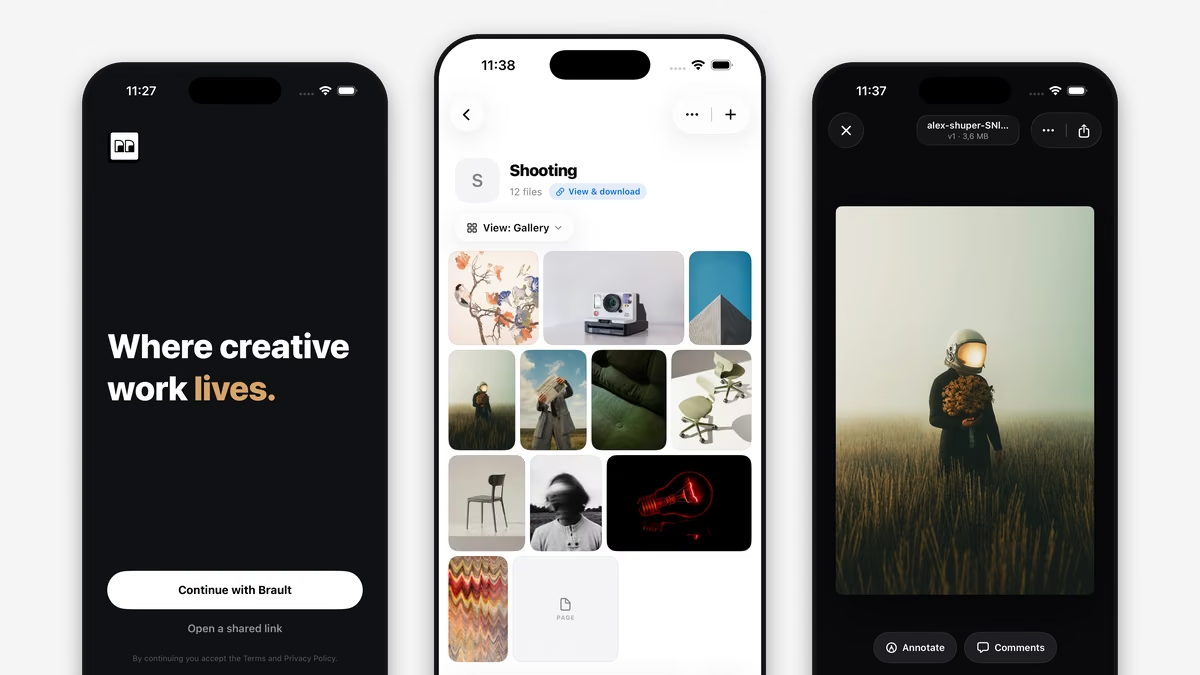
Introducing Brault for iPhone
Brault for iPhone is on the App Store. Browse your libraries and boards, preview any creative file, reply to comments and send branded transfers from your phone.
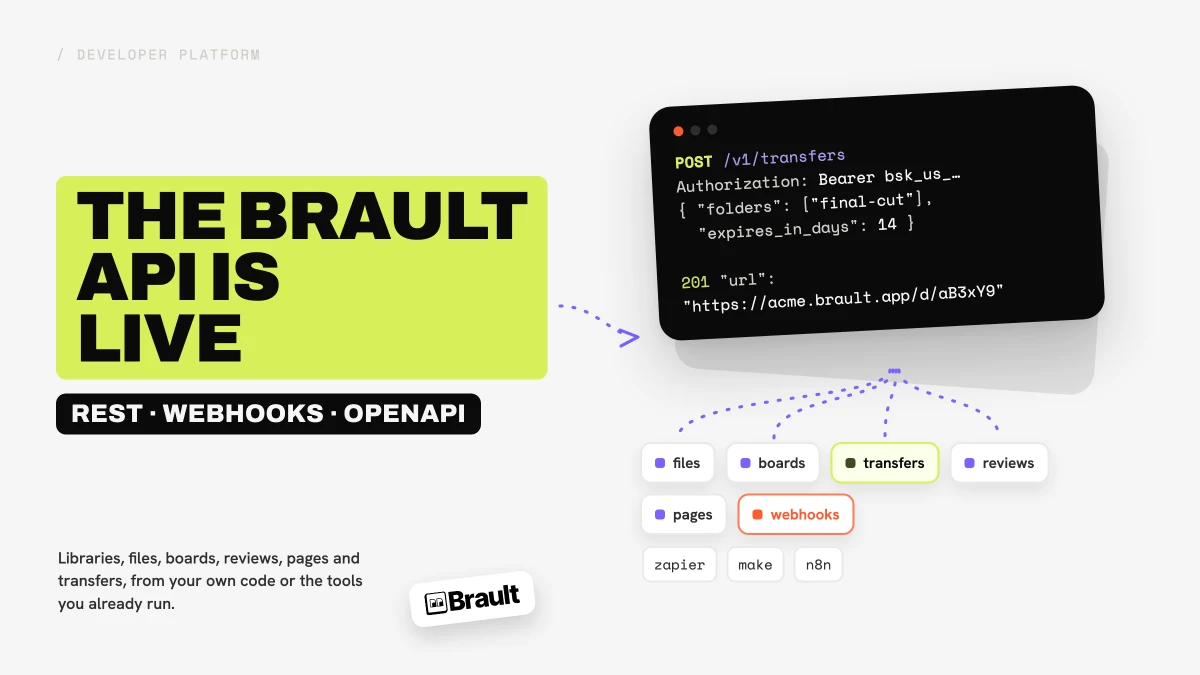
Introducing the Brault public API
Brault now has a public REST API with scoped keys, signed webhooks and an OpenAPI document. Automate files, boards, reviews and transfers from the Lite plan.
Brault Selected for AcceleratorX Cohort 1
Brault joins Cohort 1 of AcceleratorX, Europe's go-to-market accelerator for AI startups backed by 34+ marketing agencies across 30 countries.
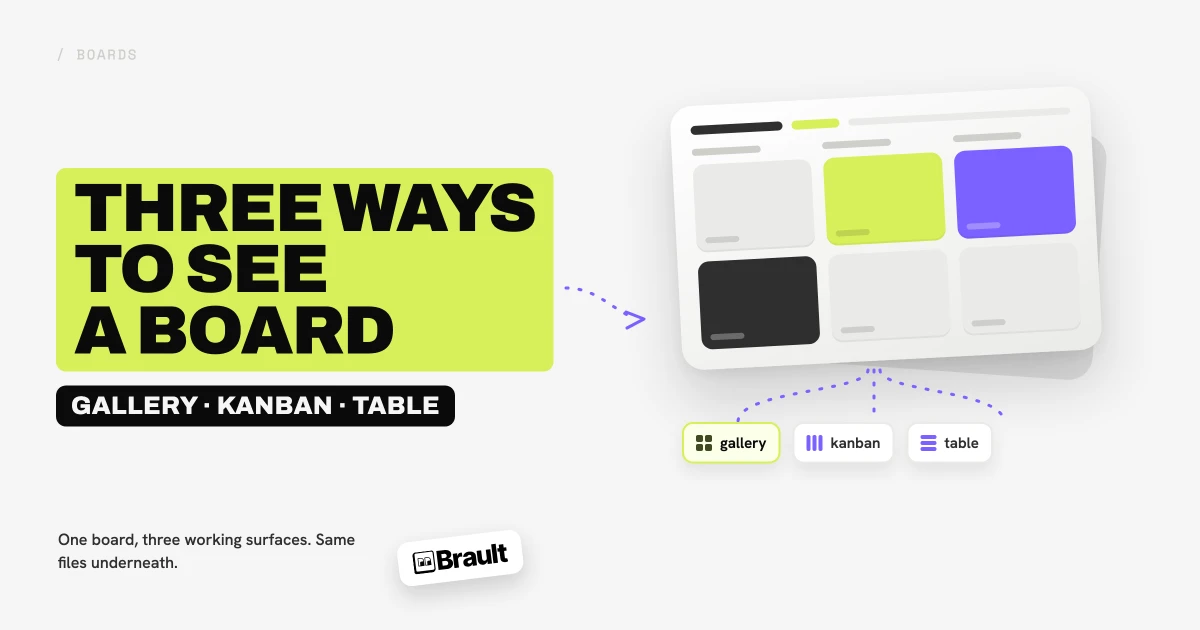
Three Ways to See a Board: Gallery, Kanban, and Table
Brault Boards now render in three views: gallery for looking at the work, kanban for moving it forward, table for filling in the facts. Same board, same files.
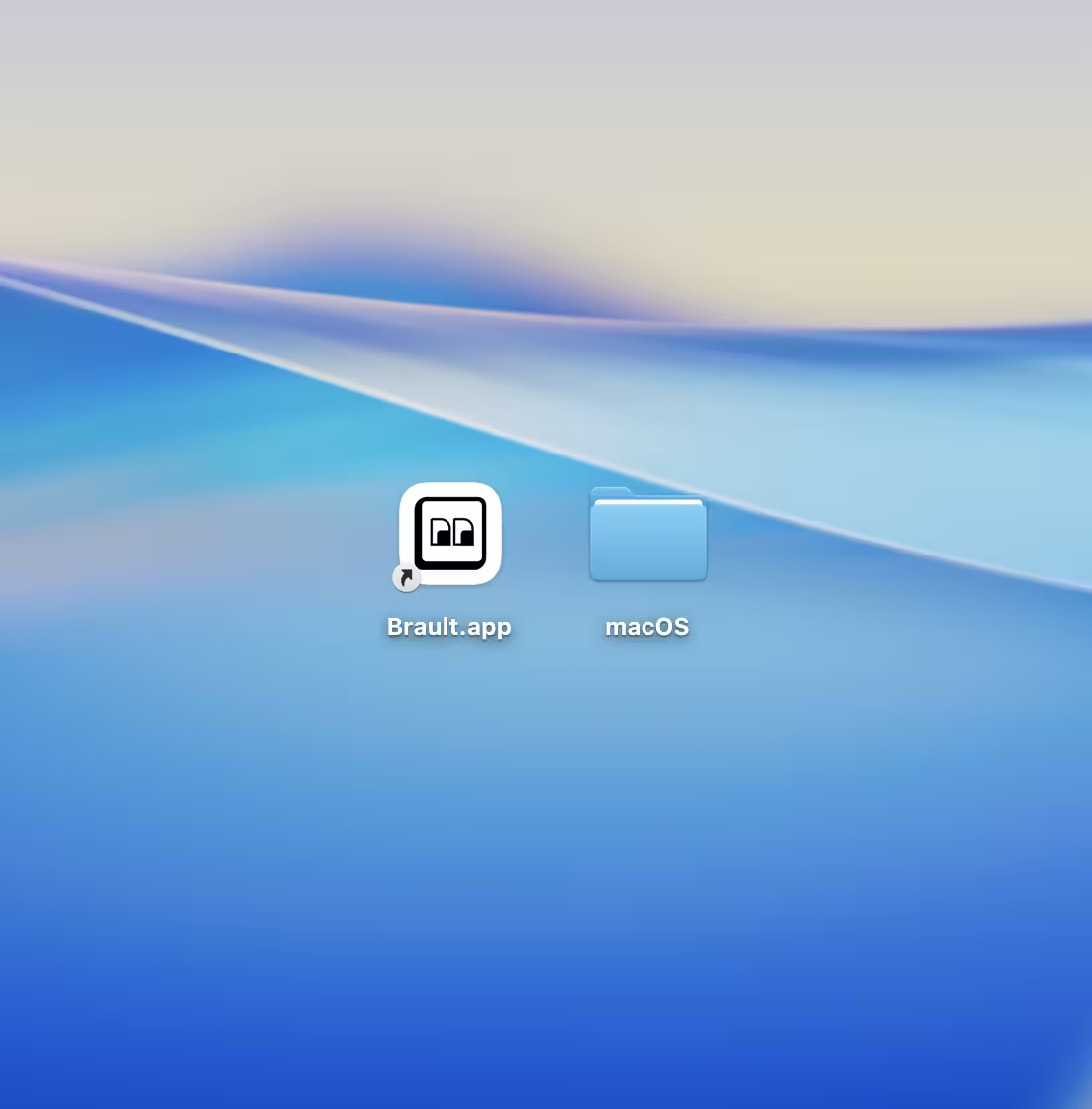
Introducing Brault Desktop for Mac
Brault Desktop for Mac is here. The free macOS app mounts your libraries in the Finder and turns any file into a Brault Transfer link in one drag.

Introducing Search by Image: Find Files by Sight
Brault now lets you search for files by uploading an image. Drop in a photo and find every visually similar asset in your library, ranked by likeness.
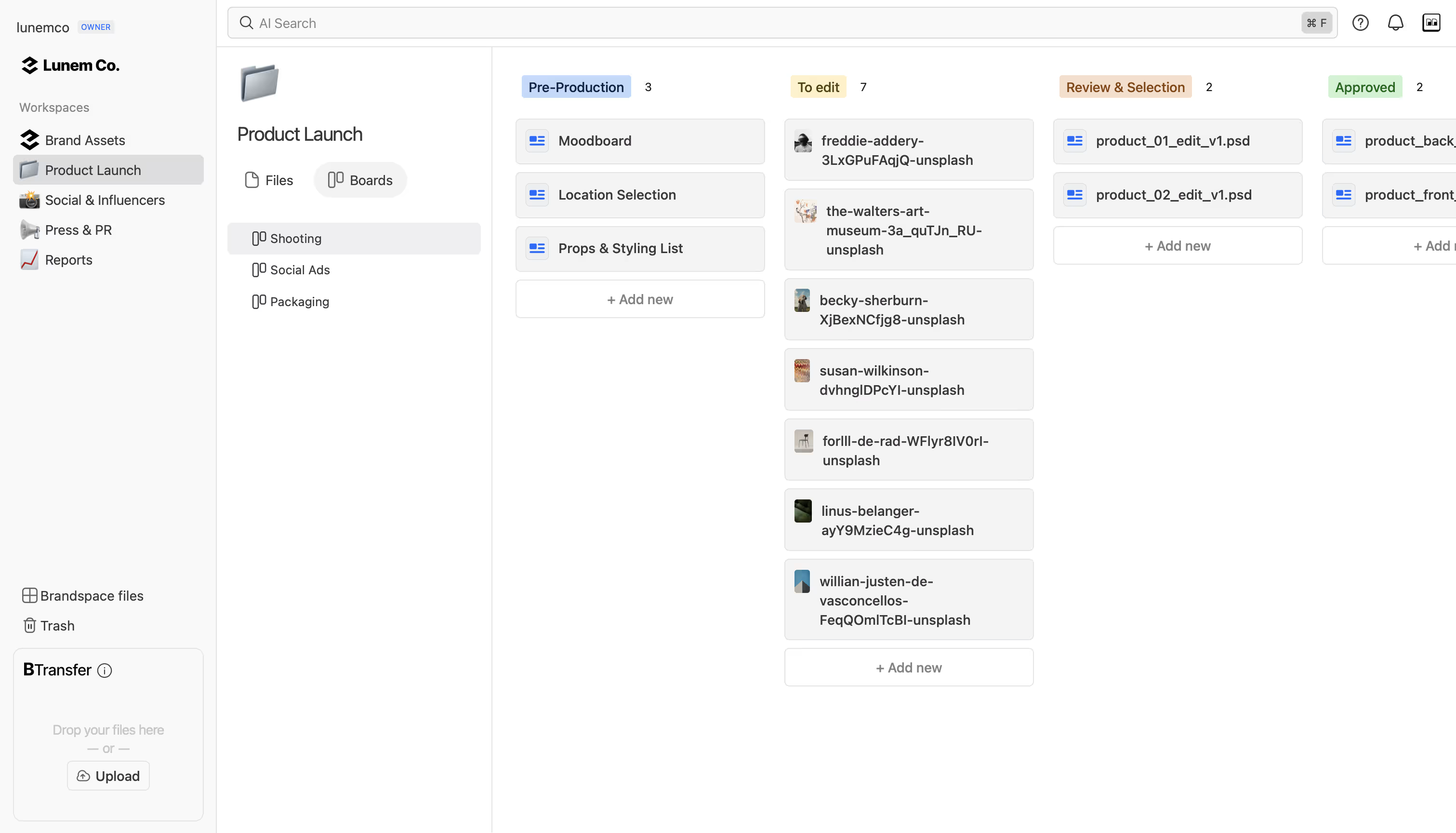
Introducing Boards: Manage Projects Where Your Files Live
Brault Boards bring project management into your file library in gallery, kanban, or table view. Track campaigns and deliverables on the actual files.
What's New in Brault: April 2026
Boards for project management, a new blog, SEO improvements, and more. Here's what we shipped in April 2026.