Your files in Finder.
Send large files in one drag.
Brault Desktop for Mac keeps your library in the Finder and turns any file into a Brault Transfer link with a single drag. All native on your Mac, no browser needed.
Universal for Apple Silicon and Intel · macOS 14 (Sonoma) or later.
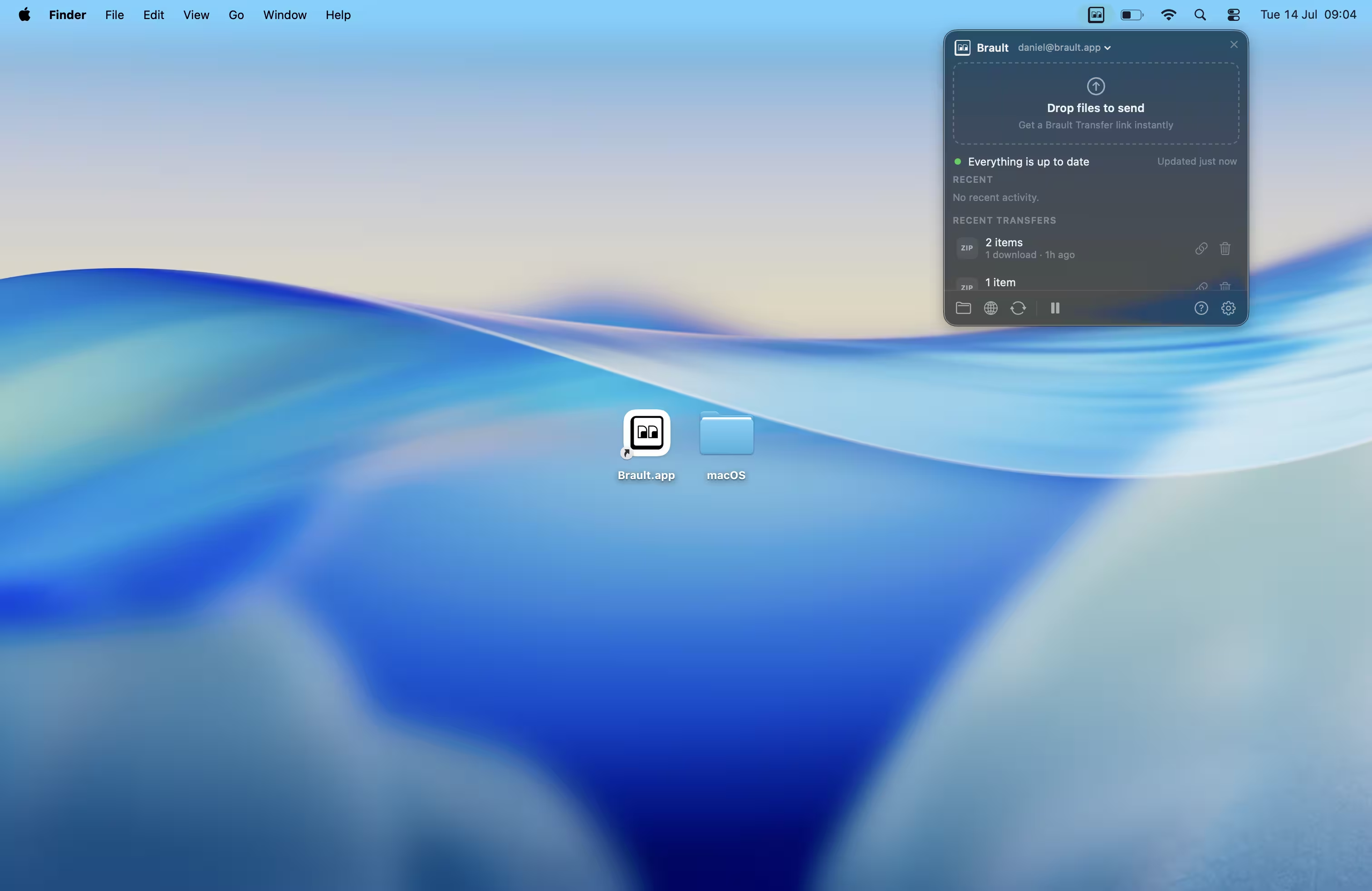
Your whole library, native in Finder
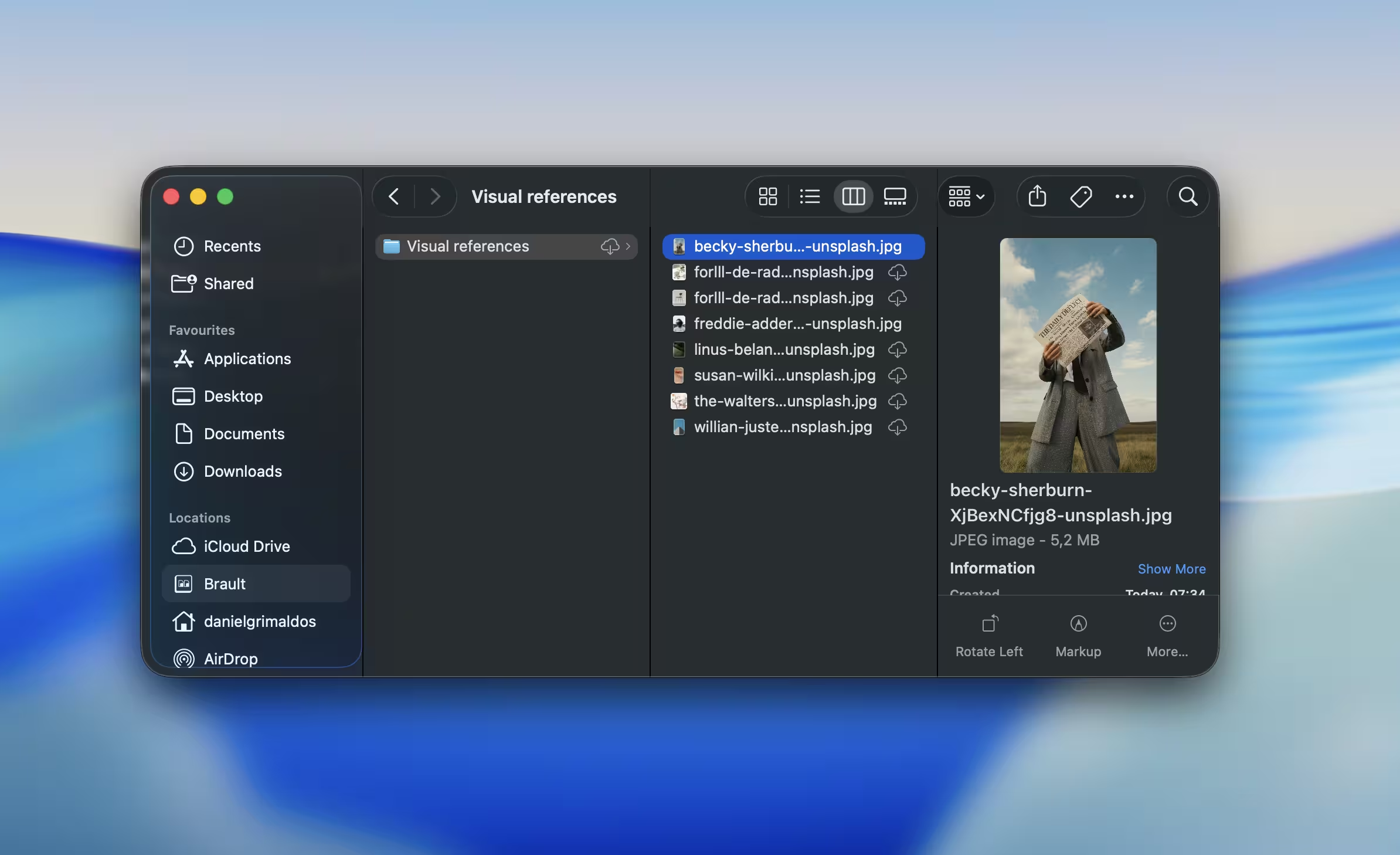
Every Brault library, folder, and file appears in the macOS Finder under Locations. Files download on demand, so you always see everything but only store what you open. Pin files to keep them offline, free up space with a click, and browse rich thumbnails even for cloud-only folders.
Send large files in one drag
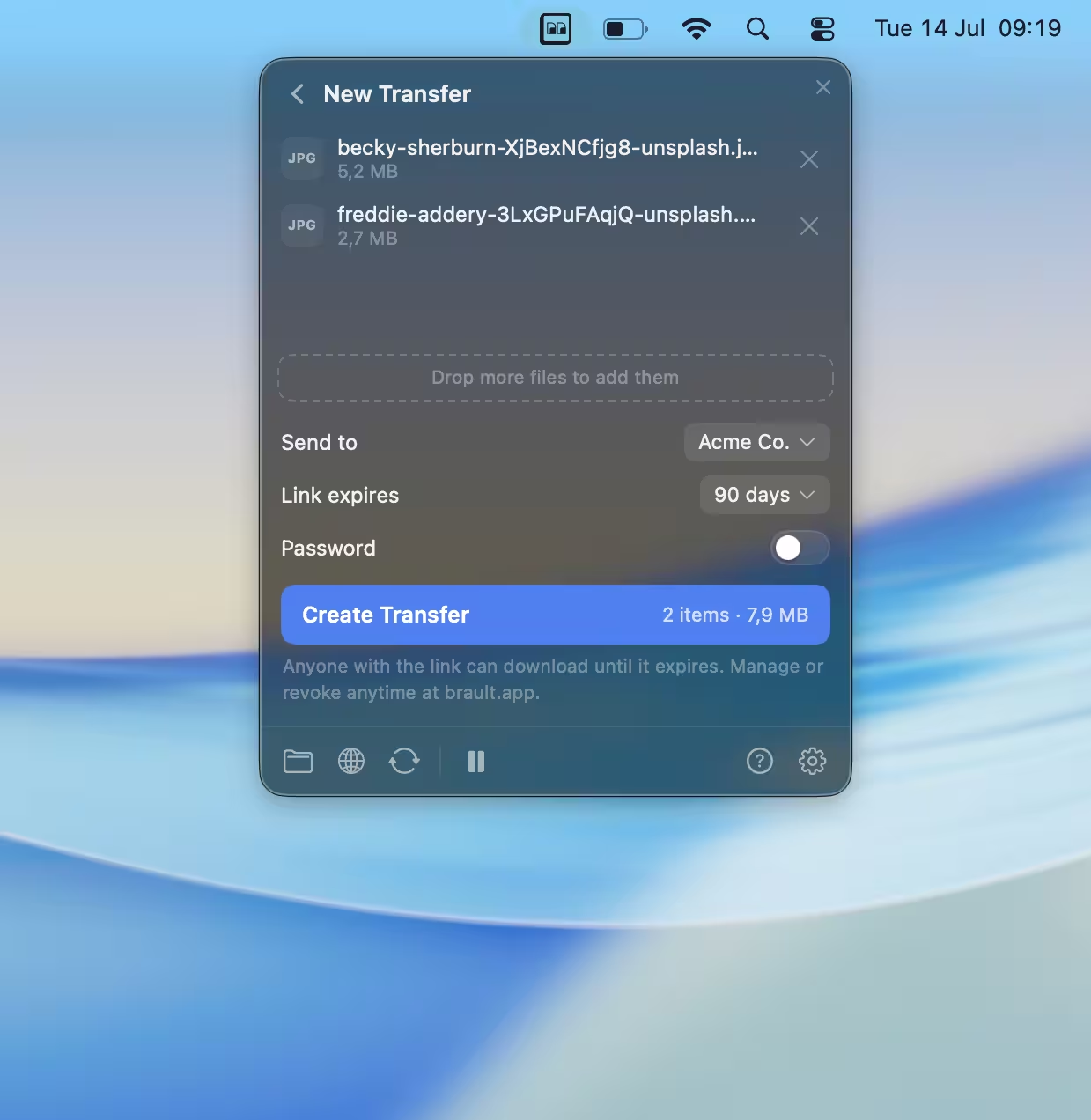
Drop files or whole folders onto the menu bar icon or the panel, and Brault copies a ready-to-share Brault Transfer link straight to your clipboard. Folders keep their structure, files already in Brault are sent without re-uploading, and you can set an expiration window and a password on every transfer. It is a native, seamless workflow built for teams that handle large deliveries every day, so the people who generate the most transfers never leave the desktop.
A control center in your menu bar
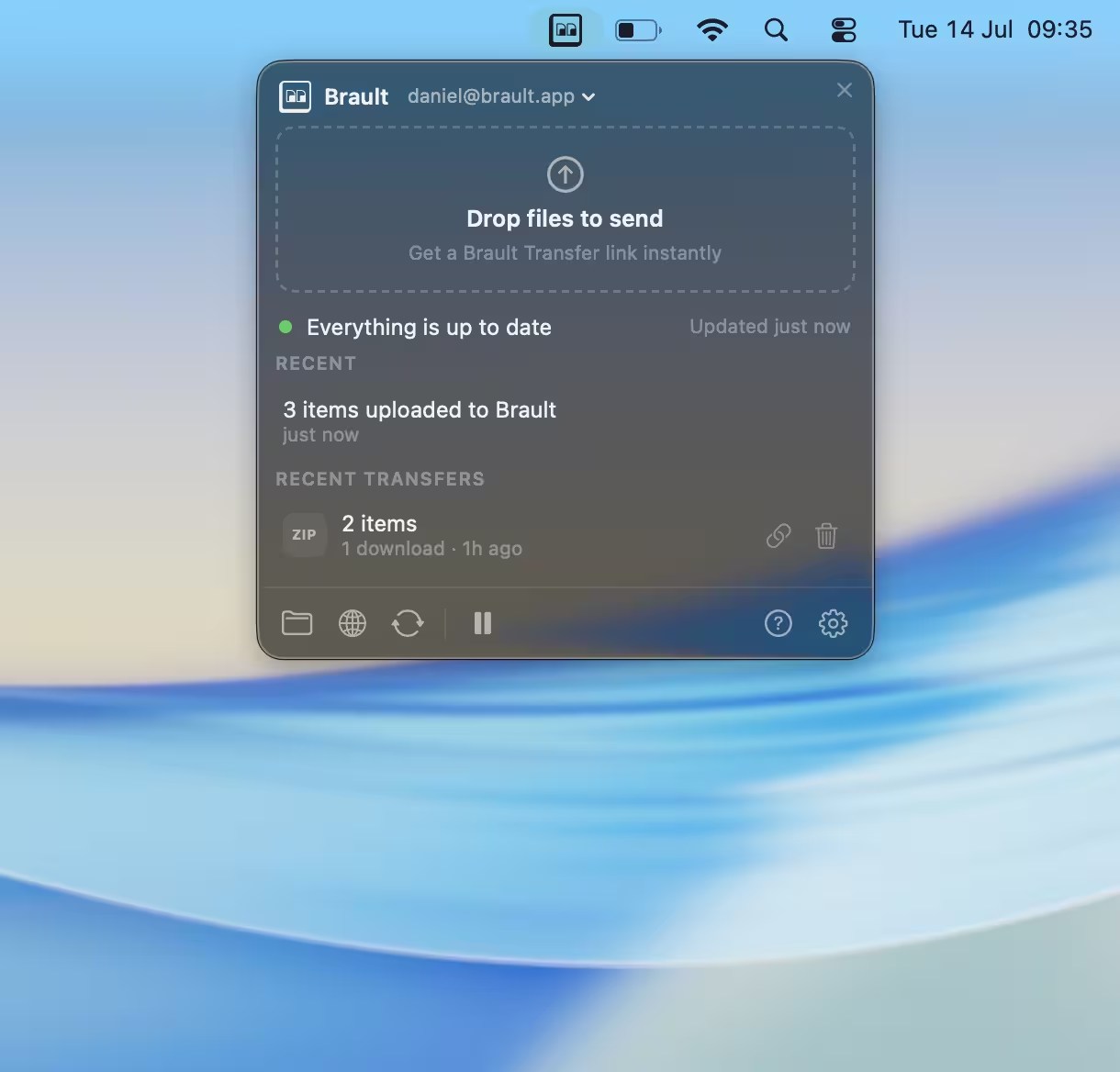
The menu bar shows sync status at a glance and opens a compact panel with your recent transfers, live activity, and quick actions. If a file changes in two places, it flags the conflict and keeps both versions so nothing is overwritten. Copy a link again, expire it, or pause and resume sync without leaving what you are doing.
FAQs
Is Brault Desktop for Mac free?
Yes. Brault Desktop for Mac is a free download and works with every Brault plan, including the Free plan. You sign in with your existing Brault account, and your storage, transfer, and sharing limits follow the plan you already have.
Which macOS versions are supported?
Brault Desktop for Mac runs on macOS 14 (Sonoma) and later, and is a universal build for both Apple Silicon and Intel Macs. Finder integration relies on the macOS File Provider system, which is why macOS 14 is the minimum.
Is Brault Desktop for Mac on the Mac App Store?
Brault Desktop for Mac is a direct download rather than a Mac App Store app, the same approach used by Dropbox and Google Drive for Finder integration. The app is signed with an Apple Developer ID and notarized by Apple, so it opens without security warnings and updates itself automatically.
How do I send large files from my Mac with Brault?
Drag any file or folder onto the Brault icon in your menu bar, or drop it into the panel. Brault uploads it and copies a shareable Brault Transfer link to your clipboard, so you can paste it into an email or chat in seconds, without opening a browser. Folders keep their structure and you can add a password and an expiration date.
How is the Mac app different from the web app?
Brault Desktop for Mac focuses on two things: keeping your files in the Finder with on-demand sync and creating transfers from your desktop. Collaboration features like boards, comments, review, permissions, and version history live in the Brault web app and in Brault for iPhone, and all three stay in sync automatically.
Ready when you are
Download Brault Desktop for Mac, sign in with your account, and your libraries show up in the Finder. It is a free download that works with every Brault plan, including the Free plan.
Universal for Apple Silicon and Intel. macOS 14 (Sonoma) or later.