Your creative files in your pocket.
Review, send and share from your iPhone.
Brault for iPhone brings your team's libraries, boards and files to your phone. Preview any creative file, reply to comments, upload from the camera roll and send big files as a branded Brault Transfer, wherever the work happens.

Free with your Brault account · iPhone · iOS 26 or later.
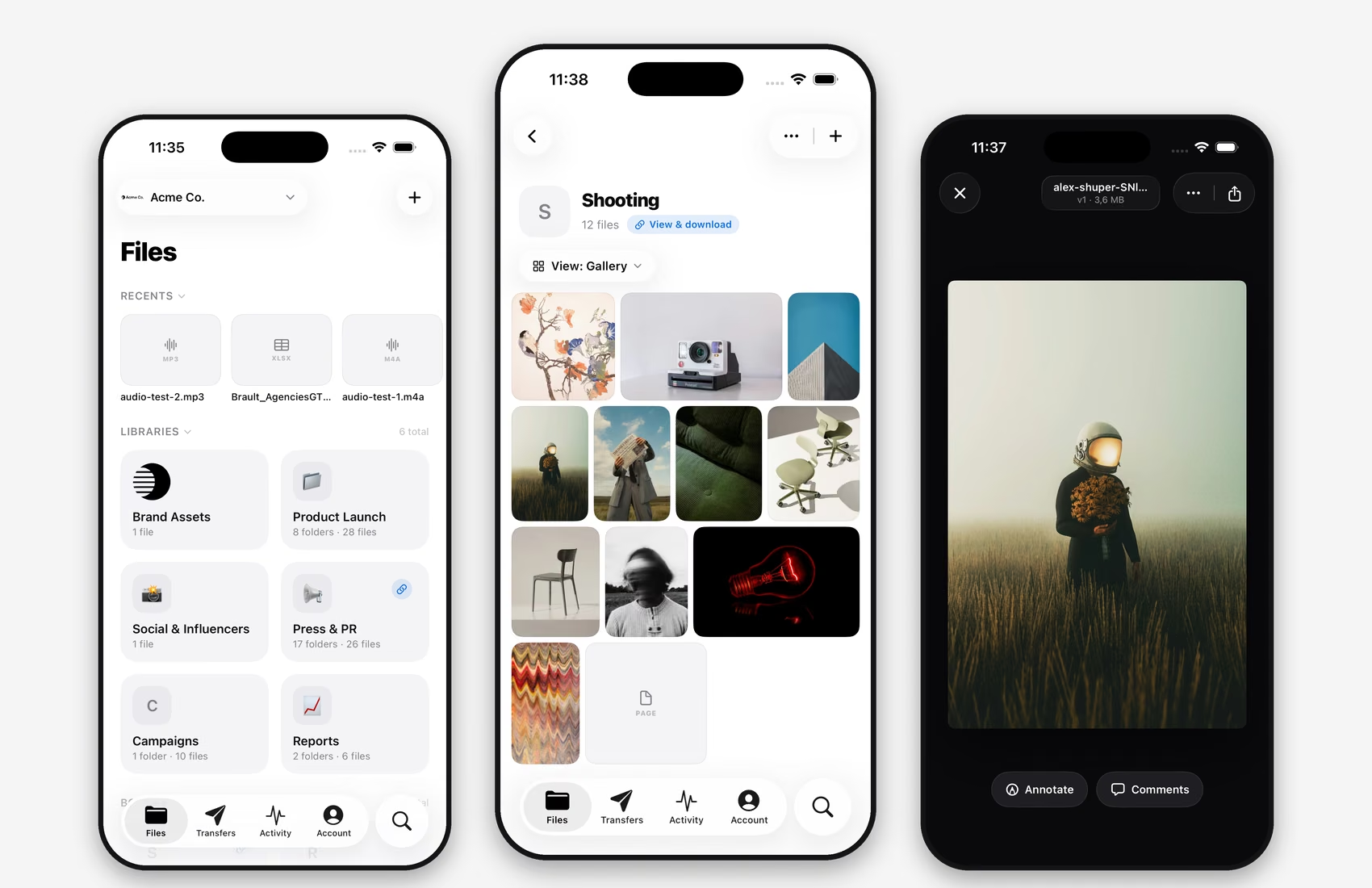
Your whole library, in your hand
Every brandspace you belong to, with its libraries, folders, boards and files, organized the way your team already works. Switch brandspaces in one tap, accept invitations on the go, search across the library, and open photos, videos, audio, PDFs and design files with fast, high-quality previews and version history built in.
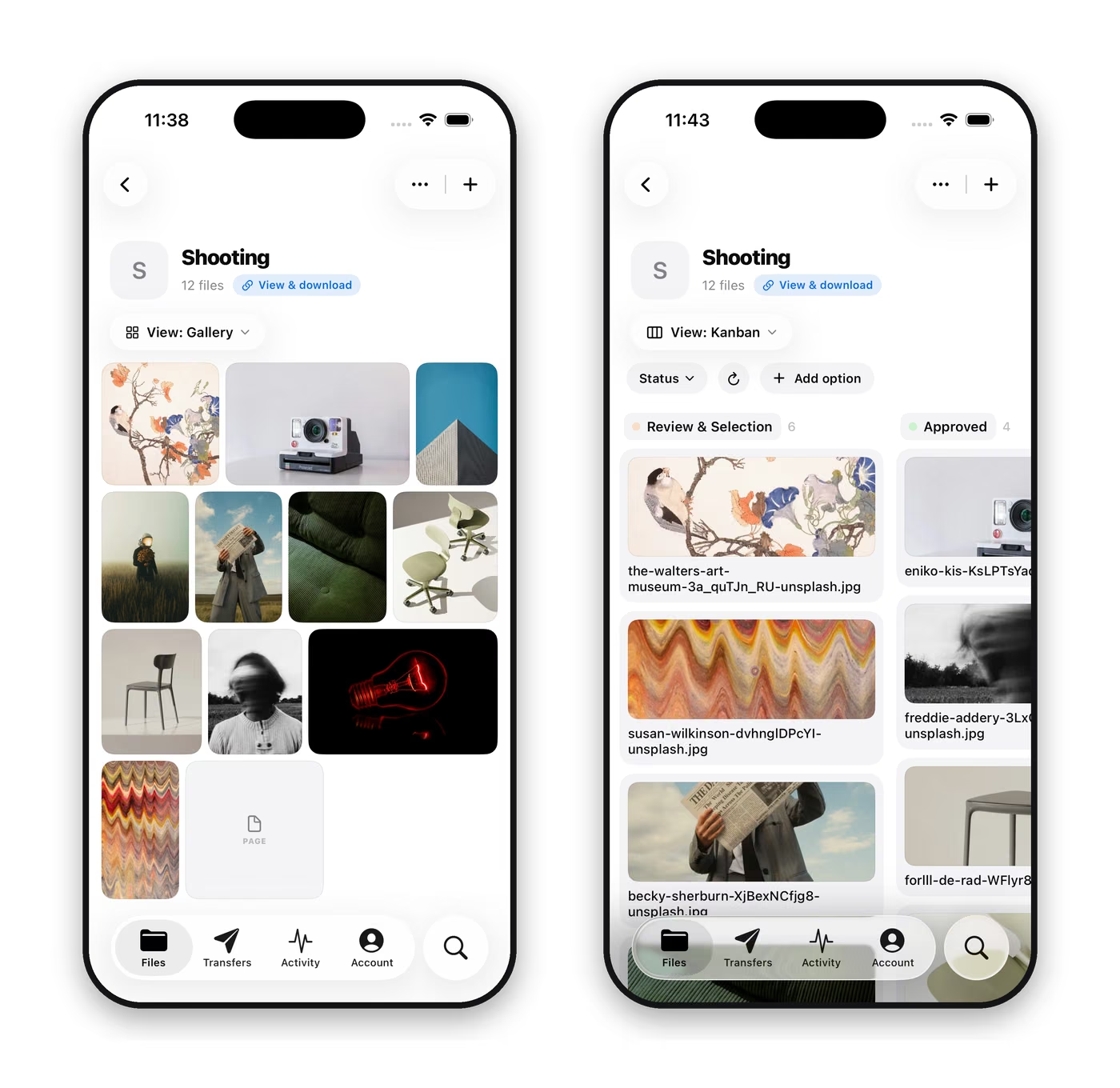
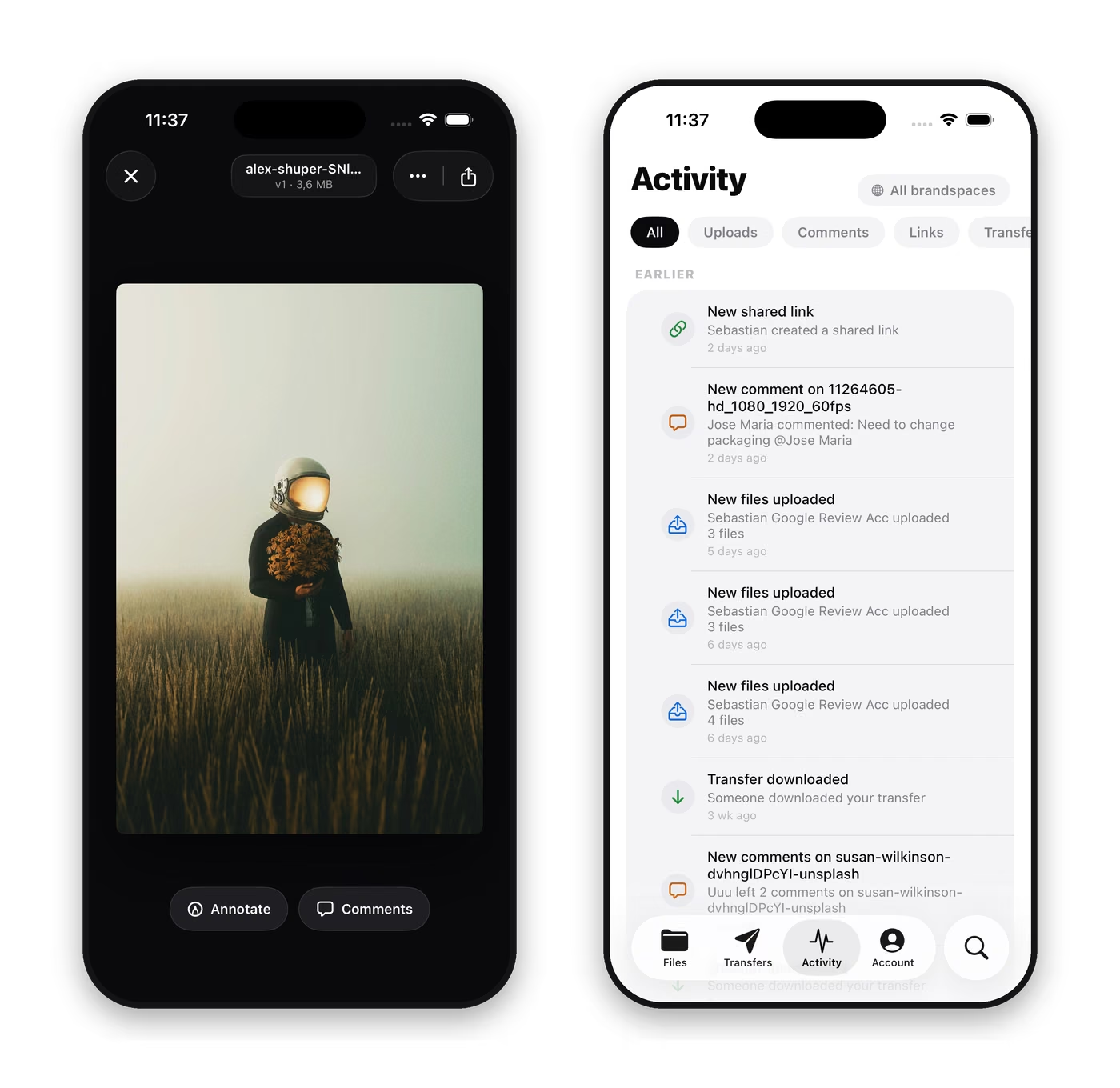
Keep review moving from anywhere
Read and reply to comments on any file, follow the annotations your team left on an image or a video frame, and approve or push back without waiting to be back at a desk. Uploads go straight into the right library or board from your photo library, the camera or the Files app, so what you capture on set is where the team expects it before you leave.
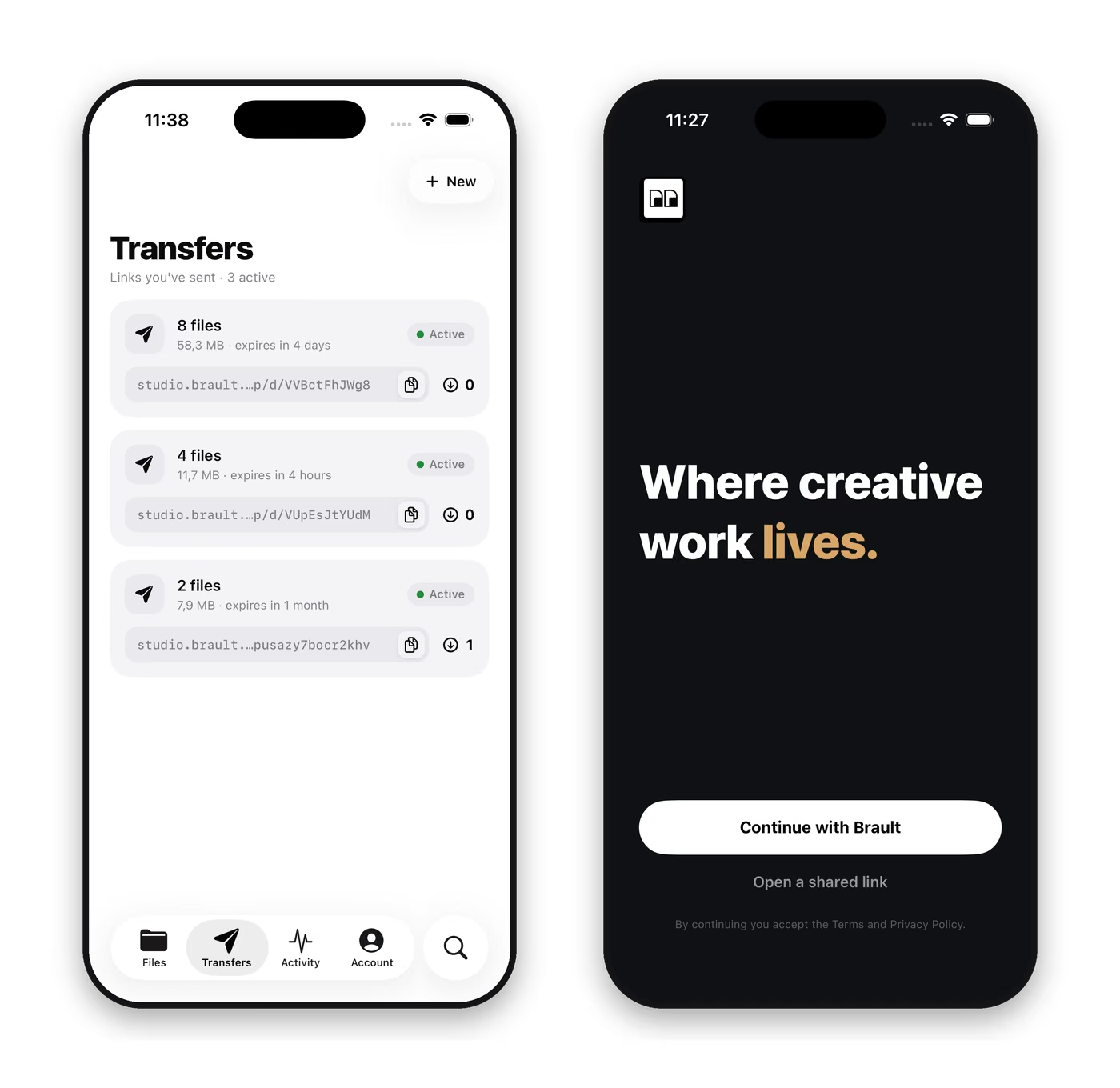
Send big files and open shared links, natively
Brault Transfer is built in: pick files already in your library or upload new ones, and send them with a branded transfer page and a link you can share from the phone. Brault shared links open directly in the app for a fast native viewing experience. Keep files available offline for spotty connections on location, and let the activity feed and invitation badges tell you what needs you.
FAQs
Is Brault for iPhone free?
Yes. Brault for iPhone is a free download on the App Store and works with every Brault plan, including the Free plan. You sign in with your existing Brault account and pick up your team's brandspaces; there is nothing to buy inside the app.
Which iPhones and iOS versions are supported?
Brault for iPhone requires iOS 26 or later. It is designed for iPhone; on an iPad it runs in iPhone compatibility mode, and a dedicated iPad layout is not available yet.
Can I create a Brault account in the iPhone app?
No. The iPhone app is for members of an organization that already uses Brault. Accounts and brandspaces are created on brault.app in a browser; once you have one, or once a teammate invites you, sign in on the phone and your brandspaces are there.
Can I send large files from my iPhone with Brault?
Yes. Open the Transfers tab, choose files from your library or upload new ones from your photos, the camera or the Files app, and Brault creates a transfer with a branded download page and a link you can share from the phone. The size and monthly caps follow your plan, from 2 GB per transfer on Free to 250 GB on Growth.
Is there a Brault app for Android?
Not yet. Brault for iPhone is the first mobile app; on Android and in any phone browser, shared links and transfer download pages open on the web, and the full workspace is available on desktop browsers and through Brault Desktop for Mac.
Ready when you are
Download Brault for iPhone from the App Store, sign in with your account, and your team's brandspaces are on your phone. Free with every Brault plan, including the Free plan.
iPhone · iOS 26 or later.
 Scan to get Brault on your phone