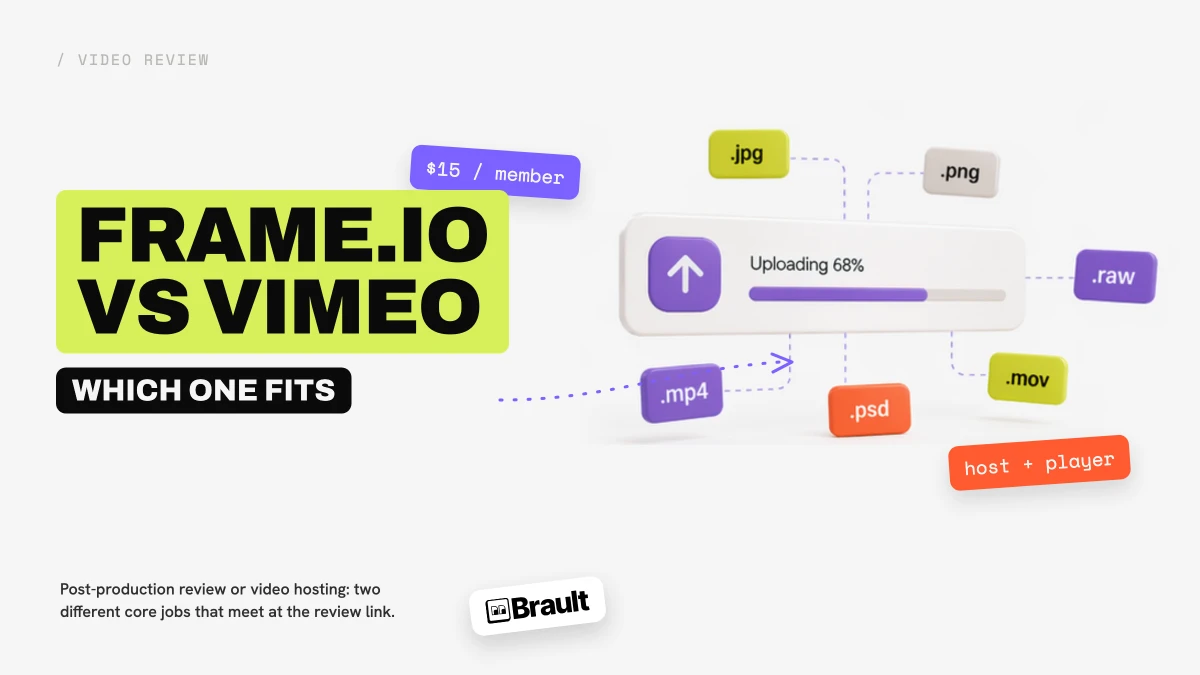
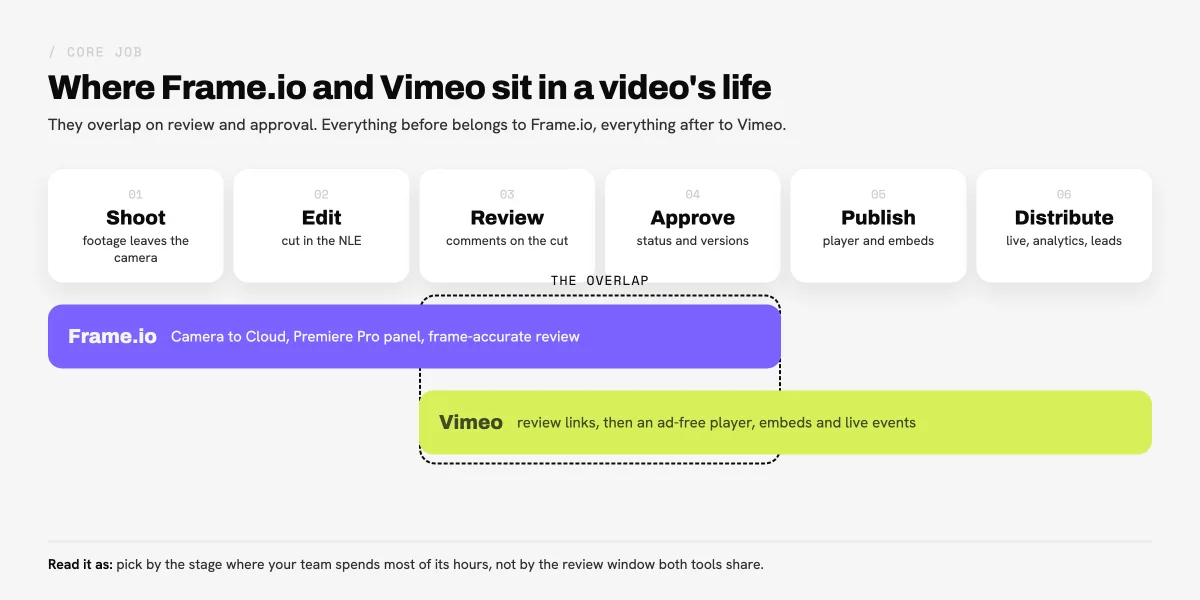
Frame.io vs Vimeo is a common shortlist because both send a cut to a client and collect time-stamped comments on it. The core jobs are different. Frame.io is Adobe's post-production review platform: footage arrives from the set through Camera to Cloud, comments land on the Premiere Pro timeline, and every cut stacks as a version. Vimeo is a video host: an ad-free player, privacy by domain, embeds, live events and analytics, with review links added on top. If you pick on the review window alone, you can end up paying for the half of the product you never use.
Whether you search it as Frame.io vs Vimeo or Vimeo vs Frame.io, the answer depends on that core job. This comparison walks review, editing integration, hosting, storage and price per seat, and says who has the edge on each. Prices were verified on 2026-10-29 on frame.io/pricing and vimeo.com/features/video-collaboration. Each product has its own page in the Frame.io review and the Vimeo review; plan-by-plan detail is in Frame.io pricing and Vimeo pricing, and the wider field in best Frame.io alternatives and best Vimeo alternatives.
TL;DR
- Frame.io is review for people who edit; Vimeo is hosting for people who publish. They meet at the review link.
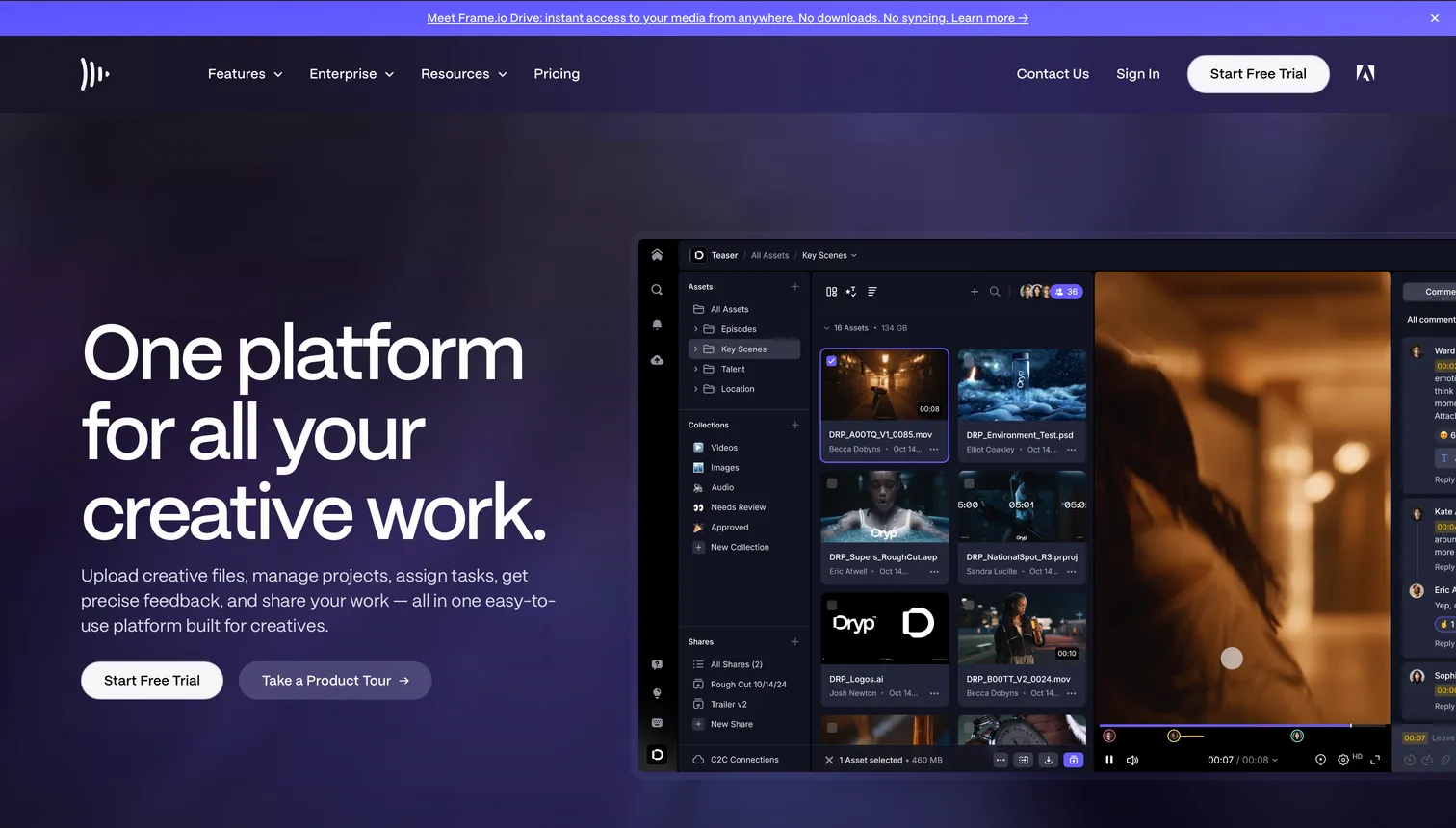
- Frame.io leads on review depth, the Premiere Pro panel and Camera to Cloud, which is included on every plan.
- Vimeo leads on the player, embeds, live events and the price of a small team: Standard is $26 a month billed annually for 5 seats.
- Frame.io charges $15 or $25 per member a month; storage grows by 2 TB per extra member.
- Teams that review and deliver client files without publishing them are a third case, covered at the end.
How do Frame.io and Vimeo compare at a glance?
Frame.io wins the stages before approval and Vimeo wins the stages after it; on review itself, Frame.io is the deeper tool and Vimeo the lighter one.
| Criteria |  Frame.io Frame.io |
 Vimeo Vimeo |
|---|---|---|
| Core job | Post-production review and collaboration | Video hosting, player and distribution |
| Review | Frame-accurate comments, drawings, version stacks, approvals | Time-stamped comments, status labels, version history |
| Guest reviewers | Free on share links, no account | Comment without a Vimeo account |
| Editing software | Native Premiere Pro and After Effects panel, Final Cut Pro, Lightroom | Comment sync with Premiere Pro and Final Cut Pro |
| Shoot day | Camera to Cloud on every plan | None |
| Public player and embeds | No | Ad-free branded player, domain privacy, embeds up to 8K |
| Storage | 2 TB on Pro, 3 TB on Team, plus 2 TB per extra member | 100 GB on Starter, 2 TB on Standard, 7 TB on Advanced |
| Free plan | 2 members, 2 GB, 2 projects | Hosting with 1 GB, one review link per video |
| Price | Pro $15, Team $25 per member a month (13% off annually) | Starter $13, Standard $26, Advanced $76 a month billed annually |
Verified 2026-10-29 on frame.io/pricing, frame.io/features/c2c, vimeo.com/features/video-collaboration, vimeo.com/features/video-player and vimeo.com/new-plans-feb-2026-30.
Which one should you choose?
The useful question is which stage of a video's life your team spends its hours on: shooting and cutting, or publishing and distributing.
Choose Frame.io if
- Your editors work in Premiere Pro or After Effects and want client notes as markers on the timeline
- You shoot and want takes in review before the cards are offloaded
- Cuts go through several rounds with many reviewers and you need versions, approvals and share permissions
Choose Vimeo if
- The finished video ends up on your website, in a showcase or in a webinar
- You want an ad-free branded player, domain privacy and viewer analytics
- Review is one round of comments and a status, and a link is enough
Which tool has the better review and approval workflow?
EdgeFrame.io
Frame.io is the reference for video review. A comment lands on the exact frame, the reviewer can draw on the image, and each new cut joins a version stack that keeps the earlier cuts and their threads together. Paid plans add comment attachments, passphrase-protected shares, link expiry and share permissions that disable downloads, disable comments or hide previous versions; Team adds internal comments that clients do not see.
Vimeo Review covers the loop most client work actually needs. Reviewers leave time-stamped comments they can sort, filter, reply to and resolve, status labels show which cut is approved, version history keeps earlier cuts, and a new version uploads without changing the review link. Links can carry a password, an expiry date and disabled downloads. Vimeo's review page does not list drawing on the frame, and its Free plan gets one review link per video.
Choosing between Frame.io or Vimeo for client review comes down to volume. For one or two rounds on a cut, the gap between Vimeo Review and Frame.io is small. For campaigns with many versions, many reviewers and a formal approval, Frame.io's structure is what the per-member price pays for.
Which one connects better to editing software and the shoot?
EdgeFrame.io
Frame.io runs as a panel inside Premiere Pro and After Effects, so comments from a share link appear as markers on the timeline and the editor never exports, uploads and relinks to read them. Its pricing page also lists Final Cut Pro and Lightroom, and its integrations page adds Zapier, Make and a public API.
Camera to Cloud is the step Vimeo has no answer to. According to Frame.io's Camera to Cloud page, cameras and devices from Atomos, Canon, Fujifilm, Leica, Nikon, Panasonic LUMIX, RED and Teradek upload footage to Frame.io during the shoot, and "all Frame.io plans include Camera to Cloud", Free included.
Vimeo syncs time-coded comments with Premiere Pro and Final Cut Pro and exports cuts from the Premiere timeline to Vimeo, and it links to Asana and Slack for sharing review links. That covers the round trip from edit to review; it does not reach the set.
Which one is better for hosting, players and distribution?
EdgeVimeo
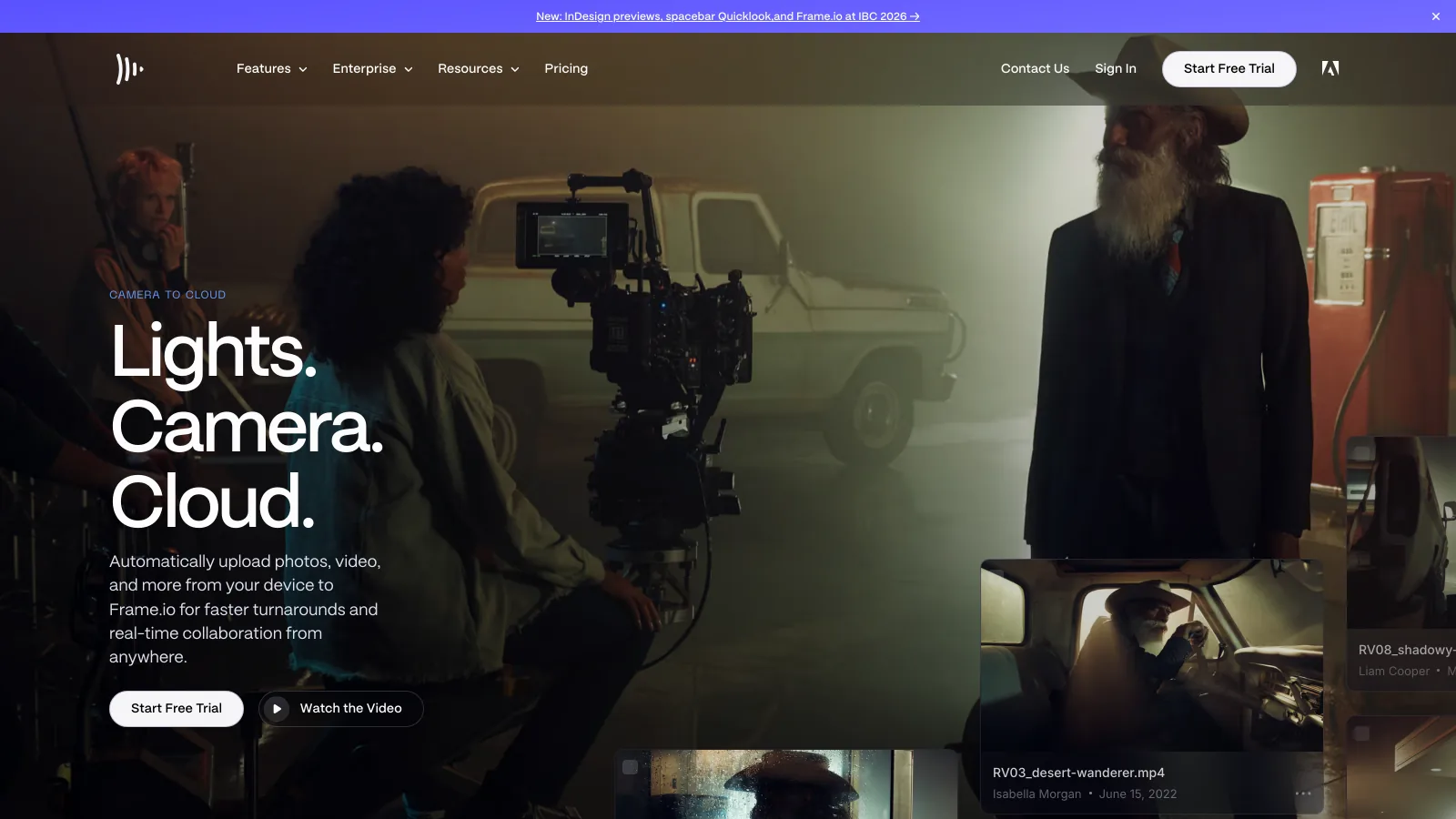
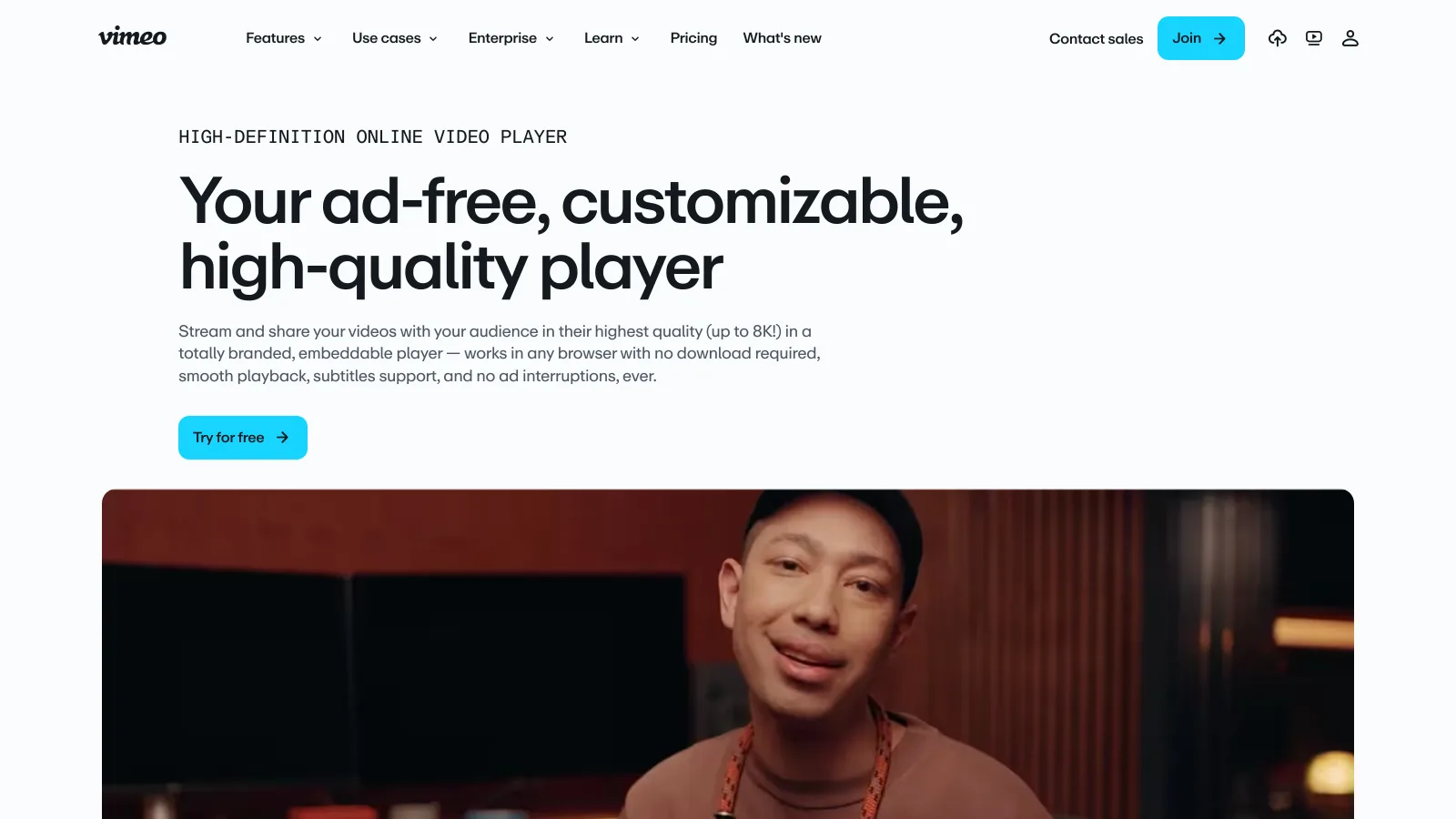
Vimeo's player is the product. It streams up to 8K and HDR with "no ad interruptions, ever", takes your logo, colors and controls, and can be locked to named domains so the video plays only where you embed it. Starter adds engagement analytics and domain-level privacy, Standard adds lead capture forms, and Advanced adds webinars and live broadcasts with chat, polls and Q&A. Every self-serve plan accepts files up to 300 GB, according to Vimeo's plan pages read in October 2026.
Frame.io does not try to do this job. It shares cuts with people who need to watch or approve them, through review links, and has no public player, showcases, lead capture or live events. A team that publishes finished work keeps a host next to Frame.io.
Which one gives you more storage for the money?
EdgeFrame.io
Frame.io gives each member a large working buffer: 2 TB on Pro and 3 TB on Team, plus 2 TB for every member beyond the first, so five members on Pro have 10 TB. The catch is the coupling: more space means another seat.
Vimeo's storage is set per plan: 100 GB on Starter, 2 TB on Standard and 7 TB on Advanced, verified on vimeo.com on 2026-10-29. Vimeo is also moving subscribers to new plans at renewal. Its new plans page moves Starter users to Core and Standard and Advanced users to Professional ($70 a month, 7 TB of managed storage, 10 seats), caps non-public and embedded delivery at 2 TB a month on both, and sends accounts it classifies as businesses to its Studio plan. Read the renewal email before you plan around today's numbers.
Frame.io vs Vimeo: which costs less per seat?
EdgeVimeo
On list price, Vimeo, as long as the team fits its seat counts. Standard is $26 a month billed annually with 5 seats; five members on Frame.io Pro cost about $65 a month on annual billing. Frame.io's reviewers on a shared link are free on every plan, so only people who work inside the workspace count as members.
| Team size | Frame.io |
Vimeo |
 Brault Brault |
|---|---|---|---|
| 1 person | $157 (Pro, 2 TB) | $156 (Starter, 100 GB) | $144 (Pro, 2 TB) |
| 3 people | $470 (Pro, 6 TB) | $312 (Standard, 2 TB) | $336 (Pro, 2 TB, 3 users) |
| 5 people | $783 (Pro, 10 TB) | $312 (Standard, 2 TB) | $888 (Growth, 5 TB, 4 + 1 users) |
| 10 people | $2,610 (Team, 21 TB) | $912 (Advanced, 7 TB) | $1,128 (Growth, 5 TB, 4 + 6 users) |
Per year on annual billing, before tax, verified 2026-10-29. Frame.io: $15 (Pro, up to 5 members) and $25 (Team, up to 15) per member a month with the 13% annual discount applied and rounded; frame.io/pricing does not print the annual figure. Vimeo: $13, $26 and $76 a month billed annually ($21, $42 and $126 monthly) on vimeo.com/features/video-collaboration, with 1, 5 and 10 seats; Vimeo has labeled these prices per seat on its plan page, so confirm the seat count at checkout. Brault: Pro $12 a month (up to 3 users, $8 each extra), Growth $70 a month (4 users, $4 each extra), billed annually.
What the list price leaves out
- Vimeo plans change at renewal. Legacy Starter, Standard and Advanced subscriptions move to Core or Professional, and business accounts to Studio, whose price Vimeo does not print.
- Frame.io storage is tied to seats. A team that needs more space and not more people still buys a member.
- Neither is the whole stack. Frame.io teams usually keep a host for publishing; Vimeo teams often keep a storage tool and a transfer tool for masters, stills and design files.
Which one has the more useful free plan?
EdgeFrame.io
For review, Frame.io. Its Free plan includes 2 members, 2 GB and 2 projects with frame-accurate comments, Camera to Cloud and transcription, which is enough to run a real round on a short project. Vimeo Free is a hosting plan: ad-free playback, 1 GB of storage on the features page and one review link per video, with video review and file transfer listed from Starter. For publishing a public video at no cost, Vimeo Free is the more useful of the two.
Where does Brault fit?
Brault is a creative file management platform, and it is a different fit from both: it covers the review half of the comparison and adds the library and delivery around it, but it is not a video host.
- Best forAgencies and studios that review, approve and deliver client work in one plan, video and everything else
- Pricing$0 / $4 / $12 / $70 a month billed annually ($5, $15 and $85 monthly)
- Free planYes; 2 GB, review and Brault Transfer, no card
- Watch outNo public player or embeds, no Premiere Pro panel, no Camera to Cloud
Review and delivery, not publishing
Clients comment and draw on the exact frame of a video, or on the pixel of an image, without an account. Every cut stays as a version, approval status is a property on a Brault Board, and branded share links and Brault Transfer (BTransfer) deliver the masters, up to 250 GB per transfer on Growth. Brault AI Search finds files across 50+ formats by what is in them. Teams that publish to a website keep Vimeo for that job; editors who live in Premiere will find Frame.io more integrated. The head-to-head is in Frame.io vs Brault, and the hub for this topic is creative asset management.
Frequently asked questions
Can Vimeo replace Frame.io for a video editor?
For light review, yes: Vimeo Review gives time-stamped comments, status labels, version history and guest comments without an account, and syncs comments with Premiere Pro and Final Cut Pro, from Starter at $13 a month billed annually (verified on vimeo.com, 2026-10-29). It is not a replacement when the edit depends on Camera to Cloud, on drawings pinned to the frame, or on Frame.io's version stacks and share permissions, which Vimeo's review page does not list.
Can Frame.io host and embed videos like Vimeo?
No. Frame.io shares cuts through review links for people who need to see or approve them, and its storage is a working buffer for projects in progress. It has no ad-free public player for websites, no showcases, no lead capture and no live events. Teams that publish finished video keep a host such as Vimeo for that job and use Frame.io upstream.
Which is cheaper for a five-person team, Frame.io or Vimeo?
On list price, Vimeo: Standard is $26 a month billed annually, about $312 a year, with 5 seats and 2 TB, while five members on Frame.io Pro cost $15 each a month, $900 a year on monthly billing or about $783 with the 13% annual discount, with 10 TB of storage. Prices verified 2026-10-29 on frame.io/pricing and vimeo.com. The gap buys different things: Vimeo buys hosting and a player, Frame.io buys deeper review inside Premiere Pro.
Do Frame.io and Vimeo have free plans?
Both do. Frame.io Free includes 2 members, 2 GB of storage and 2 projects, with Camera to Cloud and frame-accurate review. Vimeo Free hosts video ad-free with 1 GB of storage on its features page and one review link per video; full video review and file transfer start on Starter at $13 a month billed annually. Verified 2026-10-29.
Key takeaways
- Frame.io and Vimeo overlap only on review and approval: Frame.io owns the shoot and the edit, Vimeo owns publishing and distribution.
- Frame.io has the deeper review (frame-accurate comments, drawings, version stacks, share permissions), the Premiere Pro panel and Camera to Cloud on every plan.
- Vimeo has the ad-free branded player, domain privacy, embeds, lead capture and live events, with review links from Starter.
- On list price Vimeo is lower for small teams ($312 a year for 5 seats on Standard against about $783 on Frame.io Pro), while Frame.io gives far more storage per member.
- Vimeo is moving legacy plans to Core, Professional and Studio at renewal, so check the renewal terms before you commit.