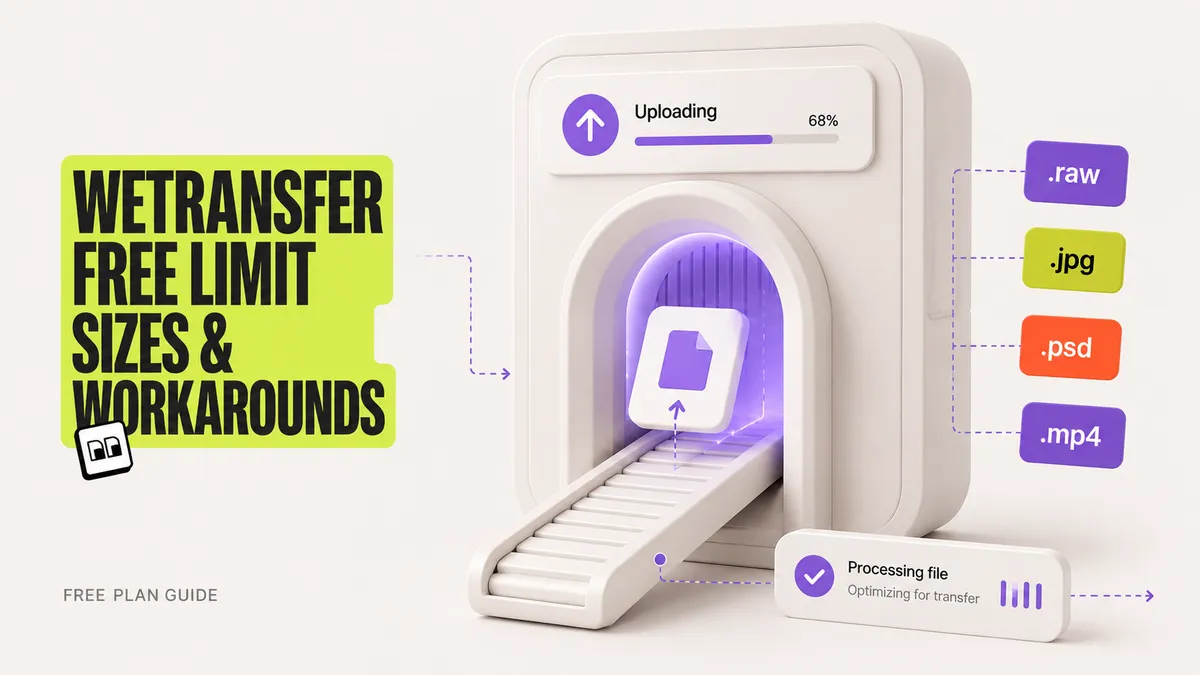
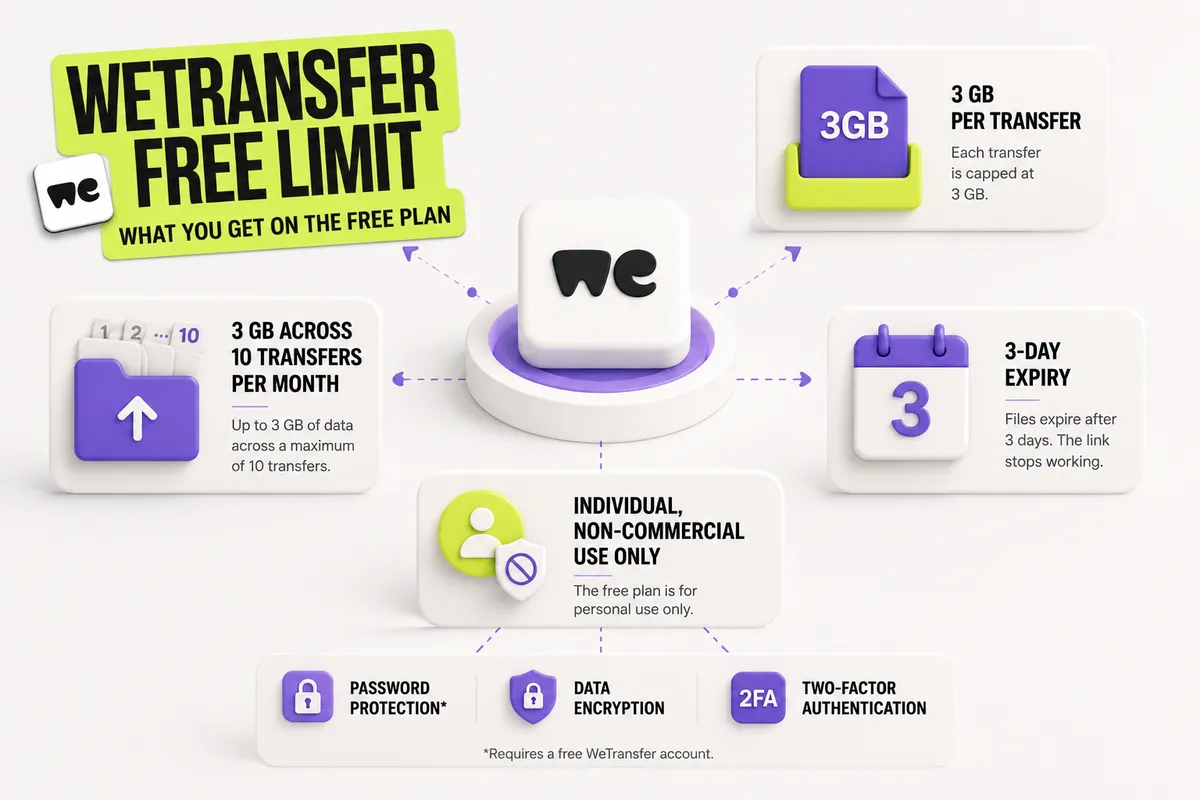
The WeTransfer free limit in 2026 is 3 GB per transfer, capped at 10 transfers and 3 GB of total data per month, with files that expire after 3 days. WeTransfer's free plan needs no account for one-off sends, keeps the recipient experience friction-free, and comfortably handles a single set of photos or a short video export. Once a file crosses that 3 GB ceiling, the options are to upgrade to a paid plan or move the file through a service with a higher free cap.
For a freelancer delivering work to clients, the 3 GB ceiling arrives fast, and there is a second catch: WeTransfer's free plan is for individual, non-commercial use only. One folder of raw photos or a single 4K export can pass 3 GB in a single send, and client delivery is commercial use by definition. This guide breaks down every WeTransfer limit and price on the free and paid plans, compares them to other free transfer services, and shows how to send larger files without stacking another subscription. Brault Transfer (BTransfer), the file transfer built into the creative file management platform Brault, is one of the workarounds covered below.
What is the official WeTransfer free transfer size limit in 2026?
The official WeTransfer free transfer size limit in 2026, as published on WeTransfer's own pricing page, is 3 GB per transfer. The WeTransfer free plan lets you send and receive up to 3 GB of data per month across a maximum of 10 transfers, with each transfer capped at 3 GB and a 3-day expiry. WeTransfer also states the free plan is for individual, non-commercial use only. After the third day, the download link stops working and the recipient has to ask for a resend. Sending a file does not require an account, which is part of why WeTransfer became the default for quick deliveries. Password protection, data encryption, and two-factor authentication are available on the free plan, but password protection requires creating a free WeTransfer account first.
The practical limit most people hit is not the 3 GB size, it is the combination of all the constraints at once. A photographer who sends three galleries in a week, each under 3 GB, still runs into the 3 GB monthly cap. An editor who shares a rough cut on Monday can find the link dead by Thursday because of the 3-day expiry. And a freelancer billing a client is technically outside the free plan's non-commercial terms. The free plan is built for the occasional personal send, not for a steady client delivery rhythm.
How much does WeTransfer cost, and what are the paid plan limits?
WeTransfer's paid plans, restructured in its 2025 remix, are Starter, Ultimate, Teams, and Enterprise, priced in USD on WeTransfer's pricing page. Starter, at $10 per month, raises the monthly allowance to 300 GB across 10 transfers but keeps the 3-day expiry. Ultimate, at $25 per month, removes the size ceiling entirely with no transfer size limit, unlimited transfers, unlimited expiry, custom per-transfer branding, automatic malware scanning, and the ability to recover expired transfers. Teams, at $25 per user per month with a 2-user minimum, adds team creation, up to 50 members, and centralized billing on top of Ultimate. Enterprise is a custom plan for 50+ members with SSO and advanced access controls.
| Plan | Price (monthly) | Data per month | Transfers / month | Max transfer size | Expiration |
|---|---|---|---|---|---|
| Free | $0 | 3 GB | 10 | 3 GB | 3 days |
| Starter | $10 | 300 GB | 10 | Up to 300 GB | 3 days |
| Ultimate | $25 | Unlimited | Unlimited | No limit | Unlimited |
| Teams | $25/user (min 2) | Unlimited | Unlimited | No limit | Unlimited |
| Enterprise | Custom | Custom | Custom | Custom | Custom |
Prices above are WeTransfer's monthly billing in USD as listed on its pricing page; annual billing lowers the monthly rate. The practical takeaway for limits is clear: branding (custom transfer pages, custom emails, custom backgrounds) only unlocks on Ultimate at $25 per month, so a freelancer who wants client-facing delivery to carry their own brand pays the top individual tier. Starter at $10 lifts the data cap but keeps the generic WeTransfer page and the 3-day expiry.
Why does WeTransfer limit free transfers?
WeTransfer limits free transfers because hosting and delivering multi-gigabyte files carries real bandwidth and storage cost, and the free plan is funded by advertising and by conversions to paid tiers. WeTransfer is a legitimate, long-running service that earned its reputation on simplicity: drag, drop, send. The limits are how the free tier stays sustainable.
Two changes in 2025 made those limits feel tighter for creative professionals. WeTransfer's plan remix tightened the free plan to 3 GB across 10 transfers per month and restated it as individual, non-commercial use only. Separately, a July 2025 Terms of Service update introduced language about using uploaded files for AI training, and WeTransfer discontinued its Reviews and Portals features in December 2025. The Terms language was later rolled back after user pushback, but the combination pushed photographers, designers, and agencies to reassess their default tool. The full context, including who left and where they went, is covered in our guide to the best WeTransfer alternatives in 2026.
How does the WeTransfer free limit compare to other free transfer services?
Several free file transfer services offer a higher per-transfer ceiling than WeTransfer's 3 GB. SwissTransfer allows 50 GB per transfer at no cost with no account required, TransferNow allows 5 GB with no monthly quota, and MASV provides 15 GB of free transfer credits each month. Brault Transfer takes a different angle: it caps the free tier at 5 transfers per month of 2 GB each, but it is the only free option here that includes branded transfer pages, so the recipient sees your logo instead of a generic upload service.
| Service | Free per-transfer | Monthly quota | Account to send | Branded page on free |
|---|---|---|---|---|
| WeTransfer | 3 GB | 10 transfers / 3 GB | No | No |
| SwissTransfer | 50 GB | 500/day | No | No |
| TransferNow | 5 GB | None | No | No |
| Smash | 2 GB | 7-day expiry | No | No |
| MASV | 15 GB credits/mo | Credit-based | Yes | No |
| Brault Transfer | 2 GB (5/mo) | 5 transfers | Yes | Yes |
The right free service depends on what matters most for the send. For raw size on a one-off transfer, SwissTransfer is hard to beat at 50 GB with Swiss data privacy. For frequent quick sends with no quota, TransferNow's 5 GB free tier is more practical than WeTransfer's capped 3 GB. For client-facing delivery where the experience should look like your studio and not a third-party tool, branded pages on a free plan are the deciding factor, since WeTransfer gates branding behind its $25 Ultimate plan.
How can you send files larger than the WeTransfer free limit?
To send a file larger than WeTransfer's 3 GB free limit, you have three practical routes: use a free service with a higher cap, upgrade to a paid WeTransfer plan, or switch to a platform that combines transfer with storage so the file stays organized after it ships. The right route depends on how often you send large files and whether delivery is part of a repeating client workflow.
For a one-time large send, a free high-cap service is the simplest answer. SwissTransfer handles 50 GB with no account, and for a step-by-step walkthrough by file size and recipient type, see our guide on how to send large video files in 2026, which includes a decision tree for picking a method.
For a repeating client workflow, the cost comparison is direct. WeTransfer Ultimate, the plan that unlocks branded delivery and unlimited size, is $25 per month for individual use, and it only handles transfer. A freelancer who also pays for separate cloud storage is buying two tools that do not talk to each other. Brault Transfer is built into Brault, so transfer is one capability inside a creative file management platform that also stores, searches, and organizes the files. The per-transfer cap scales by plan: Free includes 5 transfers per month at 2 GB each, Lite ($4/month) raises this to 20 transfers per month at 50 GB, Pro ($12/month) adds unlimited 50 GB transfers plus 20 monthly transfers at 100 GB, and Growth ($70/month) unlocks unlimited 250 GB transfers. Those are annual-billing prices ($5, $15, and $85 month to month). Branded transfer pages are included on every plan, including Free, with password protection on Lite and above and expiration windows from 7 to 180 days on Pro and above.
For a freelancer, the payoff is practical: Brault Pro at $12 per month billed annually delivers branded transfers plus storage, AI search, and libraries, where WeTransfer charges $25 per month for branded transfer alone. The file is already organized and searchable in the same place, for less than a transfer subscription plus a storage subscription combined. At $6 to $14 per TB, Brault prices storage and transfer together at a fraction of what stacking single-purpose tools costs over a year.
Frequently asked questions
What is the WeTransfer free limit in 2026? WeTransfer's free plan lets you send and receive up to 3 GB per month across a maximum of 10 transfers, with each transfer capped at 3 GB and expiring after 3 days. The free plan is for individual, non-commercial use only. No account is required to send, though password protection requires a free account. To send more than 3 GB at once for free, SwissTransfer allows 50 GB per transfer and TransferNow allows 5 GB with no monthly quota.
How much does WeTransfer cost in 2026? WeTransfer's paid plans, listed in USD on its pricing page, are Starter at $10/month (300 GB per month, 10 transfers), Ultimate at $25/month (no transfer size limit, unlimited transfers, custom branding), Teams at $25/user per month with a 2-user minimum, and Enterprise with custom pricing. For creative teams who also need storage and organization, a platform with built-in transfer such as Brault starts at $12/month billed annually for unlimited 50 GB transfers plus AI search and libraries.
Did WeTransfer change its free limit? WeTransfer restructured its plans in its 2025 remix, live since mid-December 2024, and the free plan now limits transfer size (3 GB), monthly volume (3 GB across 10 transfers), and adds individual, non-commercial use only. This followed a July 2025 Terms of Service controversy about AI training and the December 2025 removal of the Reviews and Portals features, which pushed many creative teams to look at alternatives.
How do I send files larger than the WeTransfer free limit for free? Several free services beat the WeTransfer 3 GB free limit. SwissTransfer supports up to 50 GB per transfer with no account, TransferNow offers 5 GB with no monthly quota, and MASV provides 15 GB of free credits each month. Brault Transfer (BTransfer) includes branded transfer pages on its free plan, the only free option on this list that does, at 5 transfers per month of 2 GB each.
Is the WeTransfer free plan still worth it in 2026? The WeTransfer free plan is still a good fit for occasional one-off personal sends under 3 GB to a recipient who needs no branding, since it requires no account and keeps the experience simple. For freelancers and frequent senders, the 3 GB monthly quota, 3-day expiry, and individual non-commercial restriction become limiting, and free services such as SwissTransfer (50 GB) or a platform that combines transfer with storage are a better fit.
Key takeaways
- The WeTransfer free limit in 2026 is 3 GB per transfer, 3 GB of total data across 10 transfers per month, a 3-day expiry, and individual non-commercial use only. The non-commercial restriction matters for any freelancer billing a client.
- WeTransfer's paid plans (USD): Starter $10/month (300 GB/month, 10 transfers), Ultimate $25/month (no size limit, unlimited transfers, custom branding), Teams $25/user per month (2-user minimum), Enterprise custom.
- Branding (custom transfer pages and emails) only unlocks on WeTransfer Ultimate at $25/month. Free services with a higher cap include SwissTransfer (50 GB) and TransferNow (5 GB, no quota), but none brand the free tier.
- Brault Transfer is the only free option with branded transfer pages, and Brault Pro at $12/month billed annually bundles branded transfer with storage, AI search, and libraries, versus $25/month for WeTransfer Ultimate transfer alone.
- For a one-off large file, a free high-cap service like SwissTransfer is simplest. For a repeating client workflow, a platform that combines transfer with storage avoids paying for two tools.
Looking for the full list of replacements with side-by-side pricing? See the best WeTransfer alternatives in 2026. Sending video specifically? Read how to send large video files in 2026. For everything on secure, branded delivery, browse the File Transfer and Sharing hub.
Want branded file delivery on a free plan instead of a generic upload page? Get started for free.