

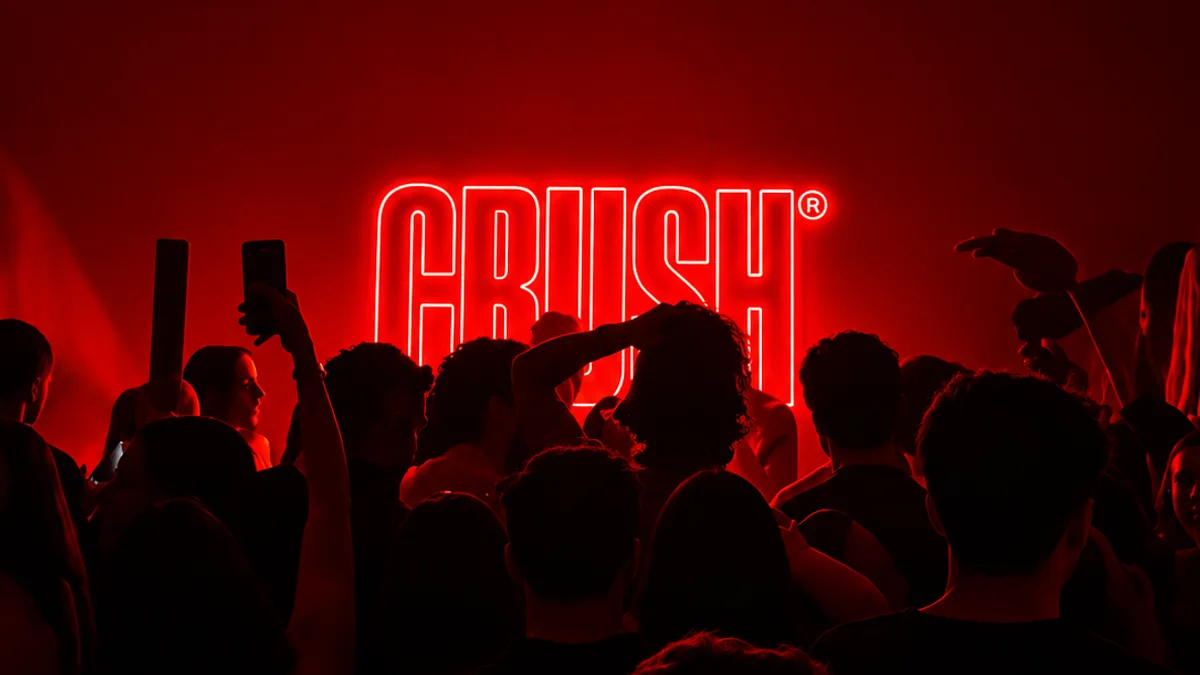
Crush is a creative studio in Madrid that works on what it calls social culture, and most of what it makes is video. A studio like that lives in rounds: a first cut, the notes on it, a second cut, the client’s notes, the final one. Every round leaves files and comments behind, and the hard part is not making them. It is knowing which cut is current and which notes it still owes an answer. This is how Crush keeps every cut, every note and every version in one Brault workspace.
“We put out video every week, and every piece goes through rounds of notes before it is published. In Brault each note sits on the frame it is about and each cut is a version of the same file, so nobody asks which one is final.”
The challenge
A piece of video is never one file. It is the footage of the shoot, the first edit, the edit after the team’s notes, the one after the client’s, the versions cut for each format and the final exports. A studio that publishes every week makes that pile many times over, for several clients at once.
The notes were the second pile. Feedback on a cut arrives as a message in a chat, a voice note, an email with timecodes typed by hand or a call that somebody has to write down. Each of them points at a moment of a video that lives somewhere else, and often at a cut that has already been replaced.
“The edit was never the slow part. The slow part was finding out which notes belonged to which cut, and whether the client had seen the last one or the one before.”
Then the files themselves. Video is heavy, so the cuts travelled by transfer links that expired, the footage sat on drives and the approved version was whichever file had “final” last in its name.
Why Brault
Three things made Brault the pick.
Feedback on the frame. A reviewer steps through the video and pins a note to the exact frame, or draws on the picture with a line, an arrow or a shape to show what they mean. Replies and mentions stay under the note, so the conversation about a moment happens on that moment. It is the same loop the dedicated tools offer, as our guide to video review software shows, without leaving the place where the files live.
Versions that stay together. A new cut is uploaded as a new version of the same file, not as another file next to it. Comments belong to the version they were written on, the team chooses which version is current and an earlier one is always there to go back to.
Clients review from a link. A client opens a shared link, plays the cut in the browser and leaves notes with just a name. No account, no app and no file to download first.
“We did not want one tool for storage and another one for review. We wanted the notes to live where the video lives.”
What they set up
Crush keeps a library per client and, inside it, a folder per shoot: the footage, the project files and the cuts together. Brault previews the video in the browser, so nobody downloads a heavy file just to look at it.
When an editor finishes a cut, it goes up to the shoot’s folder and the team reviews it there. The notes come back on the frames, the editor works through them, and the next cut is uploaded on top as version two. The first round stays with version one, where anyone can still read it.
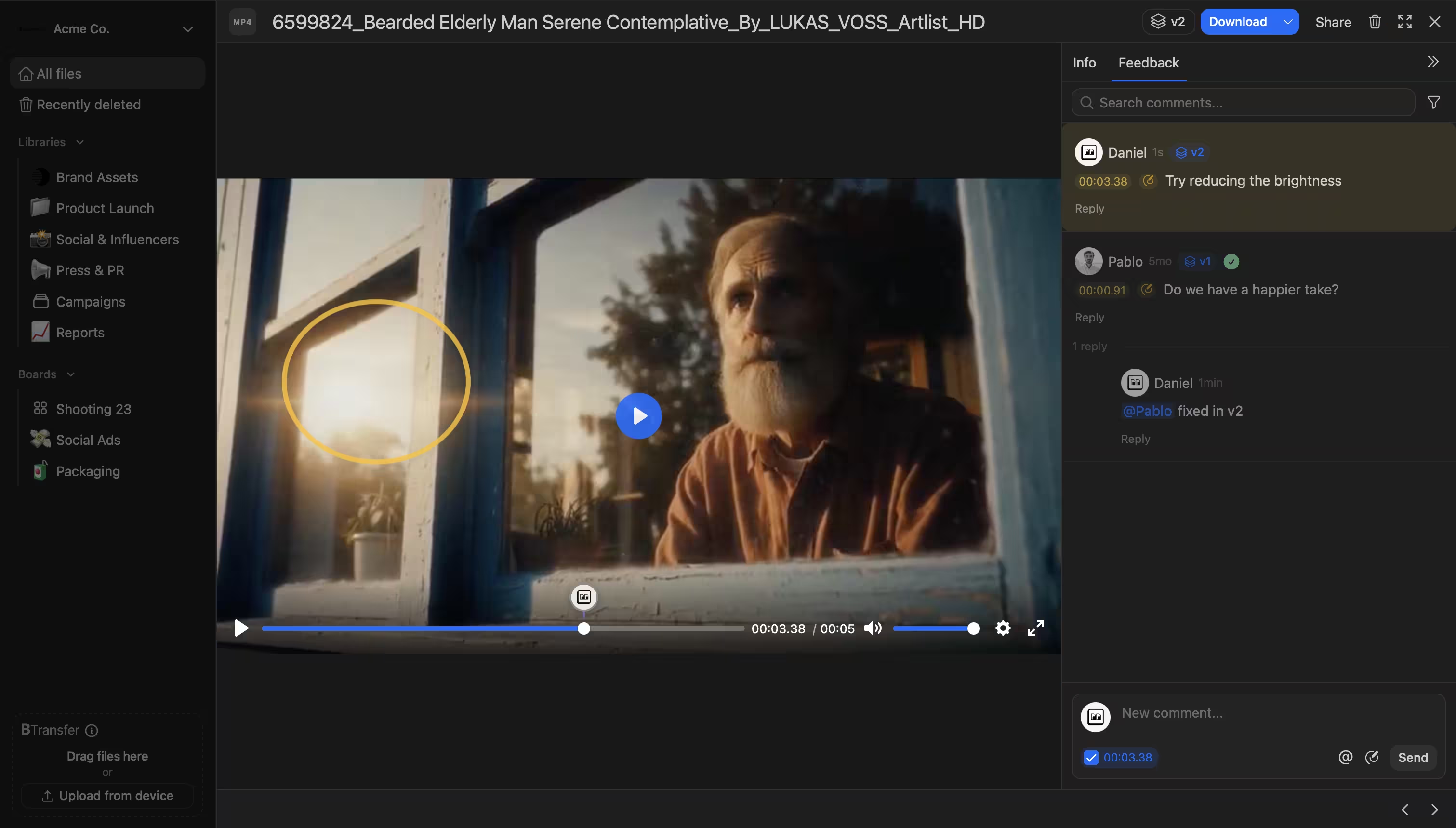
Then the client. The same file goes out as a link, the client comments on the frames like the team did, and the approved cut is marked as the current version. The finished files leave as a Brault transfer, the way the studio would send any large video file, from the same library and with no extra tool.
The results
- One file per piece. Every cut of a video is a version of the same file, and the current one is marked as such.
- Notes that point at something. A comment carries its frame and its drawing, so nobody types a timecode or guesses what “the bit near the end” means.
- No round is lost. The feedback of each version stays with that version after a new cut comes in.
- Clients review without an account. A link, a name and their notes, on the same file the team works on.
- Three tools off the list. Storage for the footage, review of the cuts and delivery of the finals now live in one subscription.
About Crush
Industry
Creative studio.
Based in
Madrid, Spain.
Work
Social culture: video and content, from the shoot to the published piece.
Find them
@crushsocialculture on Instagram.