 Pixieset
Pixieset is a platform for photographers built around Client Gallery, a branded online gallery where a client views, favorites, downloads and buys the images from a shoot, with a website builder, a studio manager for booking and invoicing, a print store and a mobile gallery app sold around it. It is the default choice for wedding and portrait photographers in North America and Europe, it publishes its prices, and it has been shipping the same core product long enough to have very few rough edges. This review covers what the product actually does in 2026, where it stops, and which photographers it fits.
Prices are not the subject here: the plan-by-plan breakdown lives in Pixieset pricing in 2026. The ranked field of replacements is in best Pixieset alternatives, and the closest head-to-head in Pixieset vs Pic-Time. Product facts below were read on pixieset.com and its help center on 2026-09-22.
TL;DR
- Pixieset is four products on one login: Client Gallery, Website, Studio Manager and Store, plus a mobile gallery app.
- The gallery is the strongest part: branded, fast, with favoriting, download rules, a store and an app for the client.
- Every paid plan is commission-free on sales; the free plan carries Pixieset branding and a commission fee.
- The limits are structural: tiered photo storage, video metered by the hour, RAW upload only from the Pro plan.
- It is a client-facing business platform, not a studio archive; photographers with terabytes of originals run something underneath it.
What is Pixieset and what do you get?
Pixieset sells one thing well and three things around it. The one thing is Client Gallery: a photographer uploads a collection, picks a cover style, sets who may download what and at which resolution, decides whether the gallery sells prints, and sends a link. The client opens a page that carries the photographer's logo and domain, marks favorites, downloads a set, orders prints and, if the photographer enables it, installs a small mobile app of the gallery on their phone.
The three things around it are Website, a portfolio site builder that shares the same image library; Studio Manager, which handles session booking, contracts, invoices and payments; and Store, which turns a gallery into a storefront fulfilled through print labs. Pixieset sells these separately on Client Gallery plans or together as the Suite, and the help center is organized the same way.
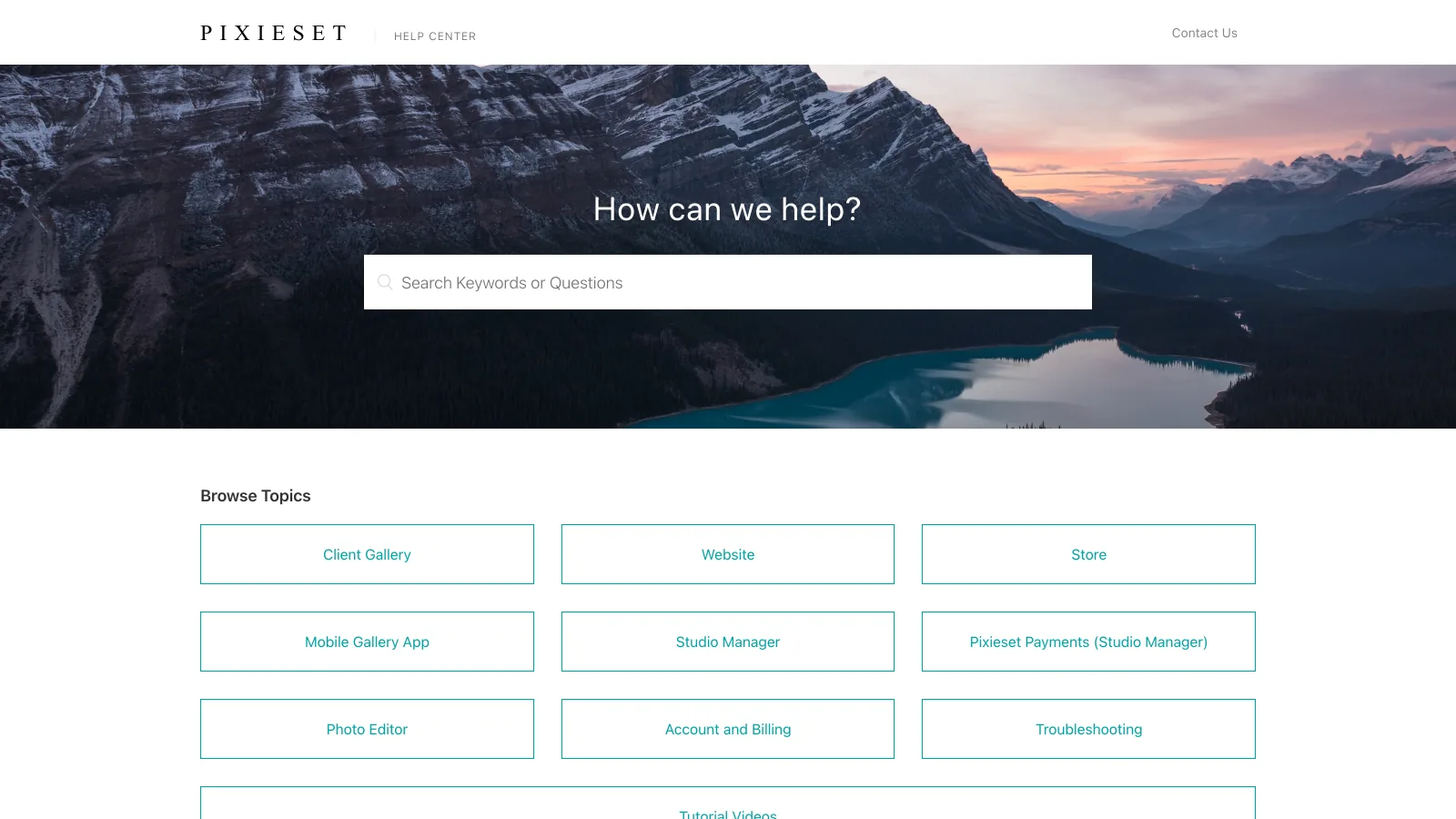
That structure is the product's whole argument. A photographer who books through Studio Manager, shows work on a Pixieset site and delivers through Client Gallery has one login, one bill and one set of client records instead of three subscriptions that have to be wired together. The argument weakens as soon as only one of the four is wanted.
Where is Pixieset strong and where does it fall short?
Pixieset is strongest at everything the client sees and weakest at everything that stays in the studio.
Where Pixieset is strong
- The gallery itself: branded, fast, with cover styles, favoriting, download rules and a mobile app for the client
- Selling: a print store with lab fulfilment and no commission on any paid plan
- One account for delivery, website, booking and invoicing, which is rare at this price
- Published prices and a real free tier, so a photographer can size the decision without a sales call
Where it falls short
- Photo storage is tiered from 3 GB to unlimited and fills fast at full resolution
- HD video is metered by the hour on every plan, with extra hours billed monthly
- RAW upload arrives only on the Pro plan, so the originals are not a Pixieset job below it
- No search by image content, no frame-accurate review, no large-file transfer outside a gallery
The pattern is consistent rather than accidental. Pixieset optimizes the path from a delivered JPEG to a paying client, and it does not try to be the place a studio keeps its work in progress.
What does Pixieset include on each product?
Feature names below are Pixieset's own, grouped by the product they belong to.
| Product | What it covers | Notes |
|---|---|---|
| Client Gallery | Branded collections, cover styles, favorites, download rules by resolution, private sets, gallery expiry, bulk share | The core product; storage tier decides how many collections stay live |
| Store | Print and digital products, lab fulfilment, price sheets, coupons, commission-free sales on paid plans | Free-plan sales carry a commission fee |
| Mobile Gallery App | A small branded app of the gallery the client installs on a phone | Limited to three apps on the free plan |
| Website | Portfolio site builder, custom domain, templates, shared image library | Included in the Suite, separate on Client Gallery plans |
| Studio Manager | Session types and booking, contracts, questionnaires, invoices, Pixieset Payments | Session types are capped on the lower Suite tier |
| Photo Editor and AI tools | In-platform editing and an AI editing add-on | The AI editing add-on is billed on top |
| Video | HD video hosting inside galleries, metered in hours | Extra hours are $5 a month each on any plan |
| RAW | RAW photo upload | Pro plan and above |
Product areas and feature names from pixieset.com and help.pixieset.com, verified 2026-09-22. Plan placement and all prices are in the Pixieset pricing guide; pixieset.com serves euro prices from some locations, so the USD figures cited here were verified there.
Two entries in that table do most of the work in a buying decision. Video, because a photographer who also films will find the hour meter before the storage tier, and RAW, because it decides whether Pixieset can hold originals at all.
Who is Pixieset a good fit for?
Pixieset fits photographers whose business runs through the gallery, and fits badly where the gallery is only the last step of a longer job.
Wedding and portrait photographers
Deliver a branded gallery, sell prints commission-free, let the couple keep the gallery on their phone, and book the next session from the same account.
Small studios that want one bill
The Suite replaces a website builder, a booking tool and a gallery platform. For a two-person studio that is one subscription and one client list instead of three.
Different fit: archive-heavy work
Commercial, product and video work where the deliverable is RAW, PSD or graded footage, and the job is finding, reviewing and sending files rather than selling prints.
The third cell is where most of the complaints about Pixieset come from, and they are usually complaints about using it for something it does not claim to do. A photographer with eight years of shoots wants to find the one frame with a red door in it; a gallery platform searches collections and file names, so the answer is a different kind of tool.
What should you use instead of or alongside Pixieset?
Three tools cover the three reasons photographers look around: a gallery with stronger automated selling, a gallery with no commission at any tier, and a storage layer for everything the gallery does not hold.

- Best forPhotographers who want the gallery to run sales campaigns for them
- Pricing$0, $7, $21 and $42 a month billed annually; $8, $25 and $50 monthly (verified 2026-09-22)
- Free planYes, 10 GB of photos (3 GB after six months) and 1 GB of video
- Watch outVideo storage is metered separately, and each extra brand is a $6 a month add-on
- Best forPhotographers who sell prints and want to keep the whole markup from day one
- Pricing$8.33, $16.67, $26.67 and $50 a month billed annually; $9.99 to $60 monthly (verified 2026-09-22)
- Free planYes, 100 photos, plus a 14-day trial on the paid plans
- Watch outPlans cap photos, not storage; older work moves to the Archive add-on from $2.99 a month

- Best forPhotographers who deliver to clients and agencies and need the archive searchable, not a storefront
- Pricing$0 / $4 / $12 / $70 a month billed annually, $6 to $14 per TB (verified on brault.app/pricing 2026-09-22)
- Free planYes, 2 GB with AI search, Boards, review and Brault Transfer, no card
- Watch outNo print store, booking or website builder; Pro tops out at 3 users
Brault is the different fit of the three, and it is the one photographers run at the same time as Pixieset rather than instead of it. It holds the side of the business the gallery never sees: 2 TB on Pro at $12 a month billed annually, previews for CR3, NEF, ARW, PSD and video so a RAW folder is browsable without Lightroom, AI search that finds a frame by describing what is in it, Boards that keep a job's files and its status in one place, review with comments pinned to the image, and branded transfers up to 250 GB for the agency that wants the files rather than a gallery link. Mac and iPhone apps put the same library on the desk and in the pocket. The wider category is explained in what creative asset management is, and the storage field in the best cloud storage for photographers.
Frequently asked questions
What is Pixieset and how does it work?
Pixieset is a Canadian platform for photographers built around Client Gallery, a branded online gallery where a client views, favorites, downloads and buys the photos from a shoot. Around it Pixieset sells Website (a portfolio site builder), Studio Manager (booking, contracts and invoices), Store (print and digital sales fulfilled through lab partners) and a Mobile Gallery App. A photographer uploads a collection, sets download and pricing rules, and sends a link; the client does everything from that page. Client Gallery runs from a free 3 GB plan to $40 a month billed annually, and the Suite bundles all four products from $28 a month.
Is Pixieset worth it for wedding photographers?
For the delivery and sales side, yes. A wedding photographer gets a branded gallery, full-resolution downloads, favoriting, a mobile app for the couple and a commission-free print store on any paid plan, which covers most of what the client ever sees. The limits are storage and file type: a full-resolution wedding runs 5 to 15 GB, so 10 GB on Basic is one or two jobs, RAW upload does not arrive until the Pro plan at $24 a month billed annually, and HD video is metered by the hour at $5 a month per extra hour. Photographers with a terabyte-scale archive pair Pixieset with a storage platform rather than growing into Ultimate.
What are the main limitations of Pixieset?
Four come up repeatedly. Photo storage is tiered from 3 GB to unlimited and counts delivered files, so it is the line that moves a photographer between plans. HD video is metered separately on every plan, with extra hours at $5 a month each. RAW upload is a Pro-plan feature, so the archive of originals is not a Pixieset job below $24 a month billed annually. And search inside the library is by collection and file name rather than by what is in the picture, so finding one frame across several years of shoots means remembering which gallery it was in.
Does Pixieset work for delivering to agencies and commercial clients?
It works, with a caveat. A branded Pixieset collection with download controls is a clean way to hand images to an agency, and the custom domain on paid plans keeps the photographer's name on the page. What Pixieset is not built for is the rest of a commercial job: sending 80 GB of graded video or layered PSDs, keeping versions next to a brief, or letting an art director comment on a frame. Commercial photographers usually keep Pixieset for the client-facing gallery and add a delivery and review platform such as Brault, whose branded transfers reach 250 GB, for the agency side.
Is Pixieset better than a website builder for photographers?
For a photographer whose site exists to show work and take bookings, Pixieset Website is the shorter route because it shares one login, one bill and one image library with the galleries clients already receive. A general website builder gives more design freedom and more plugins, but none of it is wired to the delivery and sales flow. The comparison is closer on price than on capability: the Pixieset Suite, which includes Website, Studio Manager and Store, is $28 a month billed annually, roughly what a site builder plus a separate gallery tool costs on their own.
Key takeaways
- Pixieset is four products on one account: Client Gallery, Website, Studio Manager and Store, with a mobile gallery app on top.
- The gallery and the store are the strongest parts, and every paid plan is commission-free on sales.
- Storage tiers, an hourly video meter and RAW upload gated to the Pro plan are the three structural limits.
- It fits wedding, portrait and small-studio photographers whose business runs through the client gallery.
- Photographers whose real problem is finding, reviewing and sending large originals run a storage and delivery layer such as Brault underneath, from $0 to $70 a month billed annually.
Want your RAW archive searchable while the galleries stay where they are? Try Brault free.