 pCloud
pCloud is a Swiss cloud storage service that syncs files through a virtual drive, shares them by link and, unlike almost every competitor, sells storage with a single lifetime payment. For photographers it is a large, fast archive you can reach from any device, priced once instead of every year; it is not a review tool, a client gallery or a library that searches photos by content. This review covers its strengths, the lifetime math, RAW handling, versions and client sharing.
Prices below are the US dollar list, verified 2026-10-16. The wider field is ranked in best cloud storage for photographers, the two backup-first services are reviewed in the Backblaze review and the IDrive review, and the creative asset management hub collects the rest.
TL;DR
- pCloud sells 500 GB, 2 TB and 10 TB monthly, yearly or once for life: 500 GB is $49.99 a year and 2 TB $99.99 a year, or $219, $499 and $1,499 once for 500 GB, 2 TB and 10 TB (US prices, verified 2026-10-16).
- The virtual drive streams files on demand, so a 4 TB archive does not fill a laptop SSD; there is no file size limit on uploads from the apps.
- Client-side encryption (Crypto) is a paid add-on, and Crypto folders cannot be shared by link.
- Sharing is links, upload links and folder invitations; there are no comments on a photo, no approvals and no search by content.
- Review and branded delivery need a different tool; pCloud stays a strong archive next to it.
What is pCloud and how does it work?
pCloud is a cloud storage company founded in 2013 in Switzerland, with apps for Mac, Windows, Linux, iOS and Android and a web interface. The core of the product is pCloud Drive, a virtual disk that appears in Finder or Explorer: folders look local, but files download only when you open them, unless you mark a folder for offline use or sync a local folder both ways.
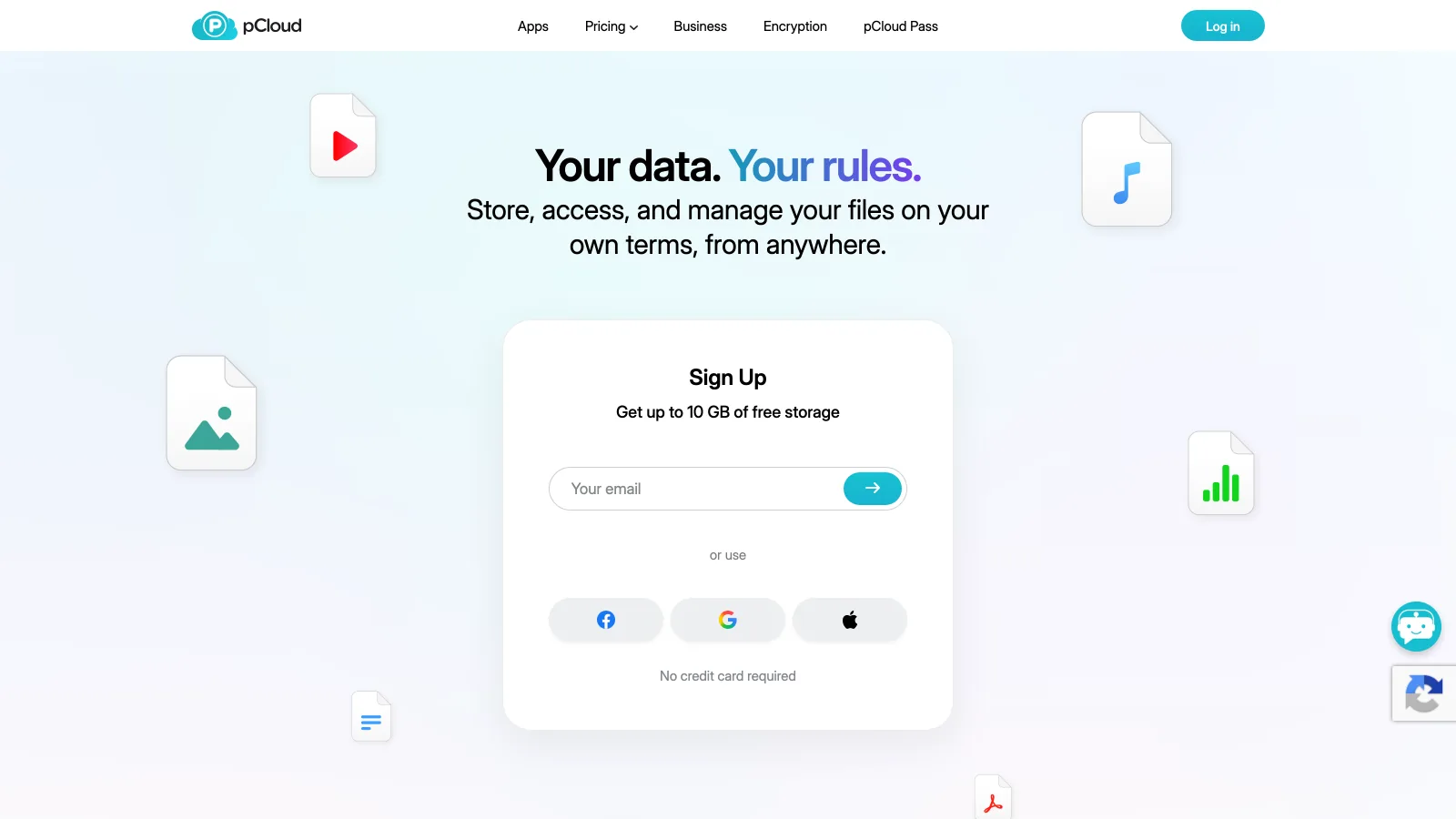
Around the drive, pCloud adds camera roll upload from phones, a built-in media player, backup of other clouds into pCloud, share links, upload links for receiving files, and folder invitations with view or edit rights. At sign-up you choose where your data lives, the EU (Luxembourg) or the US (Dallas). The homepage offers up to 10 GB free with no credit card.
Where is pCloud strong and where does it fall short?
pCloud is strongest as a long-term archive you own outright and reach from everywhere, and weakest as the place where client work is reviewed and delivered.
Where pCloud is strong
- Lifetime plans: pay once for 500 GB, 2 TB or 10 TB, no renewal
- Virtual drive streams files on demand, so big archives do not fill the laptop
- No file size limit from the desktop apps, which matters for video next to stills
- Swiss company with an EU or US data region chosen at sign-up
- Family plans share 2 TB or 10 TB across up to 5 people
Where it falls short
- End-to-end encryption needs the paid Crypto add-on, and Crypto folders cannot be shared
- Search is by file name: no search by what is in the photo, no similar-image search
- No comments on a frame, no approvals, no client proofing gallery
- RAW previews depend on the camera format; test your bodies before migrating
What does pCloud cost and include in 2026?
pCloud's individual lineup is Premium 500 GB, Premium Plus 2 TB and Ultra 10 TB, each available monthly, yearly or for life, plus Family plans for up to five users. Every figure below is the US dollar list, checked on 2026-10-16.
| Plan | Storage | Monthly | Yearly | Lifetime (once) |
|---|---|---|---|---|
| Free | Up to 10 GB | $0 | $0 | n/a |
| Premium | 500 GB | $4.99 | $49.99 | $219 (list $279) |
| Premium Plus | 2 TB | $9.99 | $99.99 | $499 (list $709) |
| Ultra | 10 TB | See pcloud.com | See pcloud.com | $1,499 (list $2,799) |
US prices, verified 2026-10-16 on gizmodo.com (pCloud pricing, October 2026) and landing.pcloud.com/lifetime-cloud-storage, with monthly and yearly figures matched on cloudwards.net. Family plan and Ultra monthly or yearly prices are left out because two sources did not agree. Lifetime discounts are time-limited promotions.
The lifetime math is simple. Premium Plus at $99.99 a year costs $499 after five years, the price of the lifetime plan. A photographer who expects to keep the same archive for more than five years, and trusts pCloud to be there, comes out ahead on lifetime. The risk is the one any prepayment carries, and a lifetime plan does not grow with the archive: a studio that adds 2 TB a year outgrows Premium Plus in a year.
How does pCloud handle RAW files, uploads and versions?
pCloud stores RAW files byte for byte, with no recompression, from the desktop apps, the browser or the phone. Thumbnails appear for common image formats; RAW support varies by camera format, so the practical test is to upload a folder from each of your bodies to the free account and look at the previews in the web interface before you commit an archive. There is no search by content: you find a shoot by its folder and file names.
pCloud advertises unlimited upload and download speeds, so the practical limit is your connection. A first upload of several terabytes over a residential line still takes days, and we found no shipped-drive option for seeding or restoring an archive, which Backblaze and IDrive both offer.
For versions, pCloud keeps earlier versions of changed files and a trash for deleted ones, and pCloud Rewind restores the account to an earlier state; the retention window depends on the plan, and Extended File History is sold as an add-on. pCloud is a sync service, so a deletion on the laptop reaches the cloud: treat it as an archive with a recovery window, not as a separate backup.
Is pCloud good for sharing and client delivery?
pCloud shares any file or folder by link, and paid plans add passwords and expiry dates on those links, plus upload links to receive files from a client. That covers a simple delivery: a folder of finals, a link, a password.
What pCloud does not do is the work between shooting and final delivery. A client cannot comment on a specific photo, mark favourites in a proofing gallery or approve a selection, and you cannot see in one place which images a client has signed off. Photographers who need that today combine pCloud with a gallery tool or a transfer service; the best photo organizing software guide covers the organizing side.
Who should choose pCloud?
pCloud fits photographers who want to own their storage, browse it from any device without filling the disk, and keep client work on a separate tool.
Solo photographers with a stable archive
A 2 TB archive that grows slowly, kept for a decade. Lifetime Premium Plus at $499 breaks even in five years against $99.99 a year.
Couples and family studios
A Family lifetime plan shares 2 TB or 10 TB across up to five accounts, each with private space, for one payment.
Hybrid shooters on small laptops
Stills and video in one place with no file size limit, streamed through the virtual drive instead of copied to a 512 GB SSD.
Where does Brault fit next to pCloud?
Brault is a different fit from pCloud: it is a creative library for photographers and small studios, not a backup or sync tool, and it does not replace a separate backup. Brault decodes RAW and PSD files into web previews, searches the library by what is in the frame and by similar image, lets clients comment on a photo and approve it, and sends files through branded links and Brault Transfer. Plans are Free at $0 with 2 GB, Lite at $4 a month for 200 GB, Pro at $12 a month for 2 TB with up to 3 users, and Growth at $70 a month for 5 TB, billed annually, with extra storage at $9 per TB a month.
A common setup keeps the full archive on pCloud and the active year of client work in Brault. If you are choosing a backup layer instead of an archive you browse, compare pCloud with the per-computer model in the Backblaze review and the multi-device caps in the IDrive review.
Which pCloud alternatives are worth a look?
Three tools are a different fit for the three reasons photographers look beyond pCloud: unlimited backup of one machine, several machines under one cap, and one place for previews, review and delivery.

- Best forUnlimited backup of one computer and its attached drives
- Pricing$9 a month, $99 a year or $189 for two years per computer (verified 2026-10-16)
- Free planNo; 15-day trial
- Watch outBackup only: no browsing library, no sharing workflow

- Best forSeveral computers, phones and a NAS under one storage cap
- PricingPersonal 5 TB $6.99 a month billed yearly the first year, then $9.99 (verified 2026-10-16)
- Free plan10 GB, no credit card
- Watch outFirst-year promotion; storage is capped, not unlimited

- Best forPhotographers who preview RAW, search, review and deliver from one library
- PricingLite $4 (200 GB), Pro $12 (2 TB, up to 3 users), Growth $70 (5 TB) a month, billed annually
- Free planYes: 2 GB
- Watch outNot a backup tool; keep a separate backup copy
Frequently asked questions
What is pCloud?
pCloud is a Swiss cloud storage company founded in 2013. It stores and syncs files from a virtual drive on Mac, Windows and Linux, from mobile apps and from the browser, shares them by link, and sells storage monthly, yearly or with a single lifetime payment. Plans in 2026 are Premium 500 GB, Premium Plus 2 TB and Ultra 10 TB, plus Family plans for up to 5 users. Client-side encryption (pCloud Crypto) is a paid add-on.
Is pCloud worth it?
pCloud is worth it for photographers who keep files for many years and prefer one payment over a subscription. On the US price list verified 2026-10-16, Premium Plus 2 TB costs $99.99 a year or $499 once, so the lifetime plan breaks even in about five years. It is less of a fit when the work needs review, content search or branded client delivery, which pCloud does not provide; a creative library such as Brault covers that part.
How does pCloud lifetime work?
pCloud Lifetime is a one-time payment for a fixed amount of storage, with no renewal; read pCloud's terms for how long "lifetime" runs before you buy. On 2026-10-16 the US list showed $219 for 500 GB, $499 for 2 TB and $1,499 for 10 TB, down from $279, $709 and $2,799. Family lifetime plans for up to 5 users are sold separately; check pcloud.com/family for the current price. Add-ons such as Crypto are bought separately.
Is pCloud safe for client photos?
pCloud encrypts files in transit and at rest, stores them in the EU (Luxembourg) or the US (Dallas) at your choice, and is a Swiss company. Files are not end-to-end encrypted unless you buy pCloud Crypto and place them in the Crypto folder, which then cannot be shared by link. For client work, pCloud is as safe as Dropbox or Google Drive; keep a second copy elsewhere, as with any single service.
Does pCloud show RAW photo previews?
pCloud stores RAW files byte for byte and shows thumbnails for common image formats in its apps and web interface; RAW preview support depends on the camera format, so test a few files from each body on the free 10 GB before moving an archive. pCloud has no search by what is in the frame, no comments on a photo and no approval flow. Brault decodes CR2, NEF, ARW, DNG, RAF, ORF, RW2 and SRW into web previews and adds AI search and review.
Where is pCloud based?
pCloud International AG is a Swiss company that describes itself as European-based. Just before sign-up you choose a data region, the European Union (Luxembourg) or the United States (Dallas, Texas), and your data and personal information are stored there. Swiss law governs the company, and EU storage keeps GDPR-covered client files inside the EU, which matters to European photographers who deliver portraits or event work.
Key takeaways
- pCloud is the leading pay-once cloud storage in 2026: $219 for 500 GB, $499 for 2 TB, $1,499 for 10 TB on the US list verified 2026-10-16.
- Against the yearly plans, lifetime breaks even in about five years.
- Crypto end-to-end encryption is a paid add-on; Crypto folders cannot be shared.
- pCloud is storage and sync, not review or proofing: no comments on a photo, no approvals, no search by content.
- Brault is a different fit for the working layer (RAW previews, AI search, review, branded links) and is not a backup; many photographers keep both.