The best digital asset management software in 2026 gives creative teams AI-powered search, workflow tracking, branded file sharing, and transparent pricing without a six-figure annual budget. The market splits into two camps: enterprise DAMs like Bynder and Brandfolder at $500–$1,600+/month with annual contracts, and modern creative asset management platforms like Brault that start at $0/month with paid plans at $4, $12, and $70/month billed annually (roughly $6 to $14/TB). This guide compares 10 tools across pricing, features, and real-world fit.
What makes DAM software worth using in 2026?
DAM software earns its place in a creative team's stack when it solves problems that folders and filenames cannot. Five criteria separate useful tools from shelfware in 2026:
Search quality. The single biggest reason to adopt DAM software is finding files without remembering what someone named them. Basic platforms search filenames. The best use AI to analyze what is inside the file: visual content in images, spoken words in video, text in documents. Brault's AI search covers 50+ file formats. If your team manages more than a few hundred files, search quality determines whether the platform saves time or wastes it.
Workflow tracking. Files move through stages: draft, in review, approved, delivered. Tracking that status in a separate tool (Trello, Asana, Monday) means switching contexts and duplicating file references. Platforms that attach workflow status directly to files, like Brault Boards or Air.inc's Kanban views, collapse two tools into one.
File transfer. Creative teams send large files to clients regularly. If you pay for WeTransfer or Masv on top of your DAM, a platform with built-in transfer eliminates that cost and friction. Brault's Brault Transfer handles files up to 250 GB with branded pages and password protection. See our comparison of WeTransfer alternatives for creative teams for a detailed breakdown.
Pricing transparency. Enterprise DAMs rarely publish prices. Modern platforms publish pricing on their website. You know what you are paying before you sign up.
Setup speed. Traditional DAMs take weeks to months to implement. Modern platforms are ready in minutes.
Which are the 10 best digital asset management tools in 2026?
Pricing data is current as of April 2026. Competitor prices are sourced from public pricing pages or industry reports.
| # | Tool | Free tier | Paid from | Key difference |
|---|---|---|---|---|
| 1 | Air.inc | Yes (120 credits) | $25/mo | Conversational AI search with Figma/Slack/Notion integrations |
| 2 | Brault | Yes (2 GB) | $4/mo | Complete workflow: AI search, review, transfer, and white-label |
| 3 | Playbook | Yes (100 GB or 300 assets, 3 members) | $10/member/mo | Visual, Pinterest-style browsing for individual creatives |
| 4 | Canto | No | ~$75/mo | Polished mid-market DAM with quick onboarding |
| 5 | Bynder | No | $500/mo | Enterprise brand governance and workflow automation |
| 6 | Brandfolder | No | $500/mo | Brand distribution portals inside the Smartsheet ecosystem |
| 7 | Filecamp | No | $29/mo | Simple, low-cost storage with unlimited users |
| 8 | Pics.io | Yes (limited) | ~$100/mo | DAM layer on top of existing Google Drive or S3 |
| 9 | ResourceSpace | Yes (self-hosted) | $500/mo (cloud) | Open source, self-hostable with AI tagging |
| 10 | Daminion | No | ~$60/mo | On-premise, metadata-focused desktop organization |
1Air.inc
Air.inc is a creative operations platform with conversational AI search, Kanban boards, and integrations with Figma, Slack, and Notion. G2 rating: 4.6/5. No built-in file transfer or white-label branding. The natural language search and desktop app stand out. Every plan has unlimited seats and bills credits that storage and AI generation share: Free (120 credits, about 20 GB), Starter $25/month (about 100 GB), Business from $900/month billed annually ($1,100 month to month, about 5 TB), Enterprise on quote (verified 2026-09-21). There is no plan between Starter and Business. The feature-by-feature verdict is in Air.inc vs Brault and the wider field in best Air.inc alternatives.
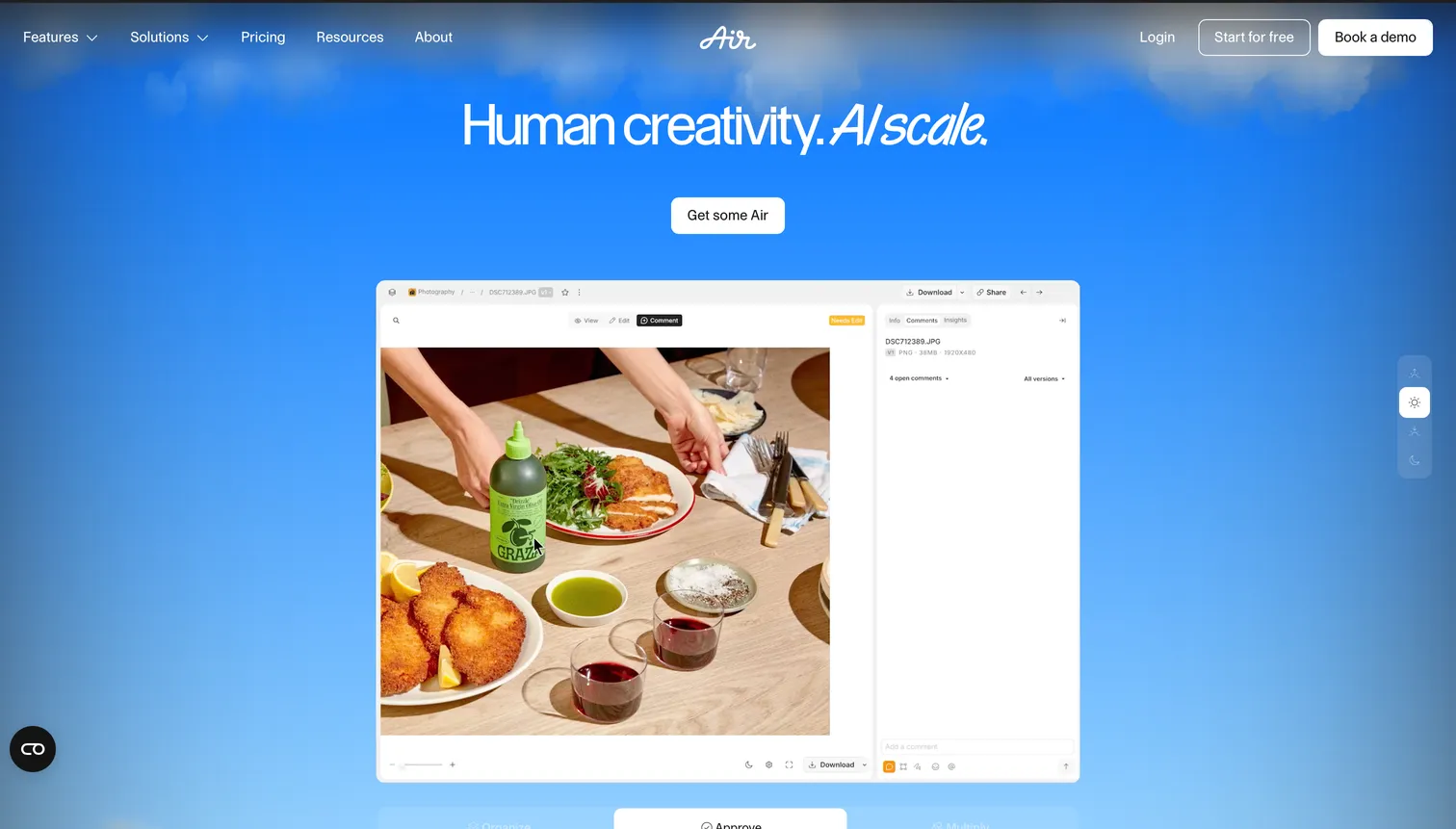
- Best forTeams that prioritize third-party integrations and AI discovery
- Pricing$20/mo (1 user) – $1,100/mo (15 users); Enterprise custom
- Free planNone
- Watch outNo built-in file transfer or white-label branding; steep per-seat jump to teams
2Brault
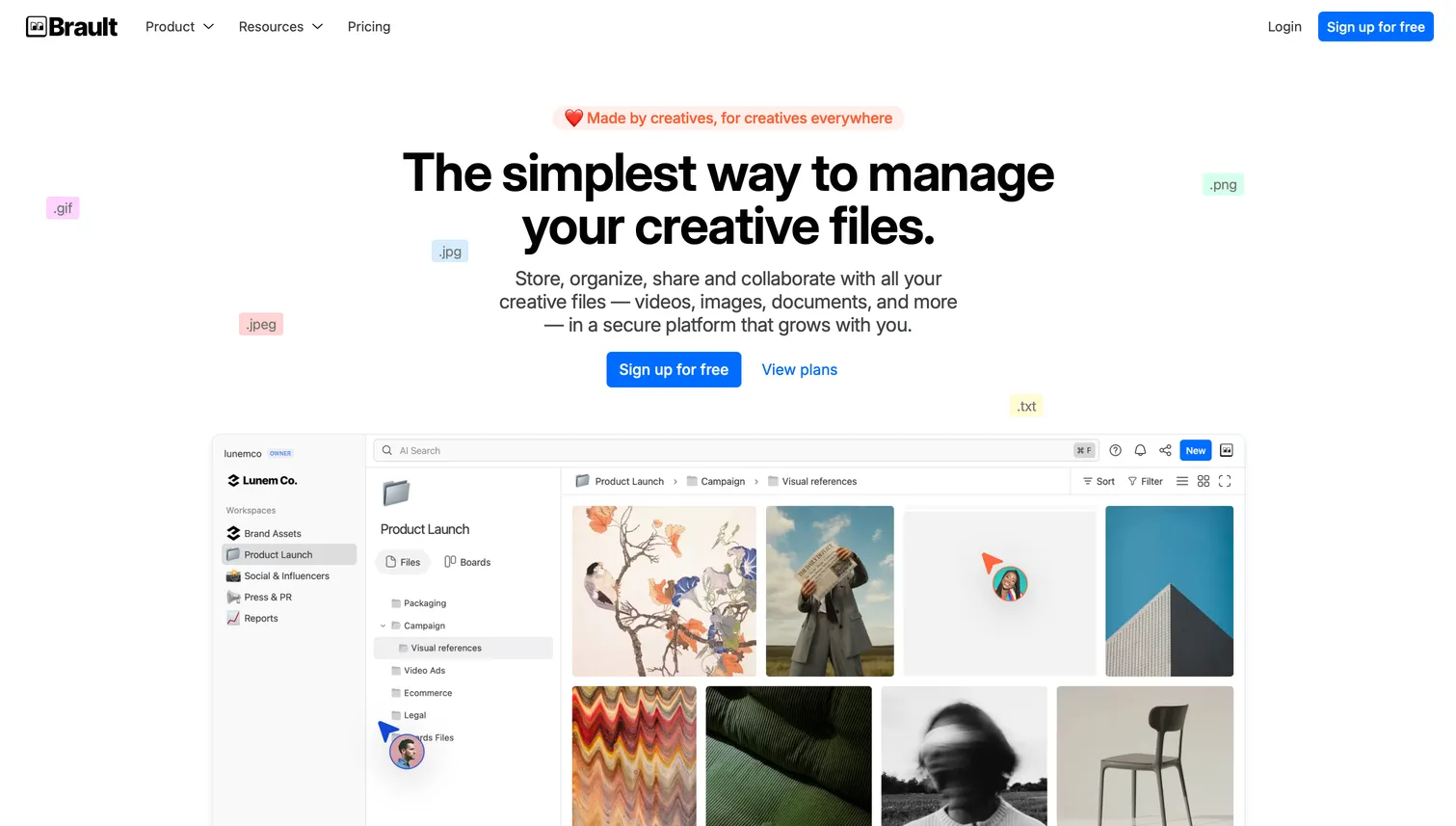
Brault combines AI search across 50+ formats (image recognition, OCR, speech-to-text, document NLP), Kanban Boards with custom properties, Brault Transfer up to 250 GB with branded pages, and white-label branding on every shared link. It also includes visual feedback and annotation tools: pin comments on images, mark video frames with timestamped notes, and draw annotations, a Frame.io-style review experience.
- Best forCreative teams and agencies needing a complete workflow at accessible pricing
- Pricing$0–$70/mo billed annually (Free, Lite $4, Pro $12, Growth $70)
- Free planYes, full-featured at $0/mo
- Watch outExtra users cost $8/mo on Pro and $4/mo on Growth beyond the included seats
3Playbook
Playbook takes a visual-first, Pinterest-like browsing approach. Its Free plan gives 100 GB or 300 assets for 3 members, Pro is $10 per member a month with 2 TB and Team $20 per member with 3 TB and AI tagging, Enterprise on quote (verified 2026-09-20 on playbook.com/pricing). No workflow tracking, file transfer, or white-label branding.
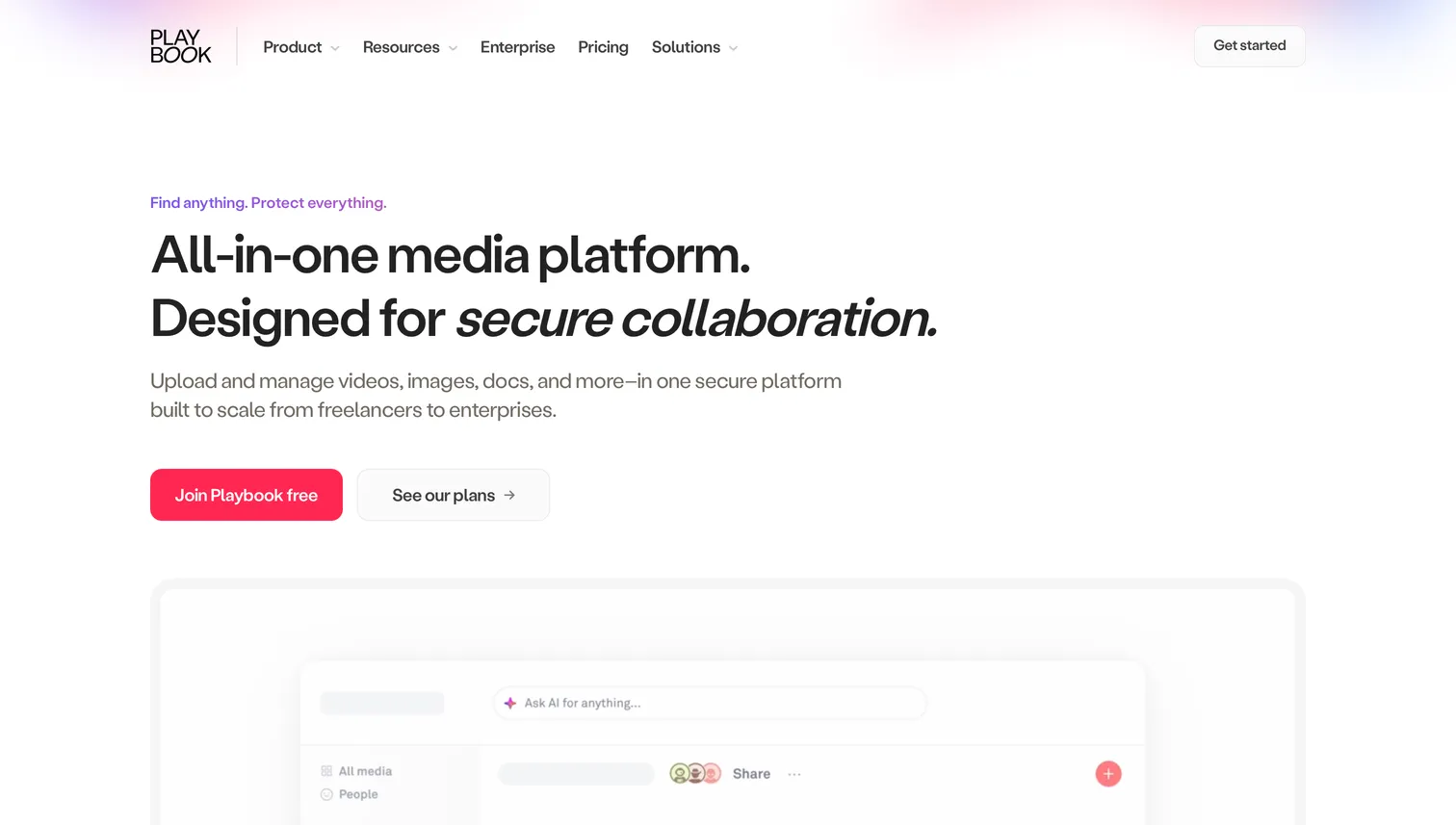
- Best forIndividual artists and designers who value visual browsing and free storage
- PricingPro $10, Team $20 per member a month billed annually; Enterprise custom (verified 2026-09-20)
- Free planYes; 100 GB or 300 assets, 3 members, 3 guests
- Watch outNo workflow tracking, file transfer, or white-label branding
4Canto
Canto is a mid-market DAM with visual search, smart albums, and branded portals for distributing approved assets. Clean interface, quick onboarding. G2 rating: 4.4/5. Workflow features are limited compared to platforms with dedicated Kanban boards.
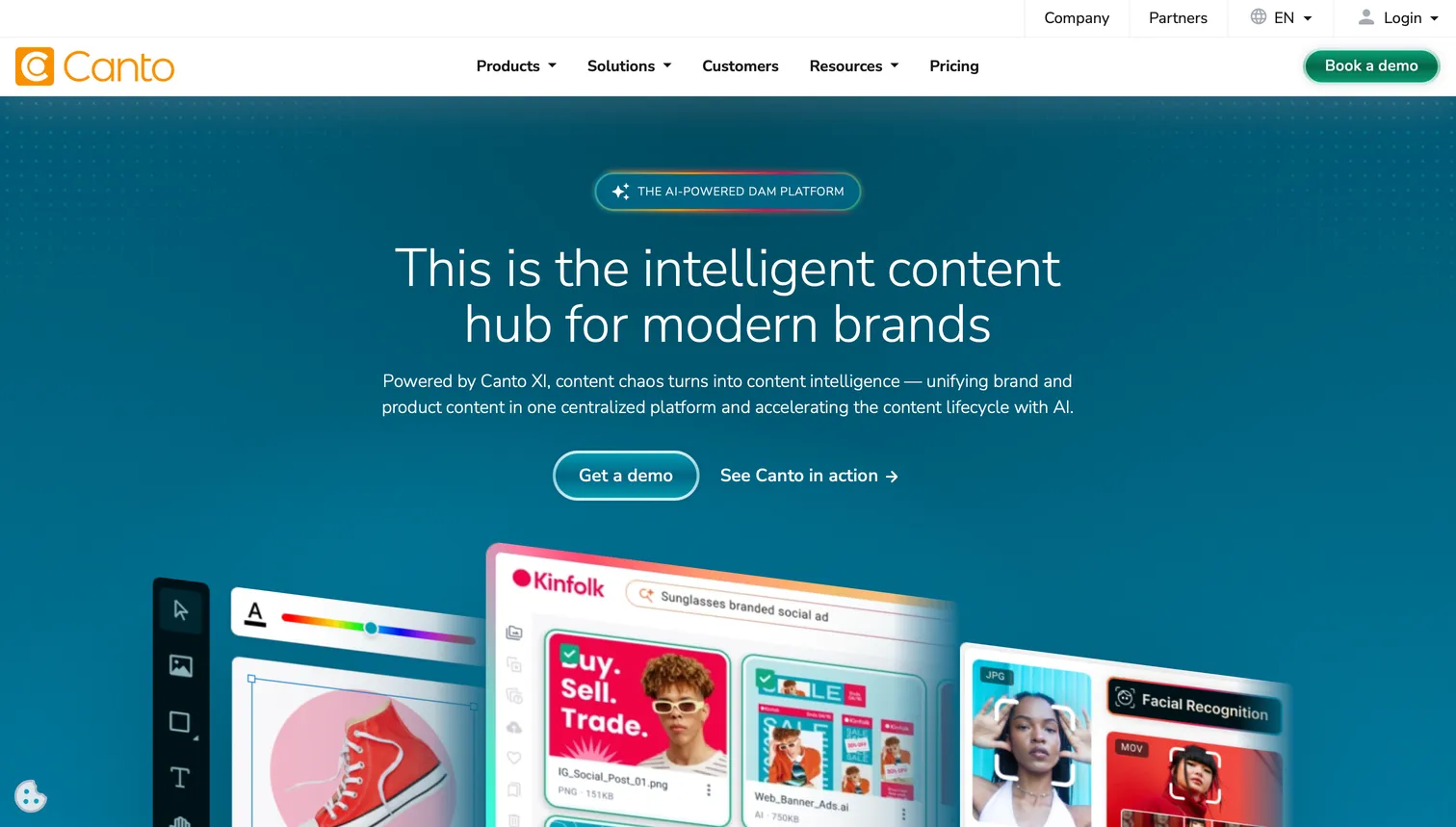
- Best forMid-market teams that need a polished DAM with quick setup and visual search
- Pricing~$75–$200/mo (small teams); Enterprise on request
- Free planNone
- Watch outWorkflow features are limited versus platforms with dedicated Kanban boards
5Bynder
Bynder is one of the most recognized enterprise DAMs, consistently appearing in Gartner's DAM analysis. Advanced brand templates, content workflow automation, rights management, enterprise SSO. G2 rating: 4.4/5. The trade-off is cost and implementation time.
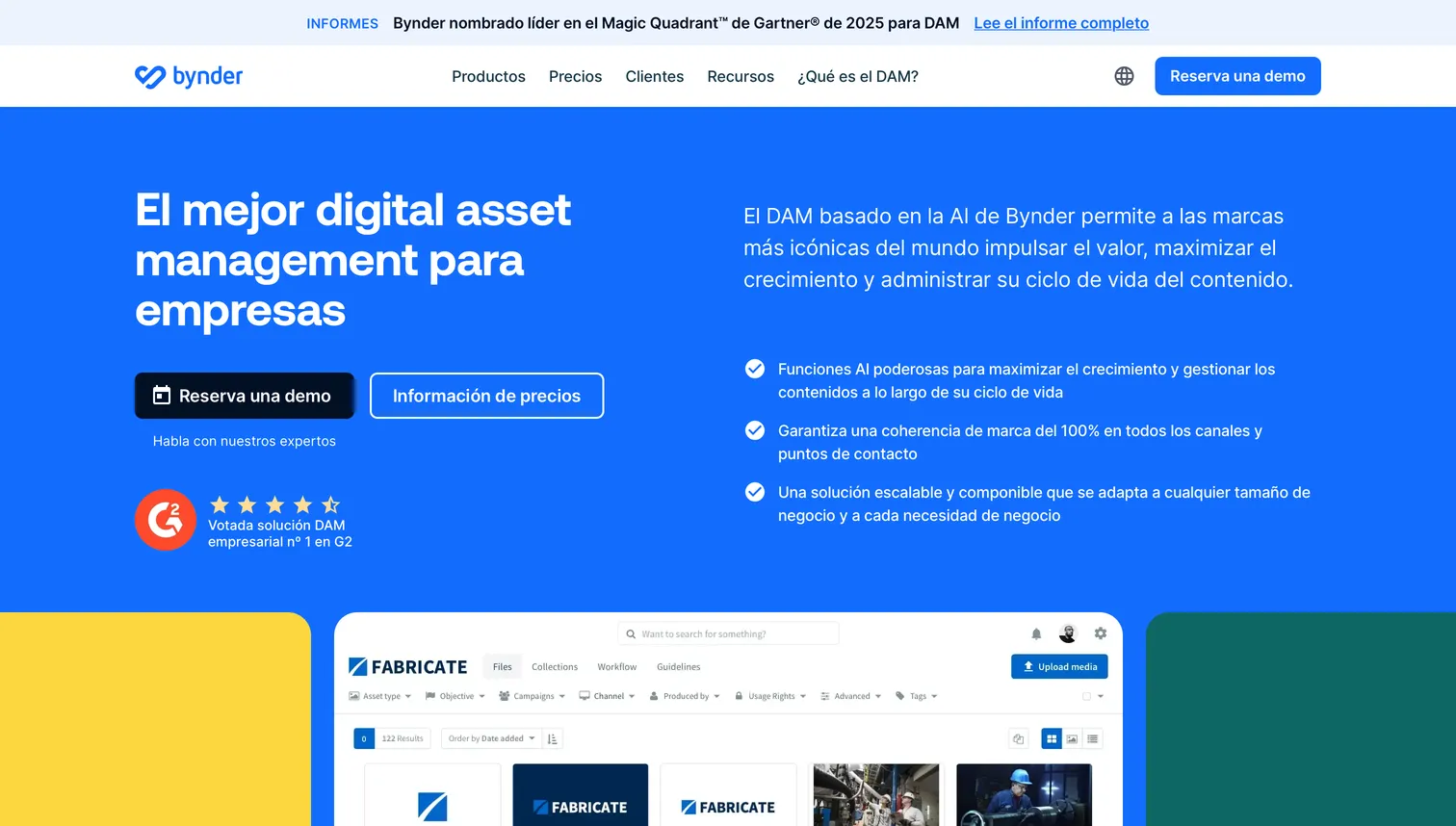
- Best forEnterprise organizations with complex brand governance and IT-led procurement
- Pricing$500–$1,600+/mo, annual contracts
- Free planNone
- Watch outImplementation costs $5,000–$50,000 on top of the subscription
6Brandfolder
Brandfolder (a Smartsheet company) focuses on brand asset distribution. Strong metadata, brand portals, Smartsheet integration, and asset usage analytics. G2 rating: 4.4/5.
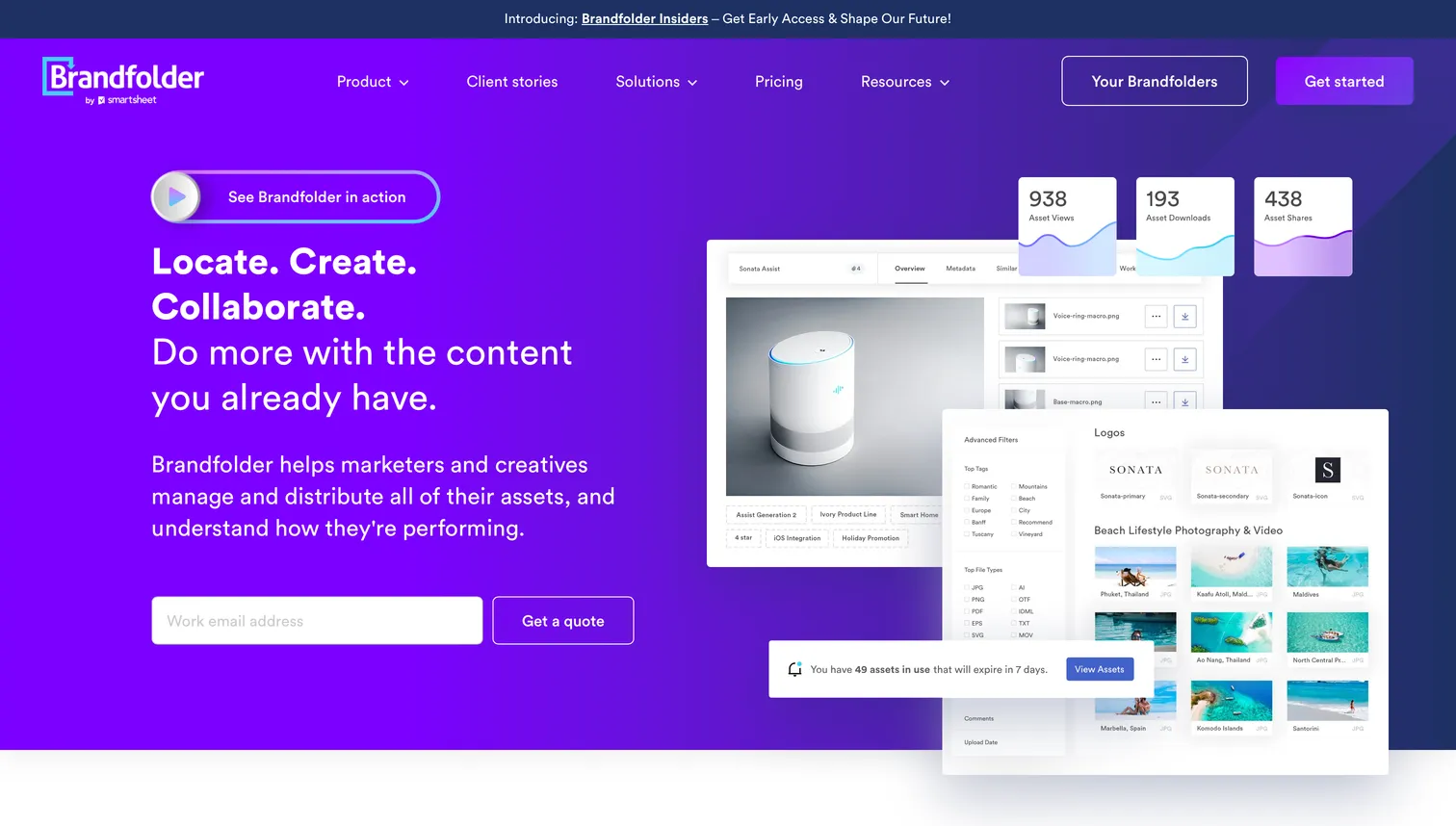
- Best forEnterprise brand teams in the Smartsheet ecosystem needing distribution portals
- Pricing$500–$1,200+/mo, annual contracts
- Free planNone
- Watch outImplementation costs $10,000+ on top of the subscription
7Filecamp
Filecamp is a straightforward DAM with branded portals, simple permissions, and unlimited users on all plans. G2 rating: 4.7/5. No AI search, workflow tracking, or file transfer.
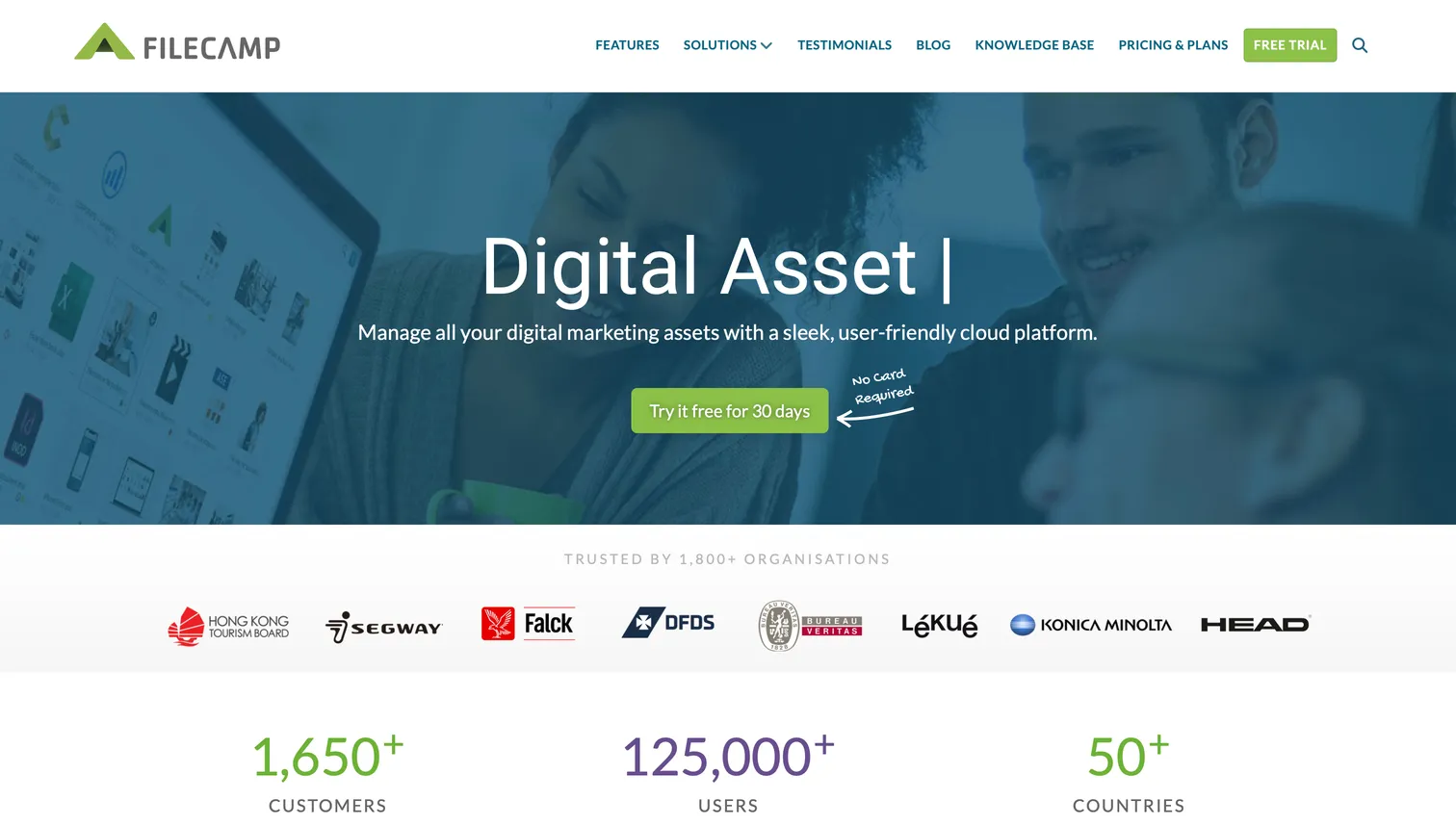
- Best forSmall teams that need simple, low-cost organized storage
- Pricing$29/mo (20 GB) – $89/mo (200 GB), unlimited users
- Free planNone
- Watch outNo AI search, workflow tracking, or file transfer
8Pics.io
Pics.io sits on top of Google Drive or Amazon S3, adding metadata management, collections, and basic search without migrating files. Free tier available.
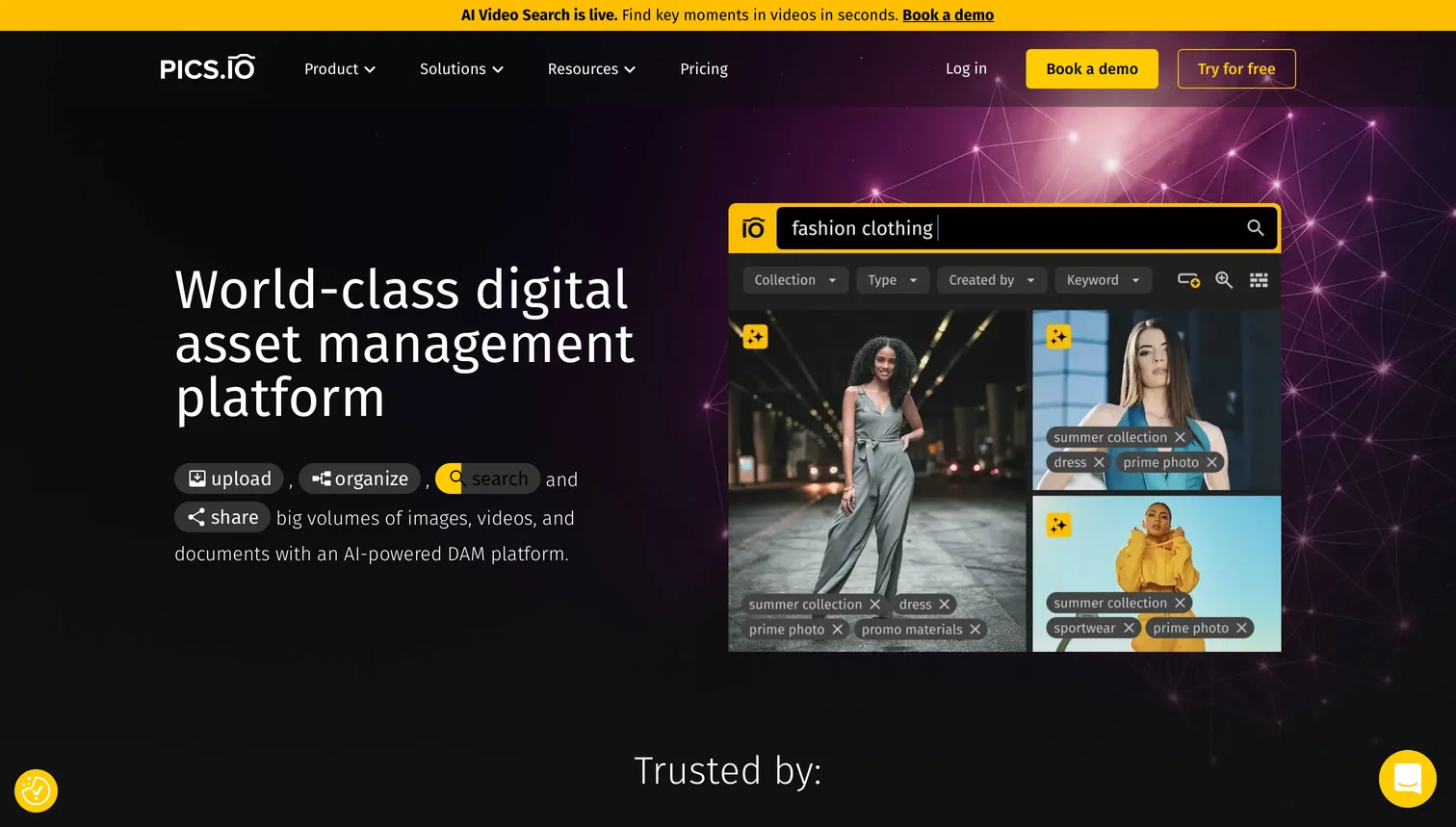
- Best forTeams on Google Drive or S3 who want DAM features without migration
- PricingFree tier; paid from ~$100/mo
- Free planYes, limited tier
- Watch outSearch and metadata layer only; depends on your Drive or S3 storage
9ResourceSpace
ResourceSpace is an open source DAM with a free self-hosted version, advanced metadata, AI tagging, and granular permissions. Cloud-managed starts at $500+/month. Self-hosting requires technical setup.
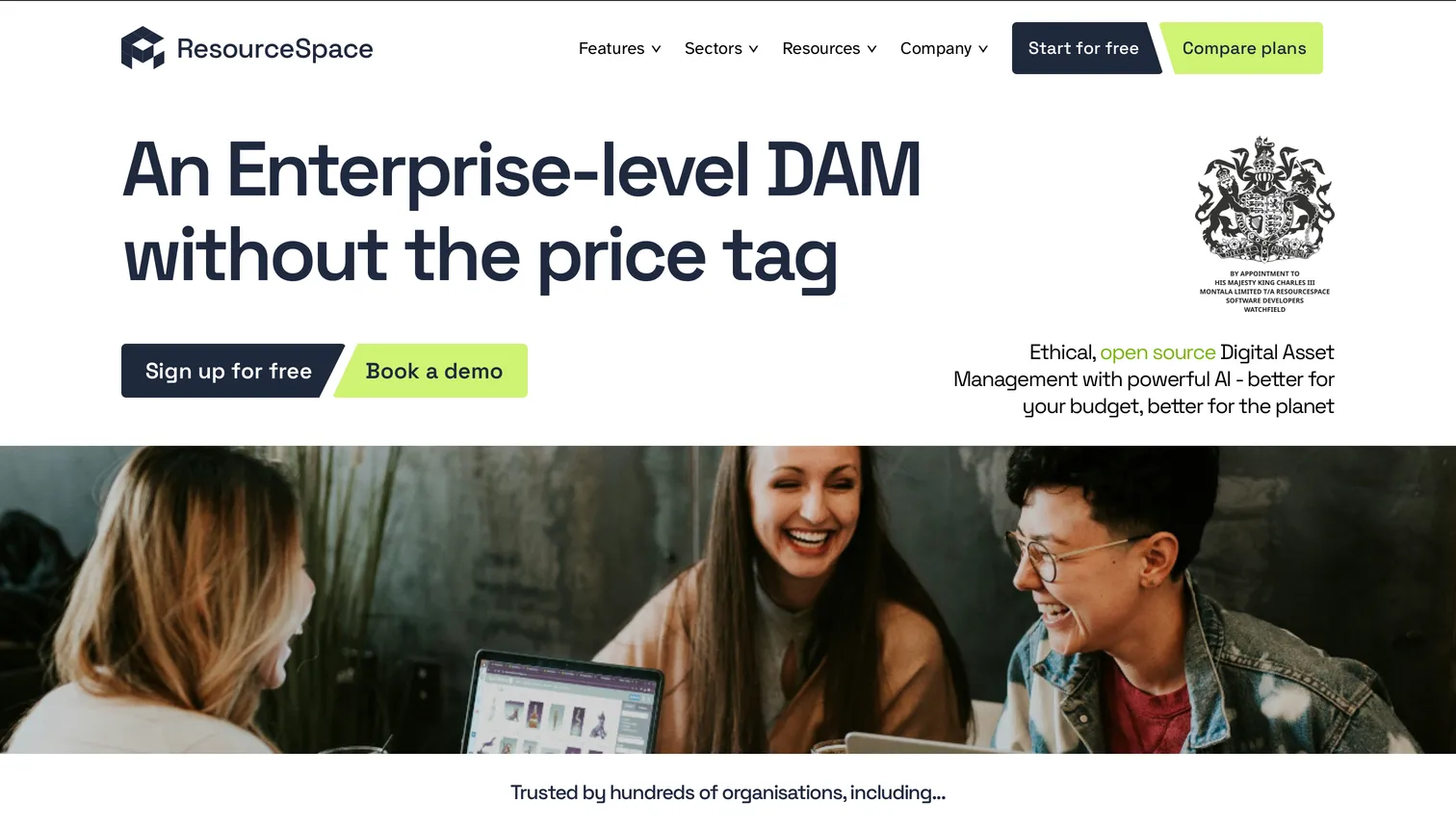
- Best forTeams with IT resources who need open source control and on-premise deployment
- PricingFree (self-hosted); Cloud $500+/mo
- Free planYes, self-hosted version
- Watch outSelf-hosting requires technical setup and ongoing maintenance
10Daminion
Daminion offers metadata-focused organization with a local server option. Handles tagging, categorization, and file versioning via desktop app. No AI search or workflow tracking.
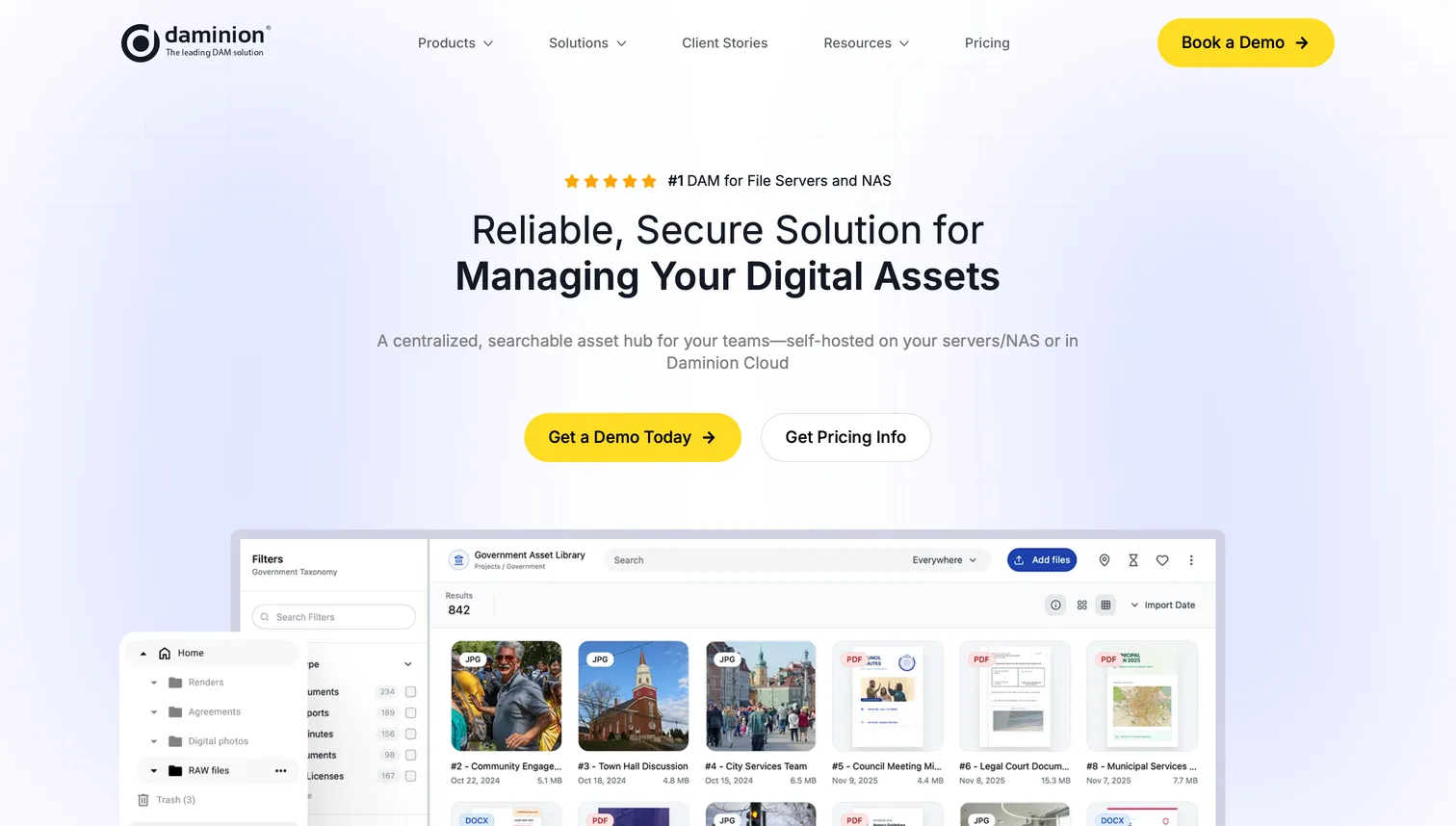
- Best forSmall teams needing on-premise storage and metadata-focused organization
- PricingFrom ~$60/mo; on-premise license available
- Free planNone
- Watch outNo AI search or workflow tracking
Which DAM software is best for small teams and agencies?
Small creative teams (1–20 people) need speed, simplicity, and pricing that scales with their revenue. Enterprise DAMs designed for 500-person marketing departments introduce complexity that slows small teams down: multi-week implementations, admin consoles built for IT departments, and pricing that assumes a corporate procurement budget.
Three practical scenarios:
Freelancer (1 person, 50–500 GB of files). Brault Free provides 2 GB to start with AI search, libraries, Brault Transfer, and Boards at $0/month. For more storage, Brault Lite at $4/month or Pro at $12/month, billed annually, covers the typical freelancer's library. The free tier alone handles the basics: find files fast, send branded transfers to clients, track deliverables on a Board.
Small agency (5 people, 1–5 TB of files). Brault Growth at $70/month billed annually (4 users included, extras at $4) or Filecamp starting at $29/month both serve this size well. Brault adds AI search and workflow tracking that Filecamp does not include. Filecamp offers simplicity and unlimited users. The choice depends on whether the team needs active workflow management or straightforward organized storage.
Growing team (15 people, 5–20 TB of files). Brault Growth at $70/month billed annually, with 4 users included and extras at $4 each, so 15 people land around $114/month, handles the storage and feature needs. Air.inc Business at $900/month billed annually ($1,100 month to month, unlimited seats) is an option for teams that prioritize Figma, Slack, and Notion integrations and have the budget. At this size, workflow tracking becomes critical because file status scattered across Slack and email starts costing real productivity.
How much does DAM software actually cost?
DAM pricing spans from $0 to over $1,600/month before implementation fees. The variation reflects different architectures, sales models, and target customers. The full breakdown by vendor, pricing model and hidden cost lives in our digital asset management pricing guide; the table below is the short version for choosing between the ten tools above.
| Tier | Monthly cost | Example tools | Includes | Hidden costs |
|---|---|---|---|---|
| Free | $0 | Brault Free, Playbook Free, Pics.io (limited), ResourceSpace (self-hosted) | Basic storage, search, sharing | Self-hosted: server costs, maintenance |
| Budget | $4–$89 | Brault Lite/Pro/Growth, Filecamp, Daminion | Full feature sets, scaling storage | Extra users on Brault ($8/user/mo on Pro, $4 on Growth); storage overage on Filecamp |
| Mid-market | $75–$1,100 | Canto, Air.inc (Business), Playbook (Team, $20/member) | Advanced search, integrations, support | Air.inc jumps from $25 (Starter) to $900 (Business) with nothing in between; some require annual commitment |
| Enterprise | $500–$1,600+ | Bynder, Brandfolder, Brault Enterprise | Governance, SSO, brand templates, SLA | Implementation ($5,000–$50,000) for traditional DAMs; Brault Enterprise: custom pricing |
Cost per TB tells a clearer story than monthly price alone. Enterprise DAMs charge approximately $1,000/TB. Brault charges $6 to $14/TB. For a team managing 2 TB of creative assets, that translates to $18,000–$40,000/year for an enterprise DAM versus $144/year for Brault Pro ($12/month billed annually, no implementation, no minimum commitment). The price gap reflects architectural differences, not missing features.
Why does creative asset management cost less than traditional DAM?
Modern creative asset management platforms cost a fraction of enterprise DAMs because of architectural decisions, not feature compromises: they were born in the cloud rather than ported from on-premise software, they onboard self-serve instead of through a $5,000 to $50,000 implementation, and they build for the daily work of creative teams (search, share, track, transfer) instead of the governance layer that a 10,000-person organization needs and a 15-person agency never configures. The pricing guide explains the three structural factors behind the 100x gap in detail.
The result is not a "lesser DAM." Brault delivers AI search across 50+ formats, Kanban boards with custom properties, branded file transfer up to 250 GB, white-label branding, and granular permissions, all without the enterprise tax. For teams that need enterprise governance, Brault's custom Enterprise plan adds SSO, advanced permissions, dedicated support, and SLA guarantees at a fraction of traditional DAM costs.
How do you choose the right DAM for your team?
Picking the right DAM comes down to five questions.
1. What does your workflow look like? If your team creates, reviews, approves, and delivers files to clients, you need built-in workflow tracking. Brault Boards or Air.inc's Kanban views handle this. If you primarily store and distribute finished assets, Filecamp or Canto may be enough.
2. How large is your team? Solo freelancers and teams under 5 should start free or under $30/month. Teams of 5–20 need collaborative features but not enterprise governance. Teams over 50 with compliance requirements should evaluate enterprise options or Brault's custom Enterprise plan.
3. What is your real budget? Include hidden costs: implementation fees, annual commitments, separate tools for file transfer and project management. A $500/month DAM with a $20,000 implementation fee costs more in year one than it appears.
4. What file types do you work with? Multi-format teams need broad support. Brault covers 50+ formats with AI search across all of them. Specialized video teams should also evaluate Frame.io for frame-accurate review.
5. Where are you headed in 12 months? Pick a platform you can grow into. A free tier with a clear upgrade path (Brault: Free, Lite, Pro, Growth, Enterprise) lets you start small without committing to a tool you will need to migrate away from.
For a detailed feature-by-feature comparison of Brault against traditional DAMs, see our Brault vs Traditional DAMs page.
Frequently Asked Questions
What is the best DAM software in 2026? The best DAM software depends on your workflow and budget. Filecamp is a simple, low-cost option starting at $29/month. Air.inc excels at creative operations with conversational AI search (Starter at $25/month, Business from $900/month billed annually, credit-based, verified 2026-09-21). Brault offers AI search, workflow tracking, visual feedback annotations, branded sharing, and file transfer starting at $0/month ($6 to $14/TB). Enterprise teams with complex governance needs may prefer Bynder or Brandfolder ($500–$1,600+/month).
How much does DAM software cost? DAM software pricing ranges from $0 to over $1,600/month. Modern creative asset management platforms like Brault start at $0/month with paid plans at $4, $12, and $70/month billed annually ($6 to $14/TB). Mid-market tools like Filecamp start at $29/month and Canto at $75–$200/month. Enterprise DAMs like Bynder and Brandfolder cost $500–$1,600+/month plus implementation fees of $5,000–$50,000.
Is DAM software worth it for small teams? Small creative teams (1–20 people) benefit from DAM software when they manage more than a few hundred files across multiple projects or clients. Modern platforms like Brault start free and provide AI-powered search, workflow tracking, and branded sharing without enterprise overhead. The investment pays for itself when time spent searching for files or switching between tools exceeds the subscription cost.
What is the difference between a DAM and cloud storage? Cloud storage (Google Drive, Dropbox) stores and syncs files but searches only filenames. DAM software adds AI-powered content search, metadata management, access control, branded distribution, and workflow tracking. Brault bridges both: it provides cloud storage with DAM-grade search (AI analysis across 50+ formats), Kanban workflow boards, and branded file transfer up to 250 GB, starting at $0/month.
What are the best free DAM software options? Brault offers a free plan with 2 GB storage, AI search, libraries, Brault Transfer, and Boards. Playbook's free plan gives 100 GB or 300 assets for 3 members. ResourceSpace is open source and free to self-host. Pics.io offers a limited free tier. For teams, Brault Free is the most feature-complete option at no cost.
Bynder vs Brandfolder for digital asset management: which offers better AI capabilities, integrations, and enterprise pricing? Both are enterprise DAMs with quote-only pricing in the $500 to $1,600+/month range plus implementation fees ($5,000 to $50,000 for Bynder, $10,000+ for Brandfolder), so neither wins on price. Bynder is the stronger pick for brand governance: brand templates, content workflow automation, rights management and enterprise SSO, with a wide integration catalogue. Brandfolder, a Smartsheet company, is the stronger pick for distribution: brand portals, asset usage analytics and a native Smartsheet integration. Both rate 4.4/5 on G2 and both offer AI tagging and search. Teams under 50 people usually find the same AI search, permissions and branded sharing in Brault for $0 to $70/month with no implementation project.
Among DAM options, which offers the best visual asset tracking capabilities? Brault Boards track status, owner, due date and custom properties on the files themselves in a Kanban, gallery or table view, so the asset and its workflow state never separate. Air offers Kanban-style views on top of its DAM, and Playbook leads on visual browsing (Pinterest-like boards, native previews) without workflow tracking. Enterprise DAMs such as Bynder and Brandfolder track usage analytics and approval workflows through admin consoles rather than a visual board.
What are the alternatives to enterprise DAM suites for small teams and startups? Small teams and startups can get DAM-grade organization without an enterprise contract from five of the tools above: Brault (AI search across 50+ formats, Boards, branded sharing and transfer, from $0), Filecamp (organized storage from $29/month with unlimited users), Pics.io (limited free tier), Playbook (visual library, 4 TB free for individual artists) and ResourceSpace (open source, self-hosted). None of them requires an implementation project or an annual commitment.
Which digital asset management tools offer an API for small businesses? Brault has a public REST API with scoped keys, signed webhooks and an OpenAPI document, available from the Lite plan ($4/month billed annually) and documented at developers.brault.app, so a small business can automate uploads, boards, reviews, transfers and publishing from its own code or from Zapier, Make and n8n. Bynder, Brandfolder and Canto expose APIs to their enterprise customers; Pics.io and ResourceSpace offer APIs on their plans as well. Check the request quota before choosing: Brault publishes its limits per plan on the developer portal.
Key takeaways
- The best digital asset management software for creative teams in 2026 combines AI search, workflow tracking, branded sharing, and transparent pricing. Brault delivers all four starting at $0/month ($6 to $14/TB).
- DAM pricing spans from $0 to $1,600+/month. Enterprise DAMs (Bynder, Brandfolder) cost roughly $1,000/TB with implementation fees of $5,000–$50,000. Modern creative asset management platforms like Brault cost $6 to $14/TB with no implementation or minimum commitment.
- Small teams (1–20 people) should look at Brault Free or Pro, Filecamp, or Pics.io. Mid-market teams should compare Brault Growth, Air.inc, and Canto. Enterprise organizations with complex governance needs should evaluate Bynder, Brandfolder, or Brault's custom Enterprise plan.
- The 100x cost difference between enterprise DAMs and modern platforms reflects architectural choices (cloud-native, self-serve onboarding, creative-first design), not feature compromises.
- Five questions determine the right choice: workflow type, team size, real budget (including hidden costs), file types, and 12-month growth plan.
Keep reading:
- What Is a DAM? Costs, Features, and Modern Alternatives
- What Is Creative Asset Management? Tools, Pricing, How to Choose
- Video Review Software in 2026: 10 Tools Compared
- Introducing Boards: Manage Projects Where Your Files Live
Try Brault free. No credit card, no contract.