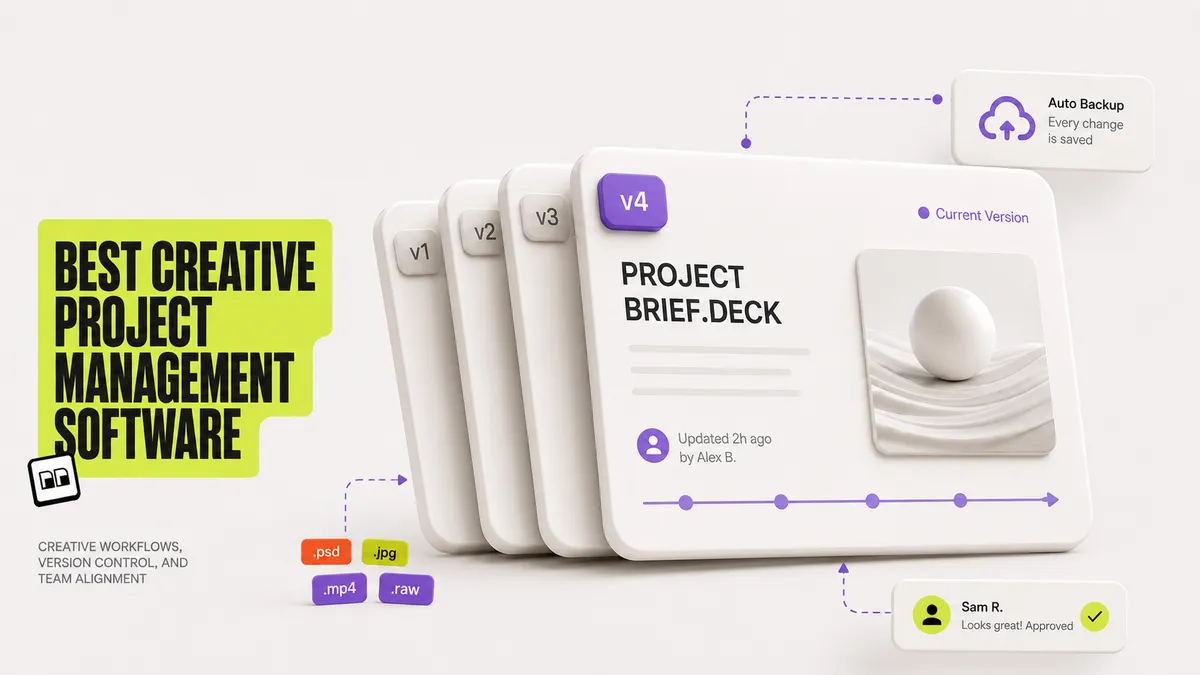
Creative project management software is a tool that helps creative teams plan, track, review, and deliver creative work like designs, video, and campaigns, with features built for visual files and feedback rather than generic task lists. The category spans two approaches: task-first suites such as Asana, Monday.com, and Wrike that organize work and link out to files stored elsewhere, and file-native tools such as Brault, where the project tracking lives on the creative files themselves.
For a creative agency, the difference is the daily friction. Your designers work in one app, your files sit in another, and your project board is a third tool full of card titles that duplicate file names. This guide compares the 10 best creative project management software tools in 2026 by real price, free plan, and how well each one actually handles creative files, so you can pick the fit for how your team works.
What is creative project management software?
Creative project management software manages the planning, collaboration, review, and delivery of creative projects, from campaign assets to video edits to design systems. It differs from general project management software by adding creative-specific capabilities: visual previews, proofing and annotation on files, version tracking, and client or external reviewer access.
In practice there are two camps. Task-first platforms (Asana, Monday.com, Wrike, ClickUp) excel at tasks, timelines, and cross-functional planning, and they connect to files through integrations. File-native platforms (Brault, and to a degree Air) put the work on the assets themselves, so a board card is a file and its status, owner, and due date travel with it. Neither camp is universally better. The right choice depends on whether your projects are mostly tasks or mostly files.
What should creative teams look for in project management software?
Creative teams should evaluate project management software on six criteria that matter more for visual work than for generic task tracking.
- File handling: Can the tool preview, store, and version large design, image, and video files, or does it only link to them?
- Review and proofing: Does it support comments and annotations directly on images and video, with approval states?
- Workflow views: Kanban boards, timelines, and custom statuses that match a creative pipeline (draft, in review, approved, delivered).
- Client and external access: Can outside reviewers comment or approve without a paid seat?
- Pricing model: Per-user seats add up fast for agencies with freelancers and clients. Storage-based or flat pricing can be more predictable.
- Tool consolidation: How many separate subscriptions does it replace?
The last point is where creative teams lose the most time. The fragmented stack of a storage tool, a file transfer service, a review tool, and a separate project board is the core problem a file-native approach solves. Brault Boards were built around exactly this idea: manage projects where your files live, instead of keeping the work and the files in different apps.
Which are the 10 best creative project management tools in 2026?
The shortlist below is curated, not exhaustive. Each tool is a genuine fit for a specific kind of creative team. Prices were verified from each vendor's own pricing page in June 2026 unless noted otherwise.
1Brault, best for file-native creative workflows
Brault is a creative file management platform where project tracking lives on the files themselves. Brault Boards are boards in which each item is a file, so status, owner, due date, and custom properties travel with the asset, not with a separate card that points to it. Since August 2026 the same board renders three ways: gallery for visual selects, kanban for review pipelines, and a spreadsheet-style table with keyboard editing and copy and paste to and from Excel and Google Sheets. On top of Boards, Brault adds AI search across 50+ file formats, collaborative comments and annotations, white-label client delivery, and built-in file transfer (Brault Transfer) up to 250 GB. Pricing is led by storage rather than by seat: Free $0 (2 GB), Lite $4/month, Pro $12/month (2 TB), and Growth $70/month (5 TB) billed annually, with Boards included on every plan at no extra cost, free plan included. Lite is single-user, Pro takes up to 3 users at $8 each, and Growth includes 4 users with extras at $4. Brault is the best fit when your projects are creative files moving through review and delivery. If your team needs sprint planning, dependencies, and cross-functional resource management beyond creative work, pair Brault with a dedicated task suite below.
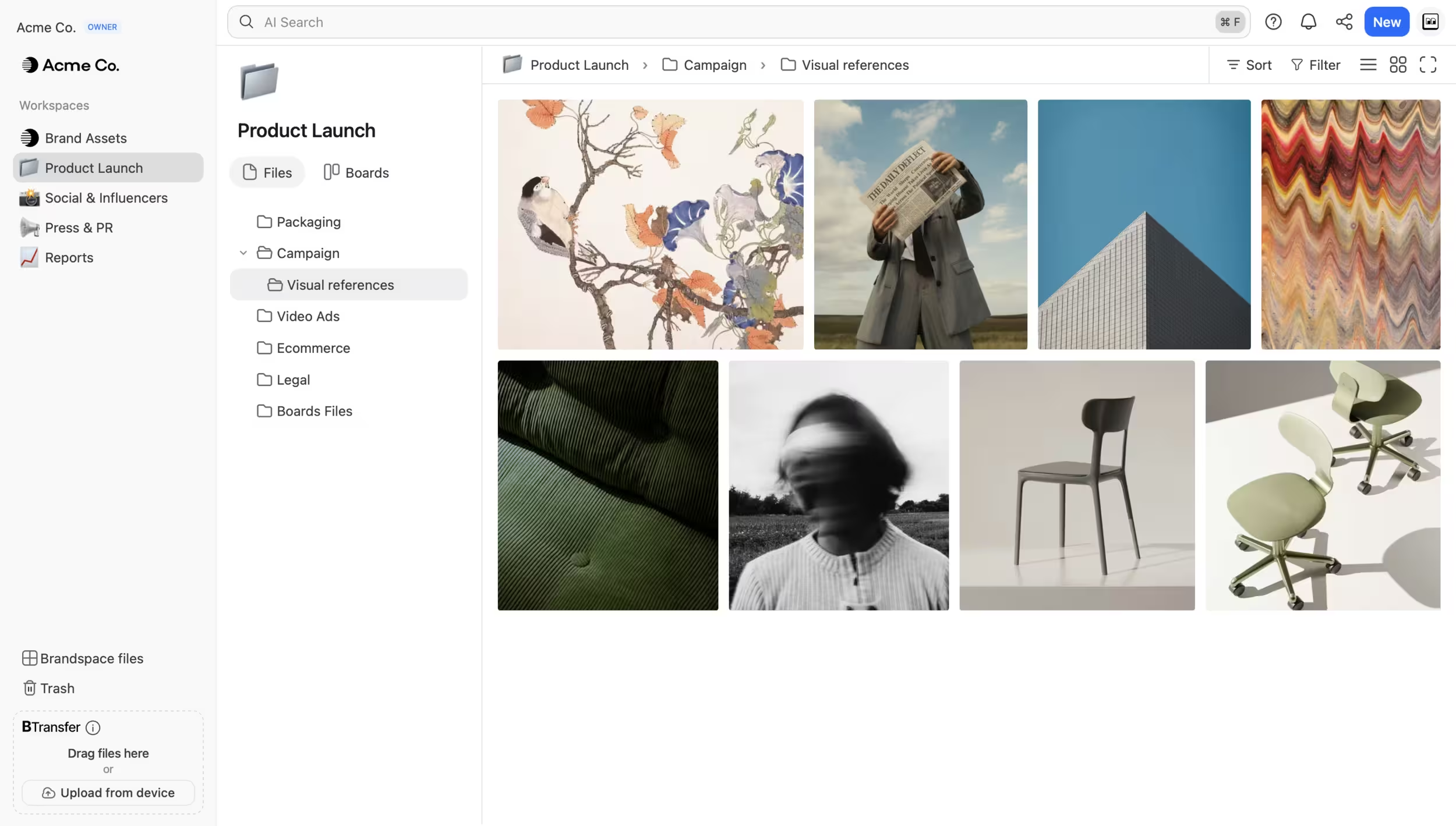
- Best forFile-native creative workflows: boards, AI search, and delivery in one platform
- Pricing$0 / $4 / $12 / $70/mo billed annually, storage-led ($6–$14/TB)
- Free plan$0, 2 GB, Boards included on every plan
- Watch outLite is single-user; no sprint planning or cross-team resourcing
2Asana, best for cross-functional creative and marketing teams
Asana is a mature, widely adopted work management platform that creative and marketing teams use to coordinate campaigns across departments. Its strengths are clean task management, timelines, automation, and a large integration library. Asana publishes pricing at Free $0 (up to 10 users), Starter $10.99/user/month, and Advanced $24.99/user/month billed annually, with Enterprise quote-only. Asana is a task-first tool: files attach to tasks and live in your storage or DAM, so creative review happens through an add-on or an integrated tool rather than natively on the assets. It is a strong choice when planning and cross-team visibility matter more than file-level review.
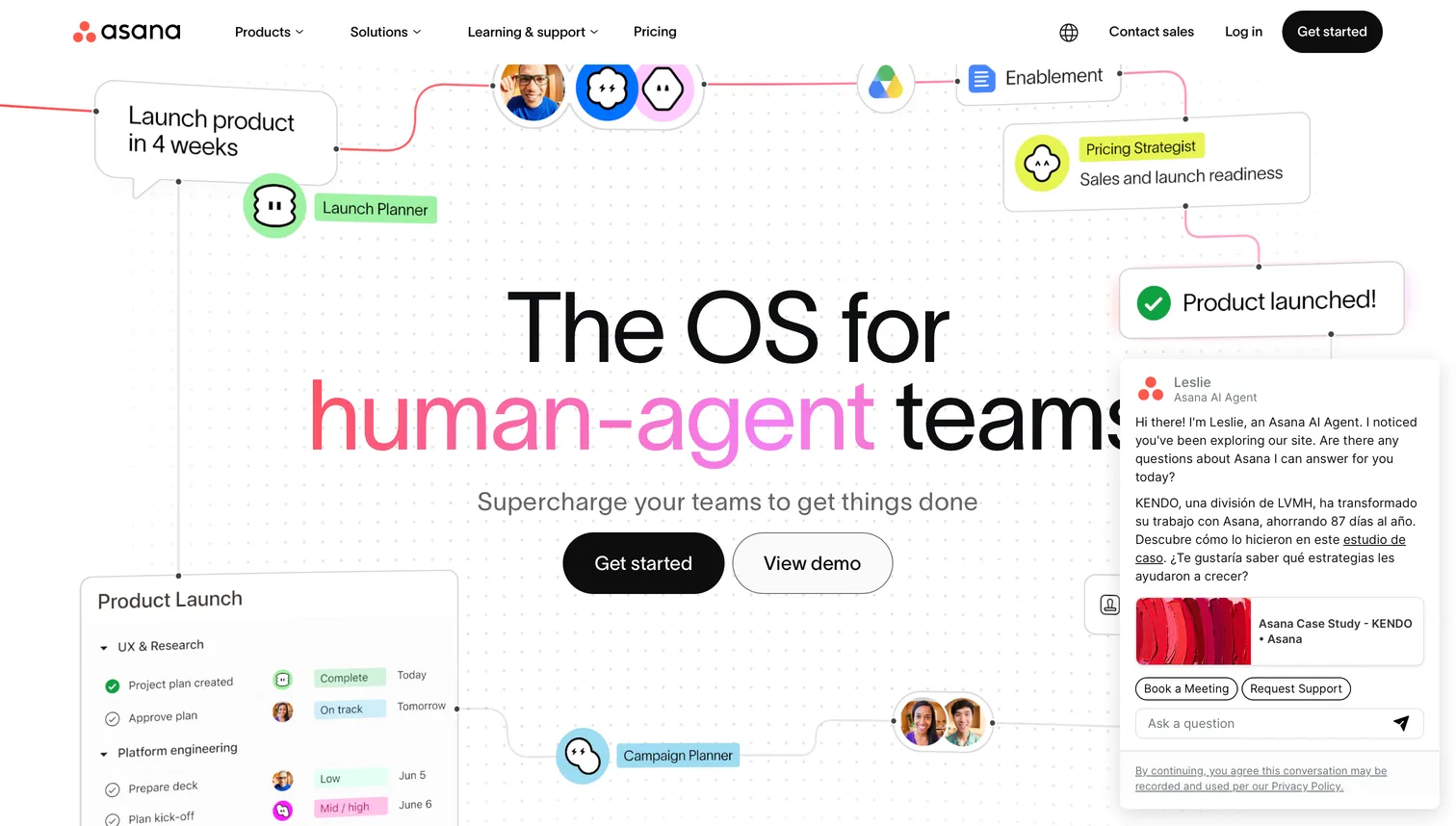
- Best forCross-functional creative and marketing teams needing task planning
- Pricing$10.99/user/mo (Starter), $24.99/user/mo (Advanced), billed annually
- Free plan$0, up to 10 users
- Watch outTask-first; files attach to tasks, no native creative review
3Monday.com, best for customizable creative workflows
Monday.com (monday work management) is a flexible platform that creative teams shape into request intake, production pipelines, and campaign calendars with custom columns and automations. Published pricing is Free $0 (up to 2 seats), Basic $10/seat/month, Standard $12/seat/month, and Pro $20/seat/month billed annually, with a minimum of 3 seats and a quote-only Enterprise tier. Like Asana, it is task-first: files ride along with items and are reviewed through creative add-ons or integrations. Monday.com fits teams that want to design their own workflow structure and do not mind building it.
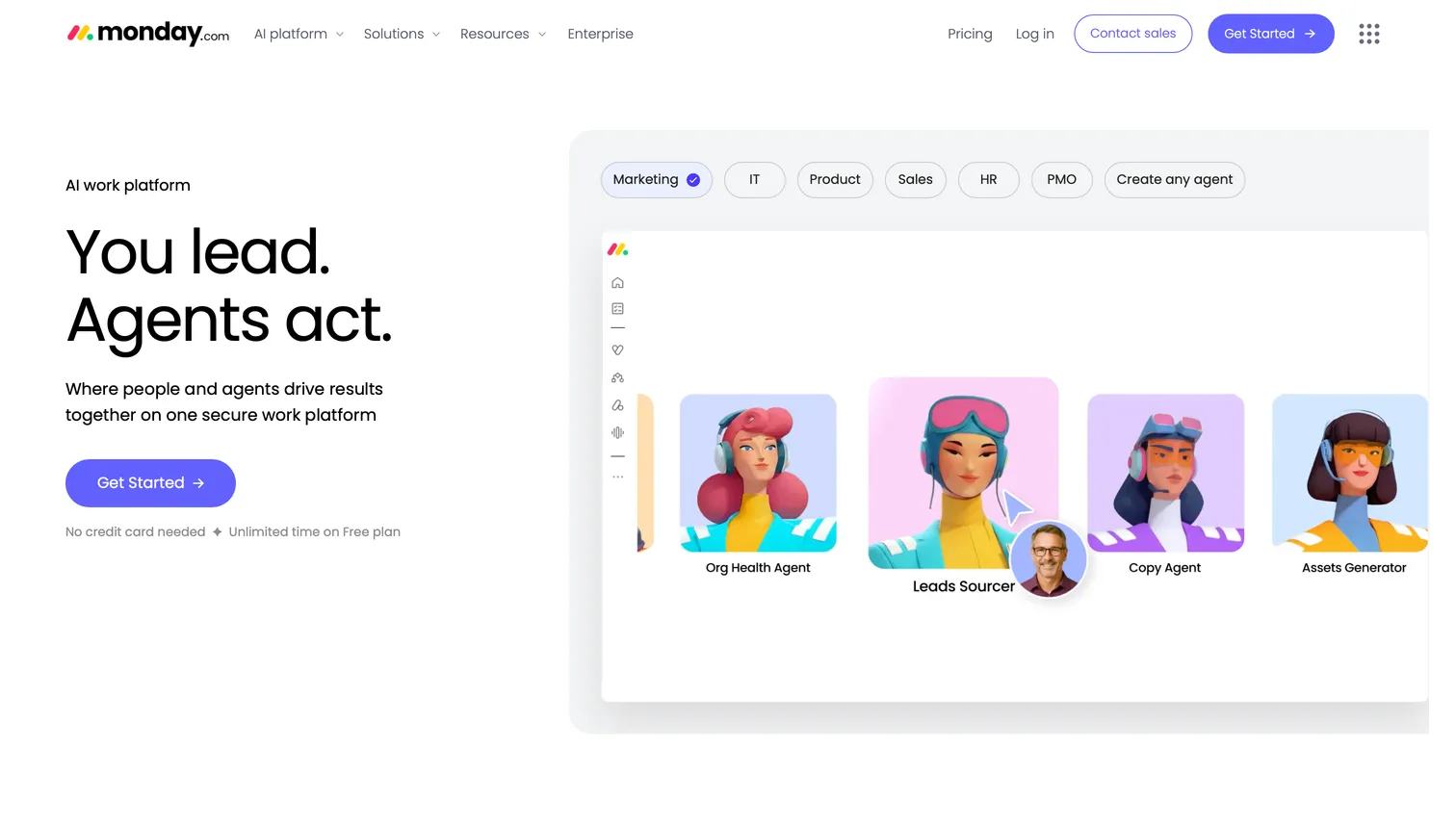
- Best forCustomizable creative workflows with custom columns and automations
- Pricing$10–$20/seat/mo (Basic–Pro), billed annually, 3-seat minimum
- Free plan$0, up to 2 seats
- Watch outTask-first; review happens through add-ons or integrations
4Wrike, best for creative request and approval at scale
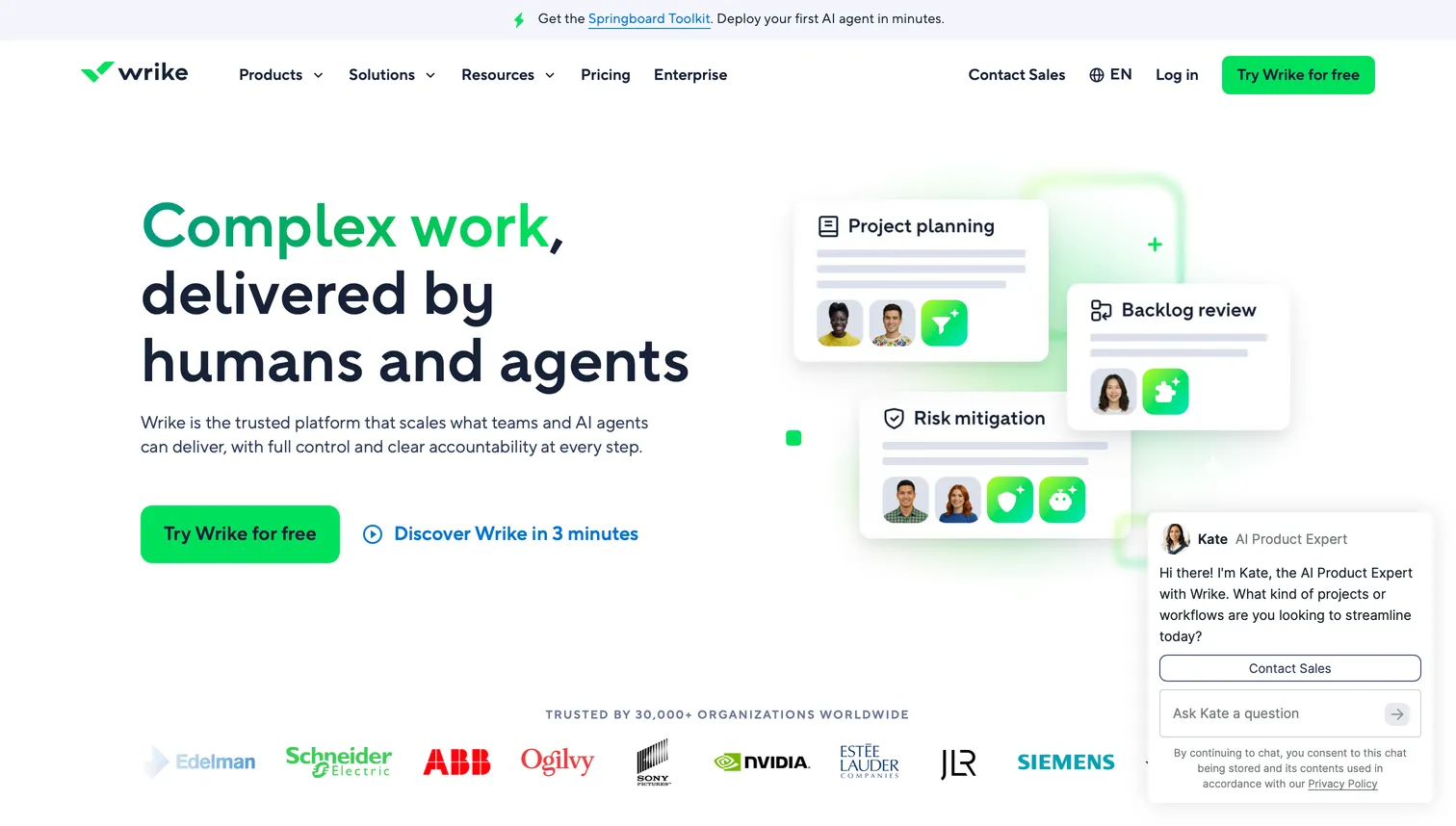
Wrike is a work management platform with some of the strongest built-in proofing and approval features among the task-first suites, including review on 30+ file types and dynamic request forms. Pricing is Free $0, Team $10/user/month, and Business $25/user/month, with Pinnacle and Apex tiers quote-only. Wrike suits larger creative and marketing teams that run high volumes of creative requests and need structured approvals inside the same tool they plan in. Files are still managed through Wrike's work items rather than as a file-native library.
- Best forCreative request and approval at scale, proofing on 30+ file types
- Pricing$10/user/mo (Team), $25/user/mo (Business)
- Free plan$0 (Free tier)
- Watch outFiles are managed as work items, not a file-native library
5Adobe Workfront, best for enterprise creative operations
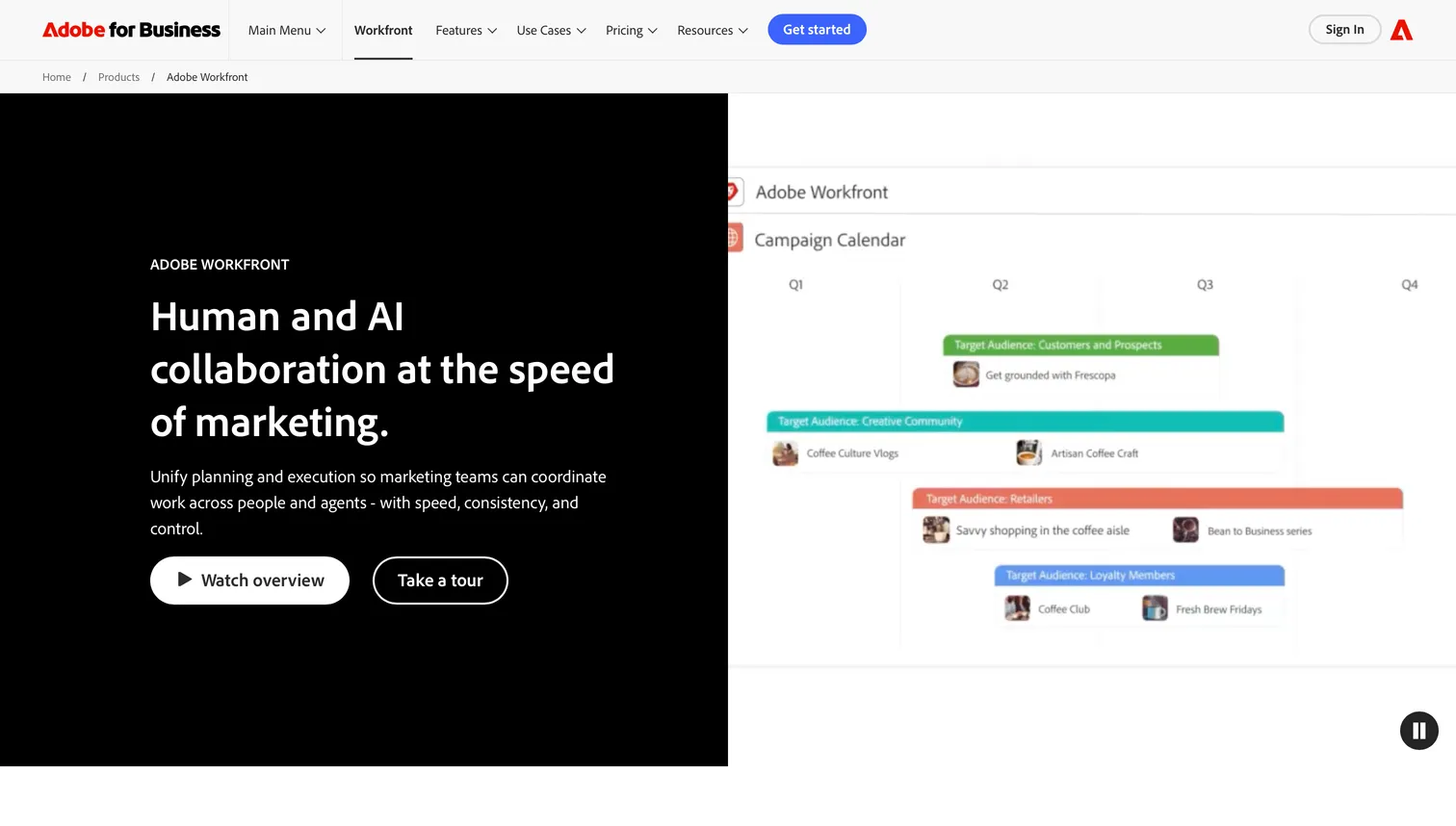
Adobe Workfront is an enterprise work management platform tightly integrated with Adobe Creative Cloud and Adobe Experience Manager, aimed at large in-house creative and marketing organizations. Workfront does not publish per-user pricing; its Select, Prime, and Ultimate tiers are quote-only through Adobe sales, and third-party sources estimate roughly $49 to $99 per user per month plus implementation (reported, not official). Workfront is the fit for enterprises already standardized on Adobe that need governance, proofing, and resource management at scale, with the budget and procurement process to match.
- Best forEnterprise creative operations tied to Adobe Creative Cloud
- PricingQuote-only; est. $49–$99/user/mo plus implementation (reported)
- Free planNone
- Watch outNo published pricing; heavy procurement process
6ClickUp, best for all-in-one flexibility on a budget
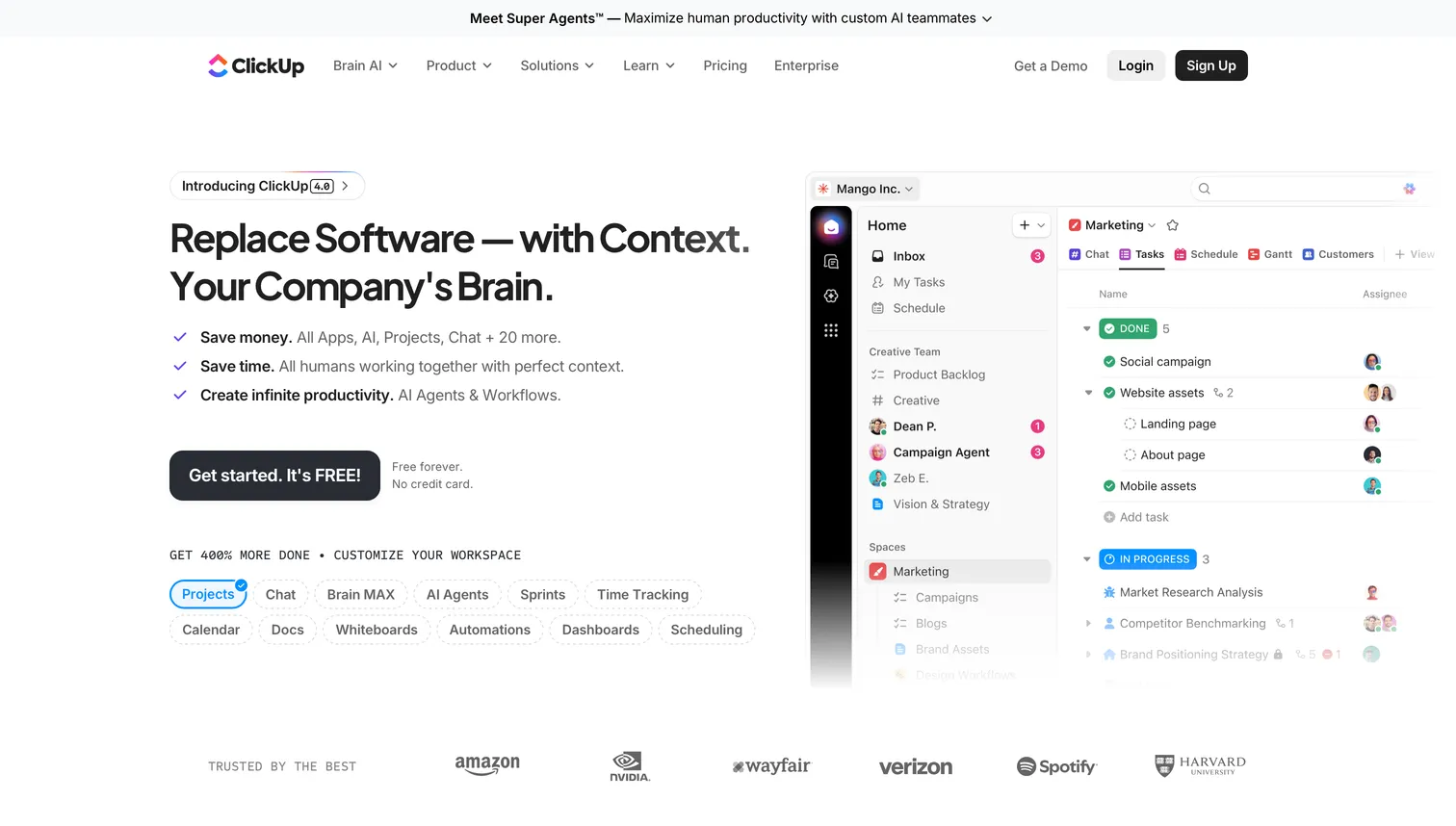
ClickUp is a highly configurable all-in-one work platform that bundles tasks, docs, whiteboards, and goals, which appeals to creative teams that want one tool for many jobs. Published pricing is Free $0, Unlimited $7/user/month, and Business $12/user/month billed yearly, with Enterprise quote-only and separate AI add-ons. ClickUp offers proofing on images and PDFs, though it remains a task-first platform where files attach to tasks. It fits budget-conscious teams that value breadth and customization over file-native review.
- Best forAll-in-one flexibility on a budget
- Pricing$7/user/mo (Unlimited), $12/user/mo (Business), billed yearly
- Free plan$0
- Watch outTask-first; proofing limited to images and PDFs
7Ziflow, best for dedicated online proofing
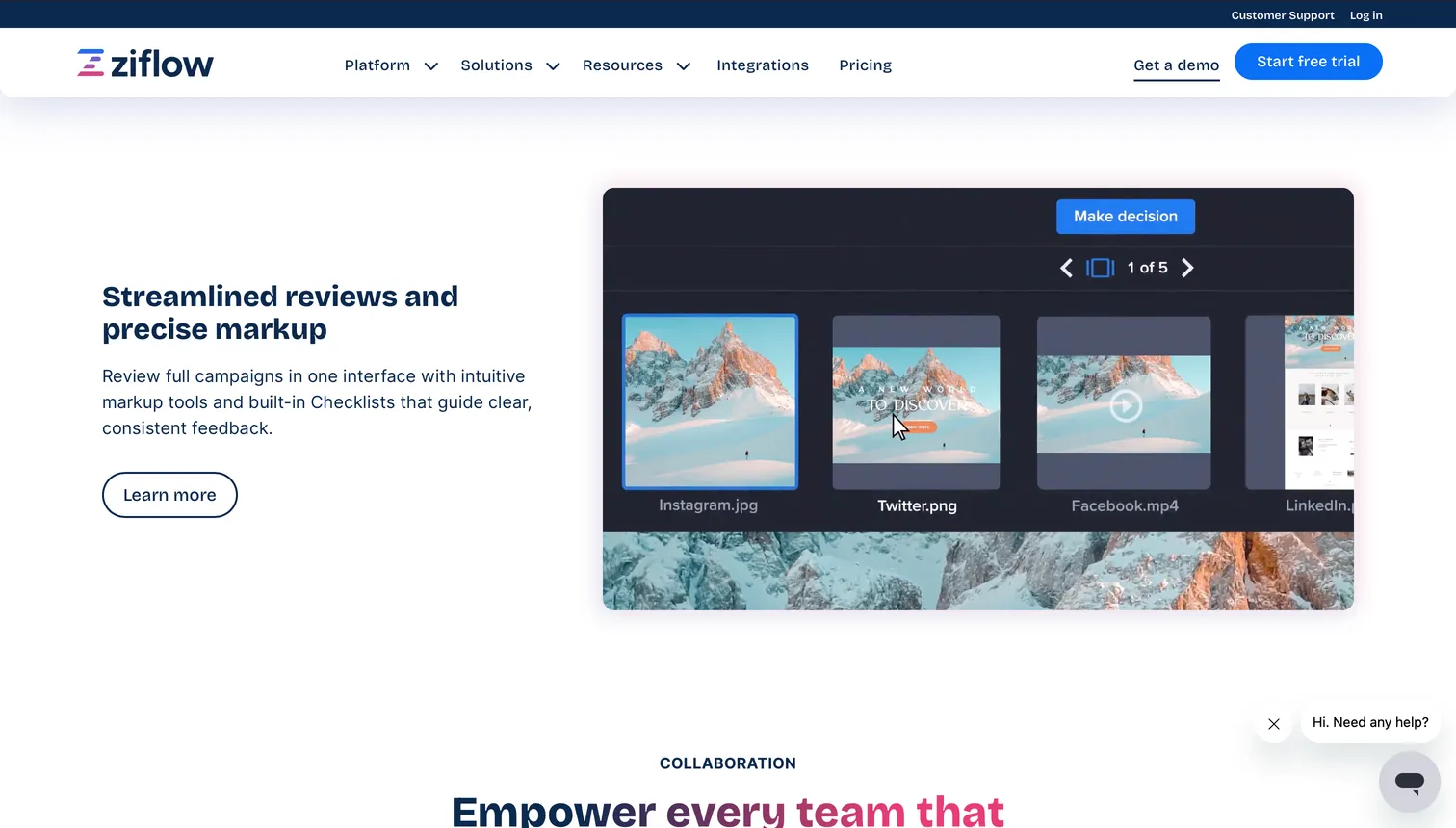
Ziflow is a purpose-built online proofing and review platform, not a full project manager, and it is excellent at what it does: structured review and approval across images, video, documents, and web content. Published pricing is Free $0, Standard $199/month, and Pro $329/month billed annually, with Enterprise quote-only. Ziflow is priced per workspace rather than per seat, which suits teams running heavy approval workflows. Most teams use Ziflow alongside a separate project manager and storage tool, so it adds proofing depth rather than consolidating the stack.
- Best forDedicated online proofing and structured multi-stage approval
- Pricing$199/mo (Standard), $329/mo (Pro), billed annually, per workspace
- Free plan$0
- Watch outProofing only; needs a separate project manager and storage tool
8Air, best for creative operations with built-in DAM
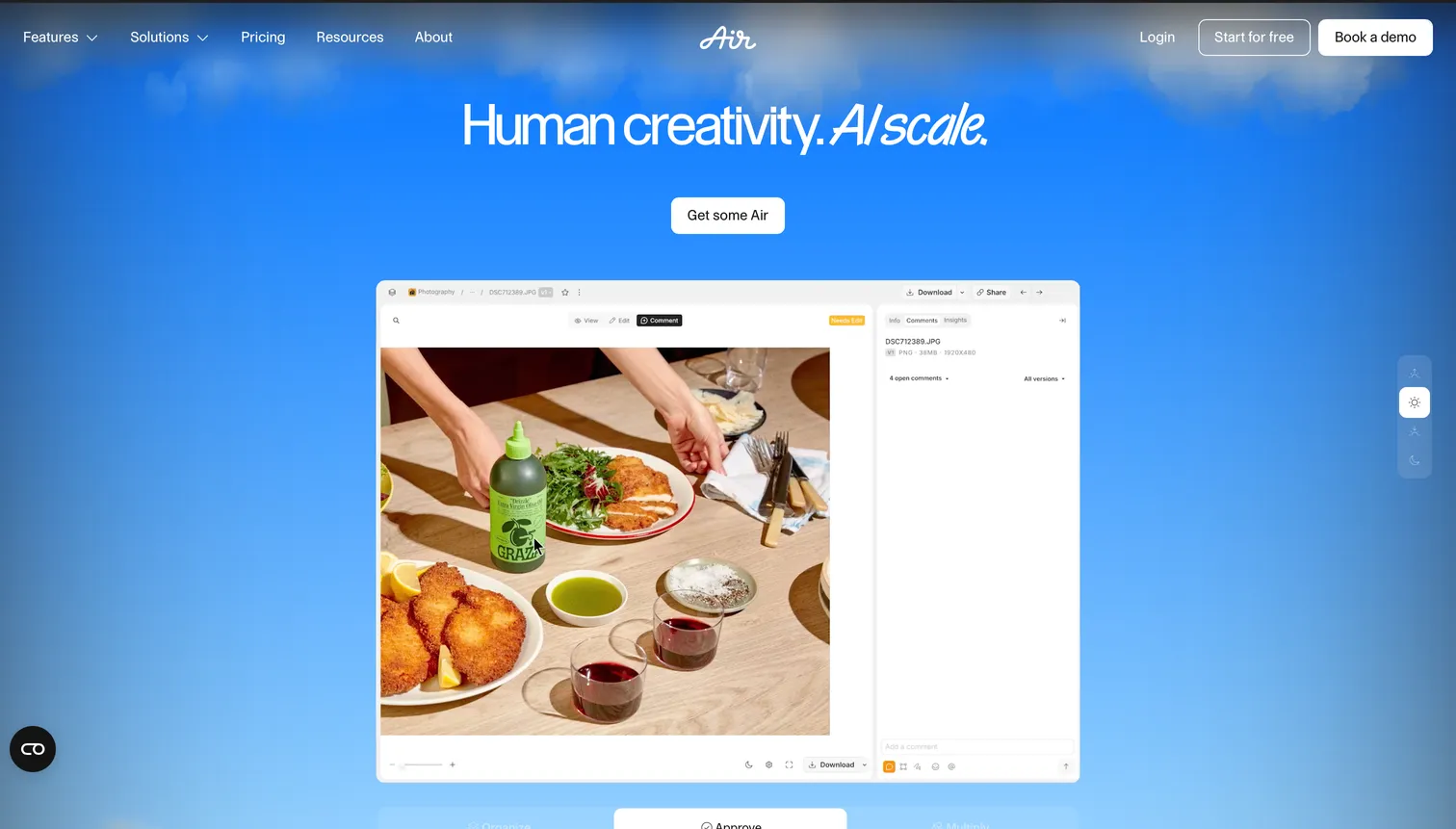
Air is a creative operations platform that combines digital asset management with collaboration and some workflow features, making it a close peer to file-native tools. Air does not display prices on its public pricing page; its help center and in-app figures list Starter at $25/month and Business at around $900/month billed annually, with a Free tier and a quote-only Enterprise tier, and it bills on unlimited seats plus a monthly credits model rather than per user. Air is a strong fit for teams that want asset management and creative ops together. Brault covers similar ground and adds built-in large-file transfer, white-label delivery on every shared link, and transparent self-serve pricing.
- Best forCreative operations with built-in DAM
- PricingStarter $25/mo, Business ~$900/mo billed annually (help-center figures)
- Free planYes ($0 tier)
- Watch outPricing not public; unlimited seats plus a monthly credits model
9FunctionFox, best for small studios that bill by the hour
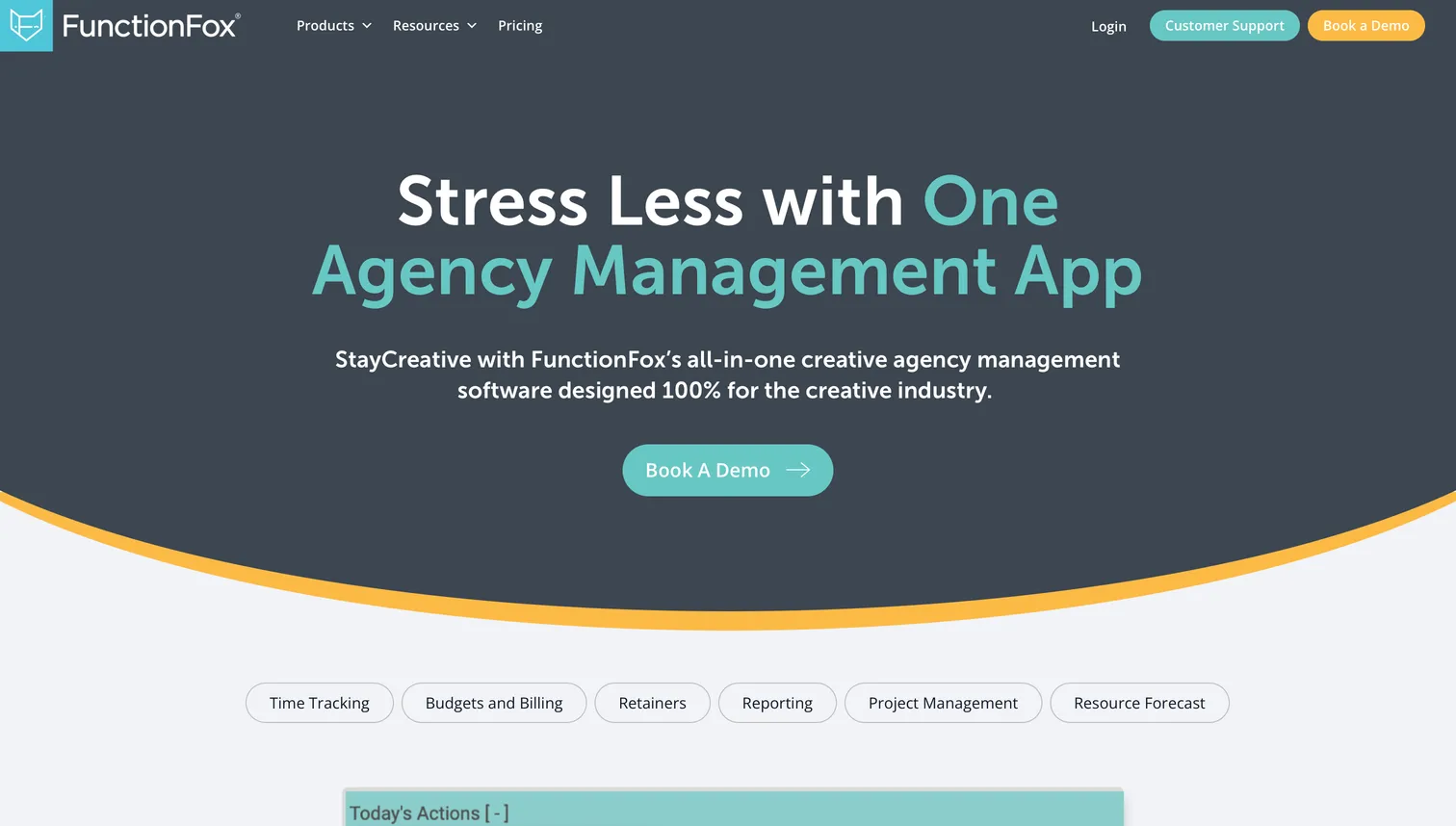
FunctionFox is a creative project management tool built for small studios and agencies, with a focus on time tracking, estimates, and budget tracking. Published pricing is Classic $10.50/user/month, Premier $16/user/month, and In-House $36.75/user/month billed annually, with a 3-user minimum and no free plan. FunctionFox fits studios whose main need is knowing where billable hours go, rather than file-native review. Its file handling is basic compared with a creative asset platform.
- Best forSmall studios that bill by the hour
- Pricing$10.50–$36.75/user/mo billed annually, 3-user minimum
- Free planNone
- Watch outBasic file handling; no file-native review
10Trello, best for simple, visual, and free
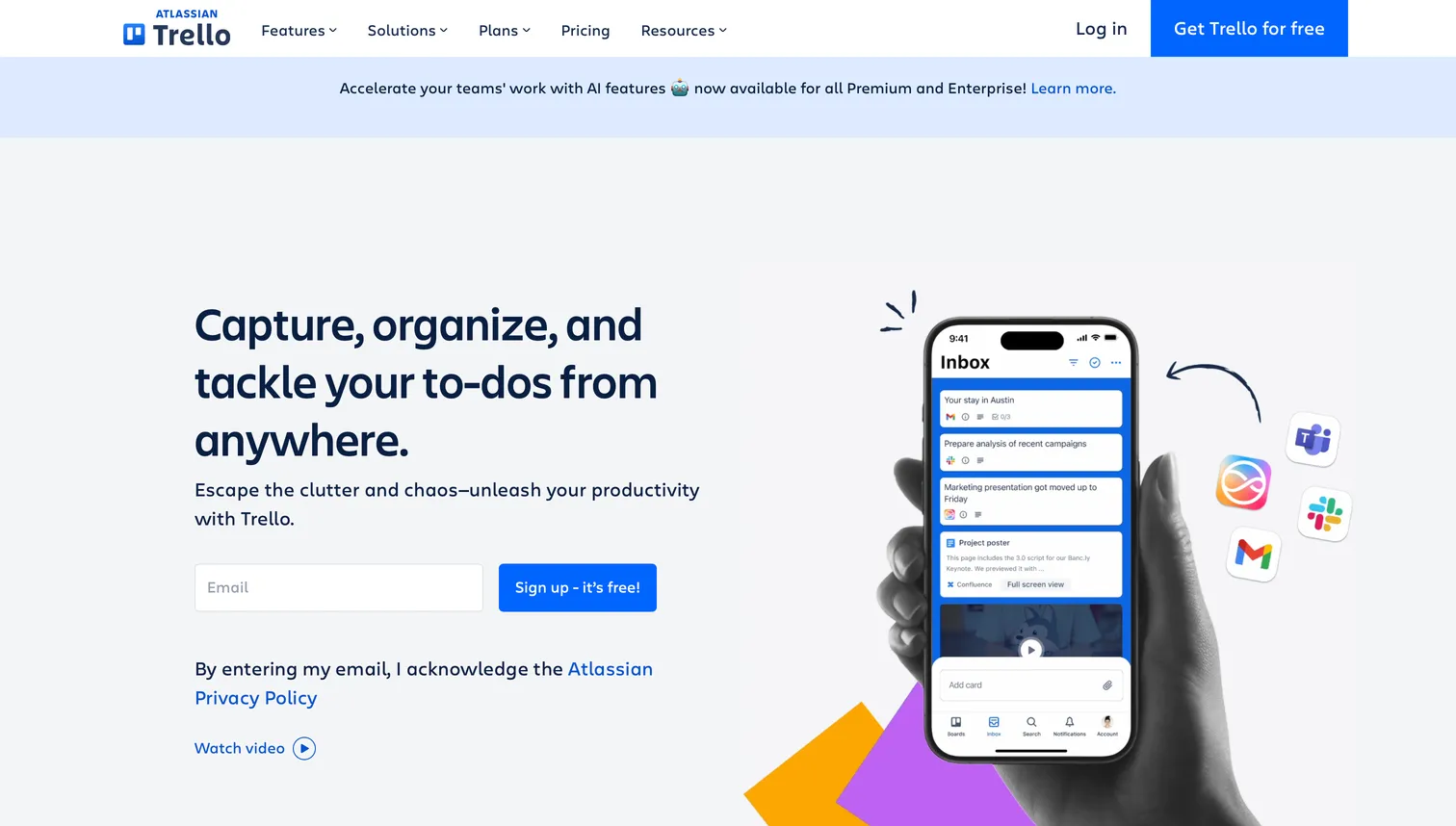
Trello is a simple, visual Kanban tool that small creative teams and freelancers use to track work without a learning curve. Published pricing is Free $0 (up to 10 collaborators per Workspace), Standard $5/user/month, Premium $10/user/month, and Enterprise $17.50/user/month billed annually. Trello is task-first and light on creative features: files attach to cards, and review happens elsewhere. It is the right starting point for a small team that wants a free, low-friction board and has not yet outgrown it.
- Best forSimple, visual, and free Kanban for small teams
- Pricing$5–$17.50/user/mo billed annually
- Free plan$0, up to 10 collaborators per Workspace
- Watch outTask-first and light on creative features; files just attach to cards
How do the tools compare on price and features?
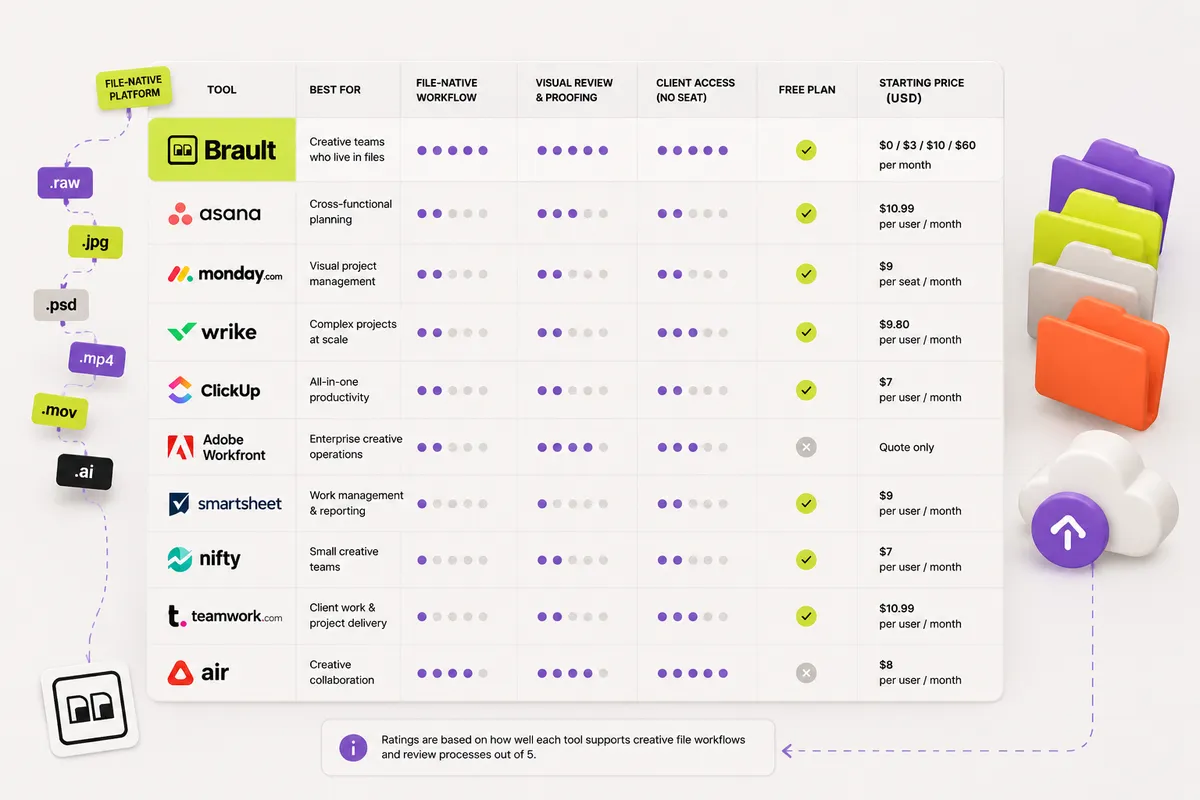
The table below compares all 10 tools on starting price, free plan, built-in file review, whether the tool manages work on the files themselves, and best fit. Prices verified June 2026 from each vendor's pricing page unless marked otherwise.
| # | Tool | Free tier | Paid from | Key difference |
|---|---|---|---|---|
| 1 | Brault | Yes ($0, 2 GB) | $4/mo (storage-based, $6–$14/TB) | Work lives on the files (Boards: each card is a file) |
| 2 | Asana | Yes ($0, 10 users) | $10.99/user/mo | Cross-functional creative + marketing |
| 3 | Monday.com | Yes ($0, 2 seats) | $10/seat/mo | Customizable workflows |
| 4 | Wrike | Yes ($0) | $10/user/mo | Creative requests + approvals at scale |
| 5 | Adobe Workfront | No | Quote-only (est. $49-99/user/mo) | Enterprise creative ops (Adobe) |
| 6 | ClickUp | Yes ($0) | $7/user/mo | All-in-one on a budget |
| 7 | Ziflow | Yes ($0) | $199/mo | Dedicated online proofing |
| 8 | Air | Yes ($0) | $25/mo (help-center figure) | Creative ops with built-in DAM |
| 9 | FunctionFox | No | $10.50/user/mo | Small studios billing by the hour |
| 10 | Trello | Yes ($0, 10 collab) | $5/user/mo | Simple, visual, free |
Two patterns stand out. First, most tools are priced per user, so an agency adding freelancers and clients pays for every seat, while Brault prices by storage and Ziflow by workspace. Second, only Brault and, to a degree, Air manage the work on the files themselves; the rest are task-first and rely on integrations for file review.
What should a creative agency look for in project management software?
Agencies buy differently from in-house creative teams, and three constraints do most of the deciding.
Seats you do not control. An agency's project involves staff, freelancers, and clients. In a per-seat suite, every freelancer on a two-week retouching job and every client stakeholder who only ever comments is a paid seat. Tools priced per workspace or per storage (Brault at $4 to $70/month billed annually, Ziflow at $199/month) hold their price as the cast changes; Asana at $10.99/user/month and Monday.com at $10/seat/month do not.
Client-facing surfaces. Agencies present work. That makes white-label delivery and branded review links a purchasing criterion rather than a nice-to-have. Brault and Air both carry agency branding into what the client sees; task-first suites generally send the client to a generic app or to a shared file link.
Round management. Agency margin is eaten by revision rounds. Software that makes the round visible (which version, whose turn, how many rounds so far) protects the budget more than any Gantt chart. Dedicated proofing tools like Ziflow and Wrike's proofing tier are built for this; file-native tools like Brault handle it by keeping the comment attached to the asset and the status on the file.
A practical shortlist by agency shape: small studios and freelance collectives get the most from a file-native library plus nothing else. Mid-sized agencies with a producer or traffic manager usually pair a file-native library with a task suite. Agencies running structured client approvals at volume add a proofing tool. Large creative operations inside a holding group tend to land on Adobe Workfront, which is built for that scale.
For the process behind the tooling, see our guide to creative project management, which covers the five stages of a creative project and which working view fits each one.
What is creative operations software, and how is it different?
Creative operations software manages the process around creative work: intake requests, capacity planning, review and approval pipelines, and delivery tracking across a creative or production team. Where creative project management focuses on one project at a time, creative operations (often shortened to "creative ops") looks at the whole production line, which is why the category is also called creative production management software.
In practice the tools overlap heavily, and most teams under 50 people do not need a separate creative operations platform. The task-first suites in this list cover intake and capacity: Wrike and Adobe Workfront are the strongest picks for structured creative operations at enterprise scale, and Asana and Monday.com handle lighter request-and-approval flows. On the file side, Air positions itself directly as a creative operations platform with a built-in DAM, and Brault covers the production-line view with Boards: every asset carries its status (draft, in review, approved, delivered), so the board is the operations dashboard and the files are the cards, from $0/month. A small agency usually gets the "creative ops" outcome (knowing what is in production, what is blocked, and what shipped) from a file-native board long before it needs dedicated operations software.
Do creative teams need project management software or a DAM?
Many creative teams need both, and the question is whether to run them as separate tools or one. A project management suite tracks tasks, timelines, and dependencies. A digital asset management platform organizes, searches, and shares the files. The gap between them is where creative work usually leaks: a task says "review the hero video," but the video lives in a different app, and the feedback ends up in a fourth place.
File-native tools close that gap by putting the project tracking on the assets. Brault combines DAM-grade AI search and storage with Boards, so a campaign's files carry their own status and owner, and review and delivery happen in the same place. If your work is mostly file-centric, review cycles, approval pipelines, campaign asset tracking, and client delivery, a file-native tool can replace the storage-plus-review-plus-board combination. If your work is mostly non-file tasks like sprint planning and resourcing, a dedicated PM suite is the better core, and you can connect it to a creative asset platform for the file side. For a deeper look at the file side, see our guide to creative asset management and our roundup of video review software.
How do you choose the right creative project management software?
Start with what your projects actually are. If they are mostly creative files moving through review and delivery, choose a file-native tool: Brault is built for this, with Boards, AI search, and client delivery from $0 to $70/month billed annually, and Air is a fit for teams that want creative ops with a DAM. If your projects are mostly cross-functional tasks and timelines, choose a task-first suite: Asana and Monday.com for flexible planning, Wrike or Adobe Workfront when structured approvals and scale matter, and ClickUp or Trello when budget and simplicity lead.
Then check the multipliers that inflate the real bill: per-seat pricing across freelancers and clients, paid add-ons for proofing, and storage caps on media-heavy work. A small studio billing by the hour may get the most from FunctionFox, while a team drowning in approval rounds may add Ziflow for proofing. The most common upgrade path for creative teams is consolidation: replacing a storage tool, a transfer service, a review tool, and a separate board with one file-native platform. If there is a creative workflow you would like to simplify, we want to hear about it.
Frequently asked questions
What is creative project management software?
Creative project management software helps creative teams plan, track, review, and deliver creative work such as designs, video, and campaigns. It ranges from task-first suites like Asana and Monday.com ($0 to about $20/user/month) to file-native tools like Brault ($0 to $70/month billed annually), where project tracking lives on the creative files themselves through Kanban Boards.
What is the best project management tool for a creative agency?
The best creative agency project management tool depends on the workflow. Asana, Monday.com, and Wrike are strong task-first suites for cross-functional planning, and Adobe Workfront fits large enterprise creative operations. Brault is the best fit when the work centers on creative files, pairing Kanban Boards with AI search, white-label client delivery, and built-in file transfer from $0 to $70/month billed annually.
What is the best project management software for creatives?
The best project management software for creatives depends on whether the work is task-led or file-led. For individual creatives and small studios whose projects are the files themselves, Brault pairs Kanban Boards with AI search and client delivery from $0/month, so tracking happens on the assets. For task-led planning, Asana (free plan, paid from $10.99/user/month) and Trello (free) are the most accessible starting points, and ClickUp offers the most features per dollar.
Can you manage creative projects where the files are stored?
Yes. Brault Boards are Kanban boards where each card is a file, so creative teams track status, owner, and due date on the assets themselves instead of duplicating file names in a separate tool. This suits review cycles, approval pipelines, campaign asset tracking, and delivery, starting at $0.
Do creative teams need project management software or a DAM?
Many creative teams need both, or a tool that combines them. A project management suite like Asana or Monday.com tracks tasks and timelines, while a digital asset management platform organizes and finds files. Brault combines file-native Boards with DAM-grade AI search and storage, so file-centric creative workflows live in one place from $0 to $70/month billed annually.
How much does creative project management software cost?
Creative project management software costs from $0 on free plans to roughly $20 to $25/user/month for task-first suites like Asana ($10.99) and Monday.com (up to $20), with enterprise tiers quote-only. File-native Brault is priced by storage first rather than per seat, at $0, $4, $12, and $70/month billed annually, with Boards included on every plan at no extra cost, free plan included, and a 4-user Growth tier.
What is the best creative operations software?
Creative operations software coordinates briefs, assets, reviews and delivery across a creative team. Air combines creative operations with a built-in DAM, Adobe Workfront runs enterprise creative operations inside Adobe, Wrike handles requests and approvals at scale, and Brault runs the operation where the files live: Boards on files with status, owner and due date, review with annotations, branded delivery and transfer, from $0 to $70/month billed annually. For a team under 20 people, Brault or Air; for enterprise intake and reporting, Workfront or Wrike.
What software helps marketing teams manage creative workflows, approvals and deadlines?
Marketing teams need three things in one place: a board with deadlines and owners, an approval loop on the asset itself, and a way to deliver to stakeholders. Asana and Monday.com give the board and integrate with proofing tools; Ziflow gives the approval loop; Brault gives all three on the file (Boards, comments and annotations, branded shared links) plus AI search across the asset library, from $0. Wrike and Workfront add request intake and workload reporting for larger marketing departments.
What is creative workflow management software, and how does it differ from creative project management?
Creative workflow management software automates the sequence an asset moves through (brief, draft, review, approval, delivery), while creative project management software plans and tracks the work around it (tasks, owners, dates, capacity). Most tools blend both: Wrike and Workfront lean toward workflow automation and intake, Asana, Monday.com and ClickUp toward planning, and Brault toward the file: each card on a Board is the asset, so its status, review comments and delivery link are the workflow.
Which platform handles creative assets and team workflows together?
Brault and Air are the two platforms in this guide that manage the assets and the workflow in one place: Brault stores the files (AI search across 50+ formats), tracks them on Boards and delivers them through branded links and transfers; Air pairs a DAM with Kanban-style views and conversational search. Adobe Workfront can be paired with Adobe's DAM for enterprises; Asana, Monday.com and Wrike track the work but keep assets in Google Drive, Dropbox or a separate DAM.
Key takeaways
- Creative project management software splits into task-first suites (Asana, Monday.com, Wrike, ClickUp) that link to files and file-native tools (Brault, partly Air) where the work lives on the files themselves.
- Most tools price per user, so seats add up for agencies with freelancers and clients; Brault prices by storage ($0 to $70/month billed annually, 4 users included on Growth and extras at $4) and Ziflow by workspace.
- Only Brault and, to a degree, Air manage project tracking on the assets; the rest rely on integrations for file review.
- Adobe Workfront is quote-only (estimated $49 to $99/user/month, not official); Air does not publish prices on its public page (Starter $25/month per its help center).
- Choose a file-native tool when projects are mostly creative files in review and delivery, and a task-first suite when projects are mostly cross-functional tasks. Many teams pair the two.
- Brault Boards are scoped to file-centric creative workflows and complement, rather than replace, a general project management suite.
Related reading
- Creative project management: a practical guide for creative teams
- Introducing Boards: manage projects where your files live
- Three ways to see a board: gallery, kanban, and table
- What is creative asset management?
- Video review software in 2026: 10 tools compared
- More guides in our creative asset management hub
Want project tracking that lives on your creative files, not in a separate tool? Try Brault free.